Build One Itinerary for the Whole Sports Trip
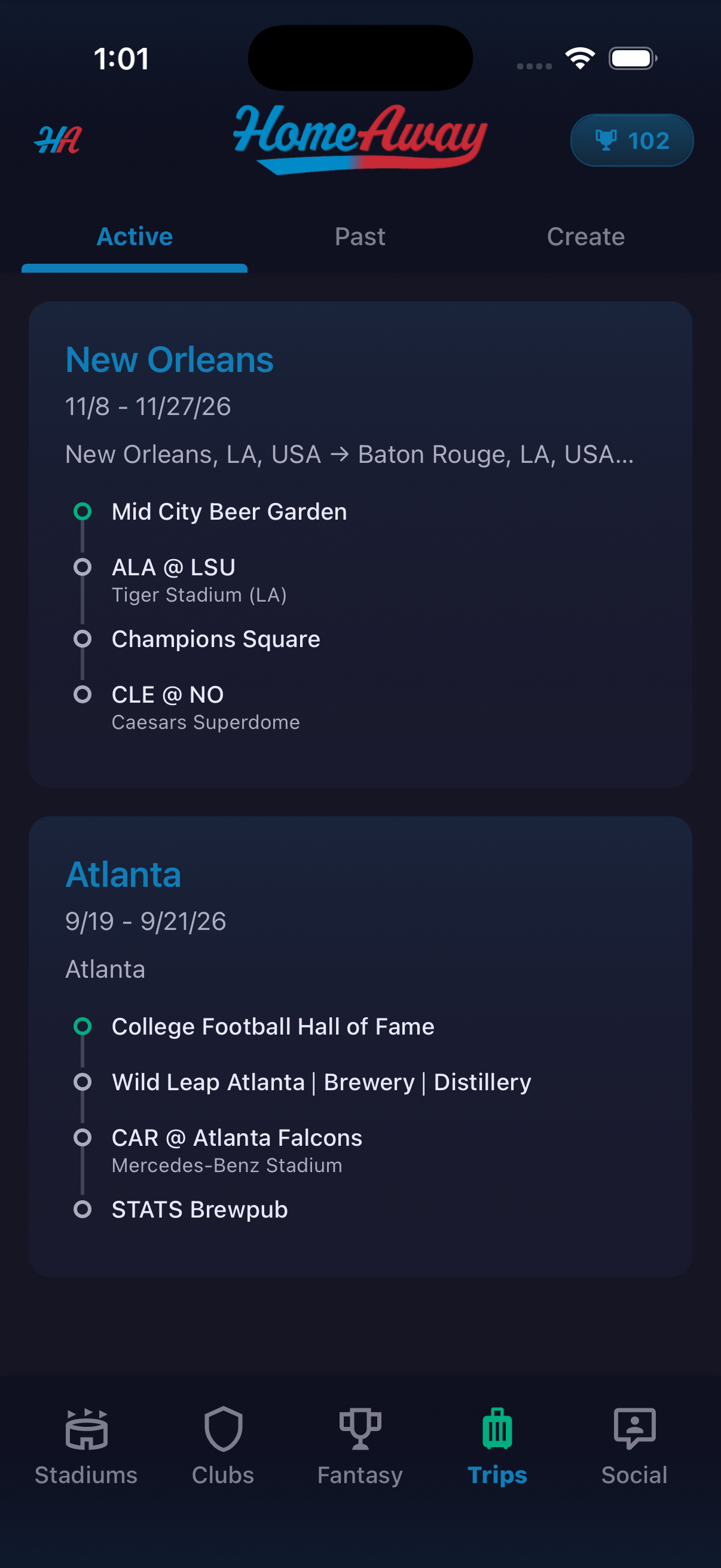
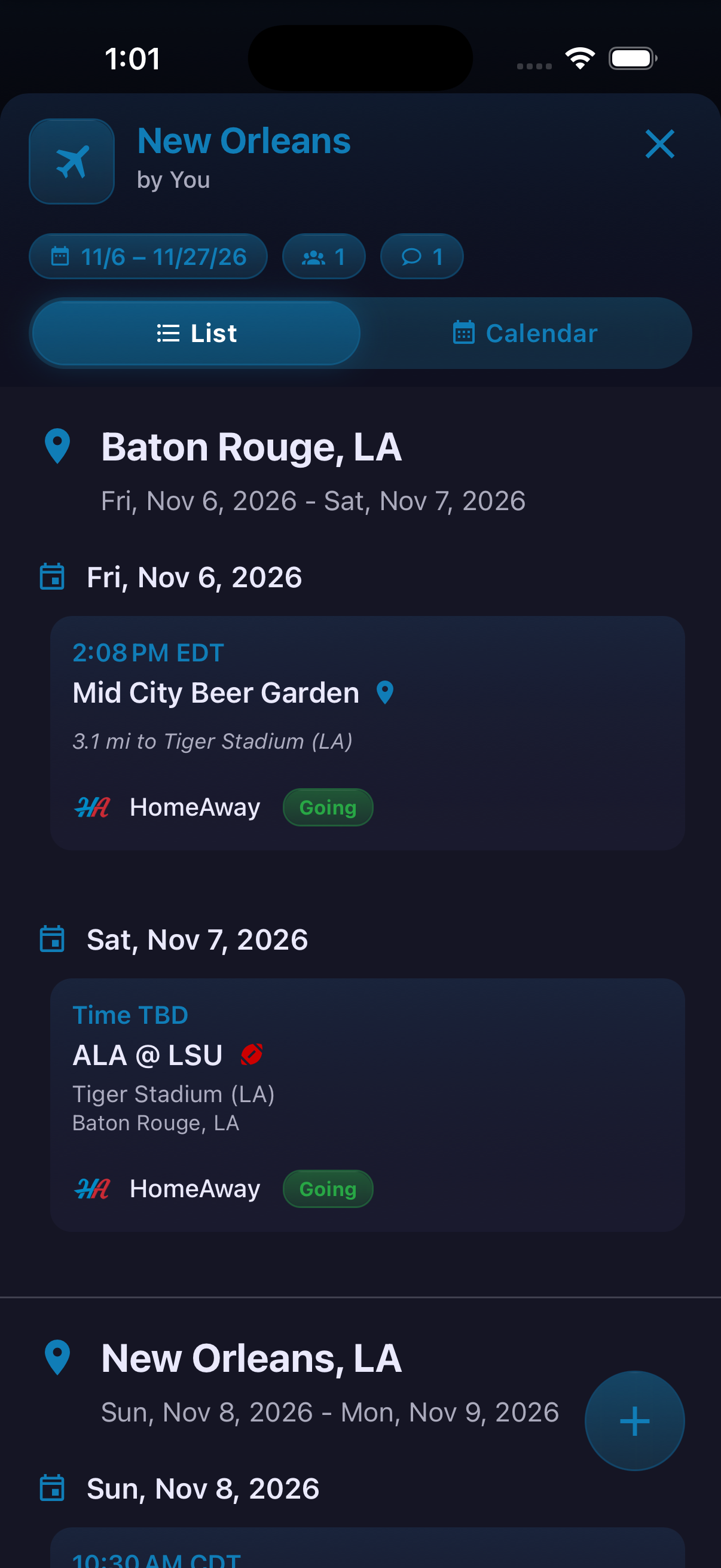
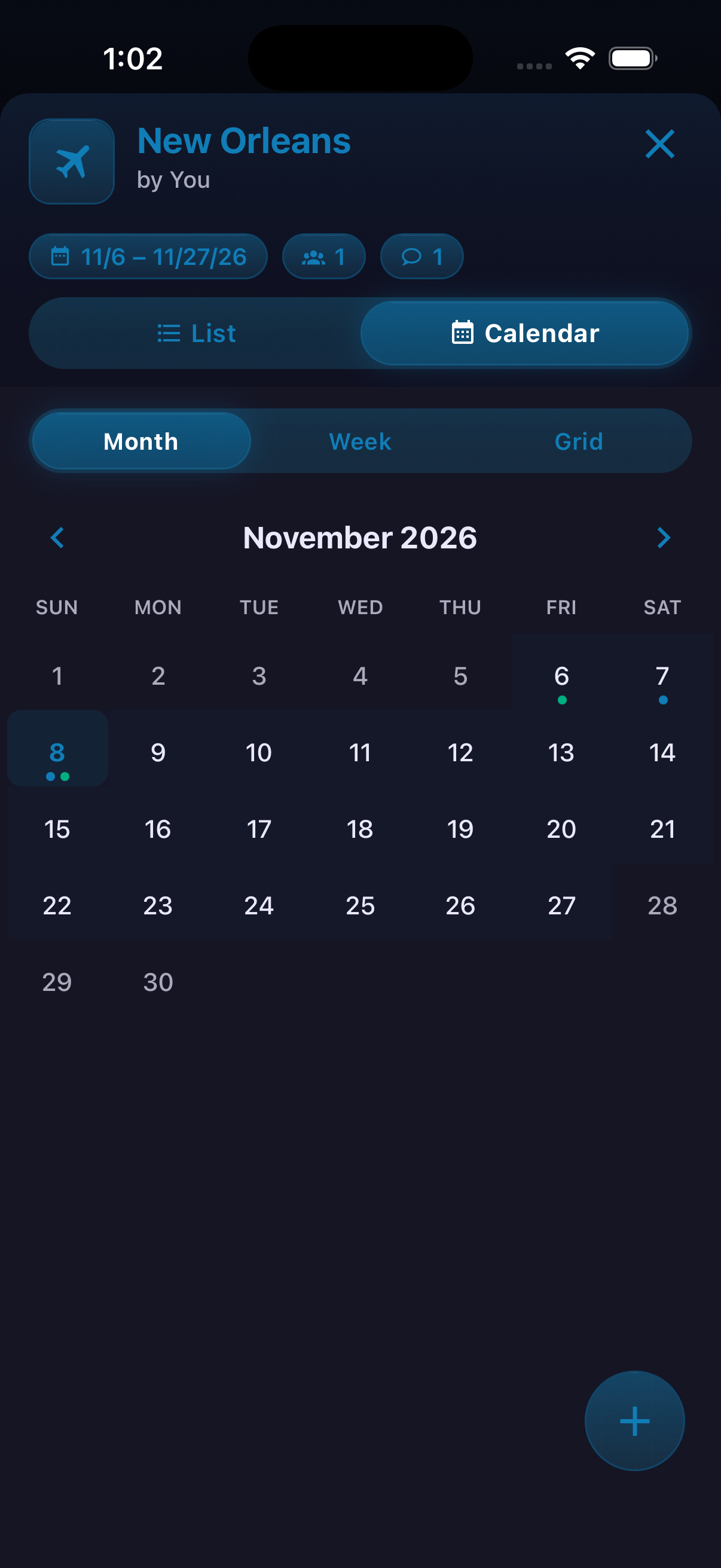
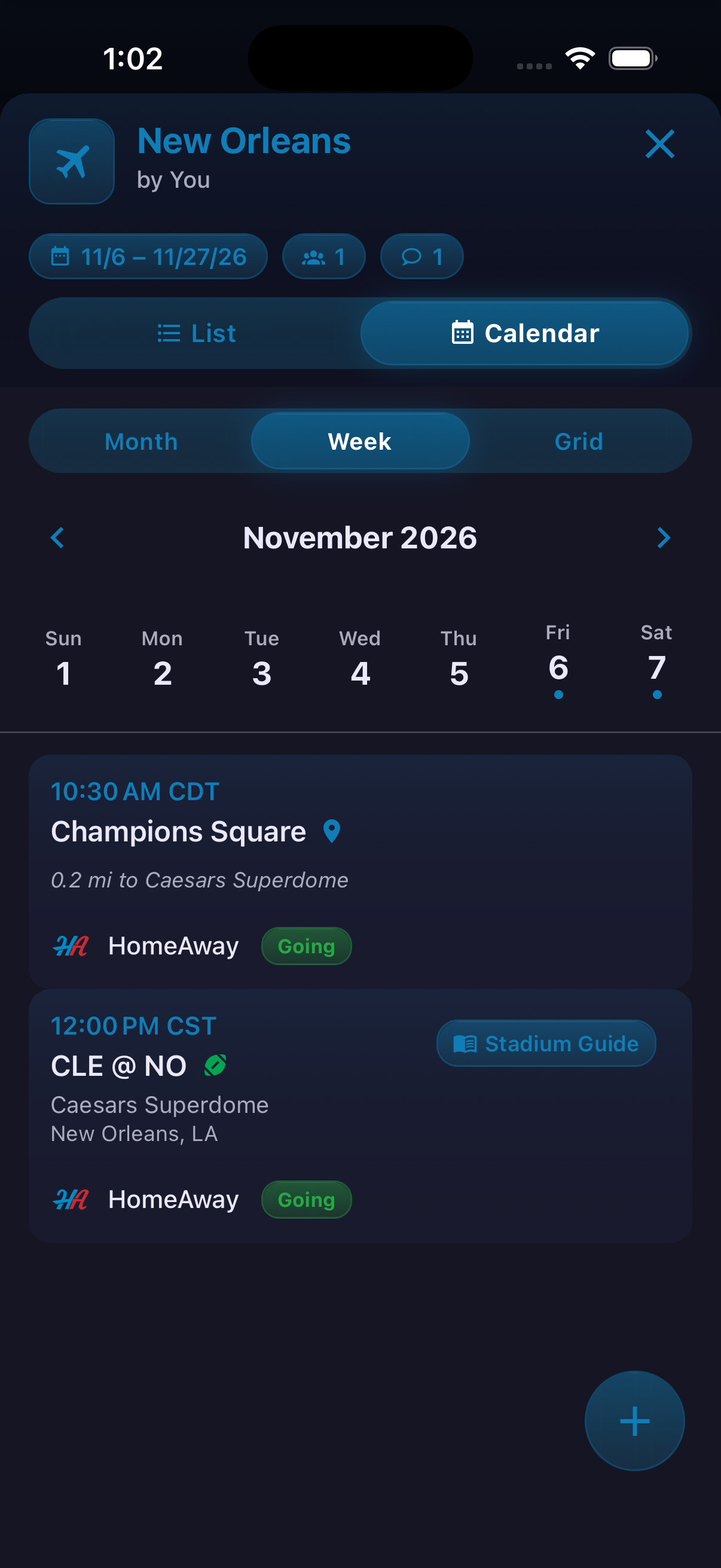
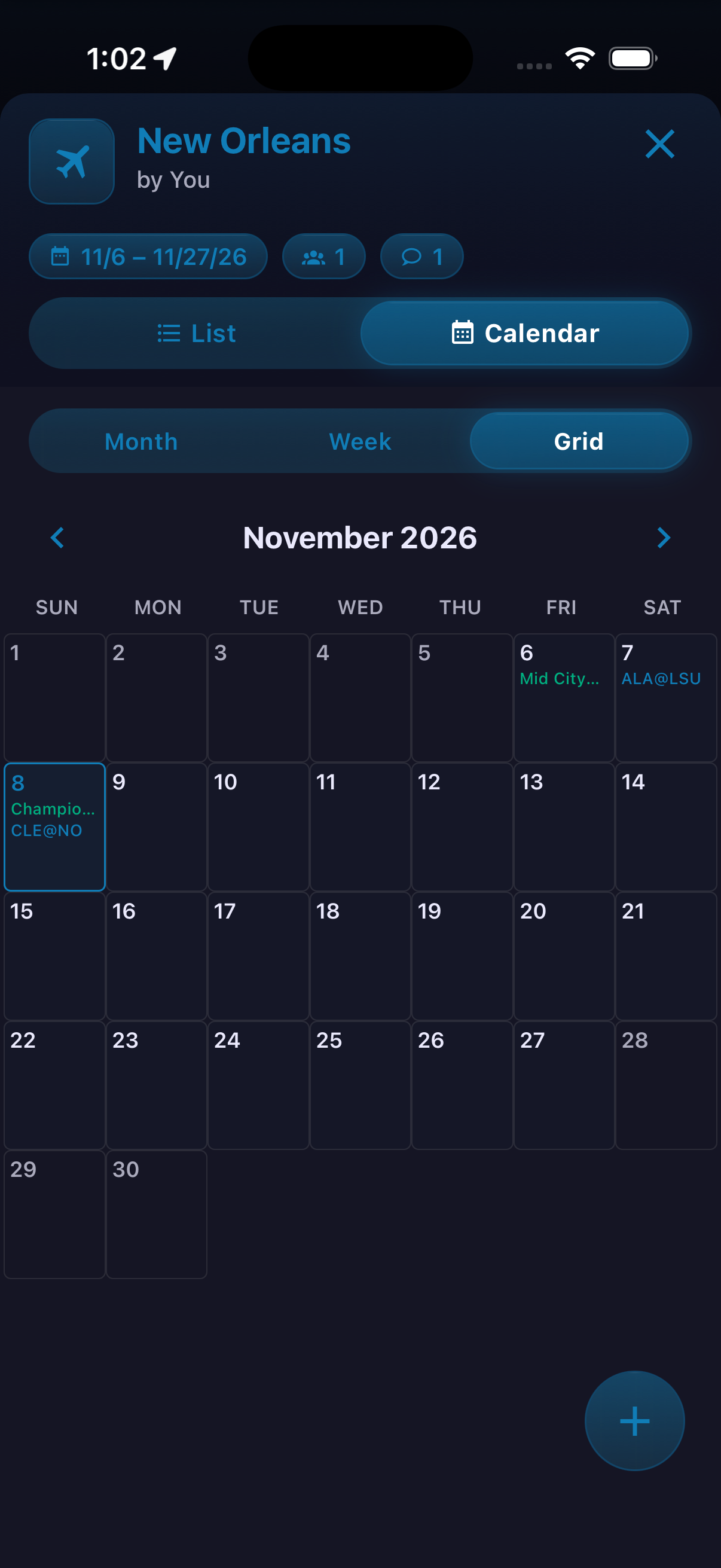
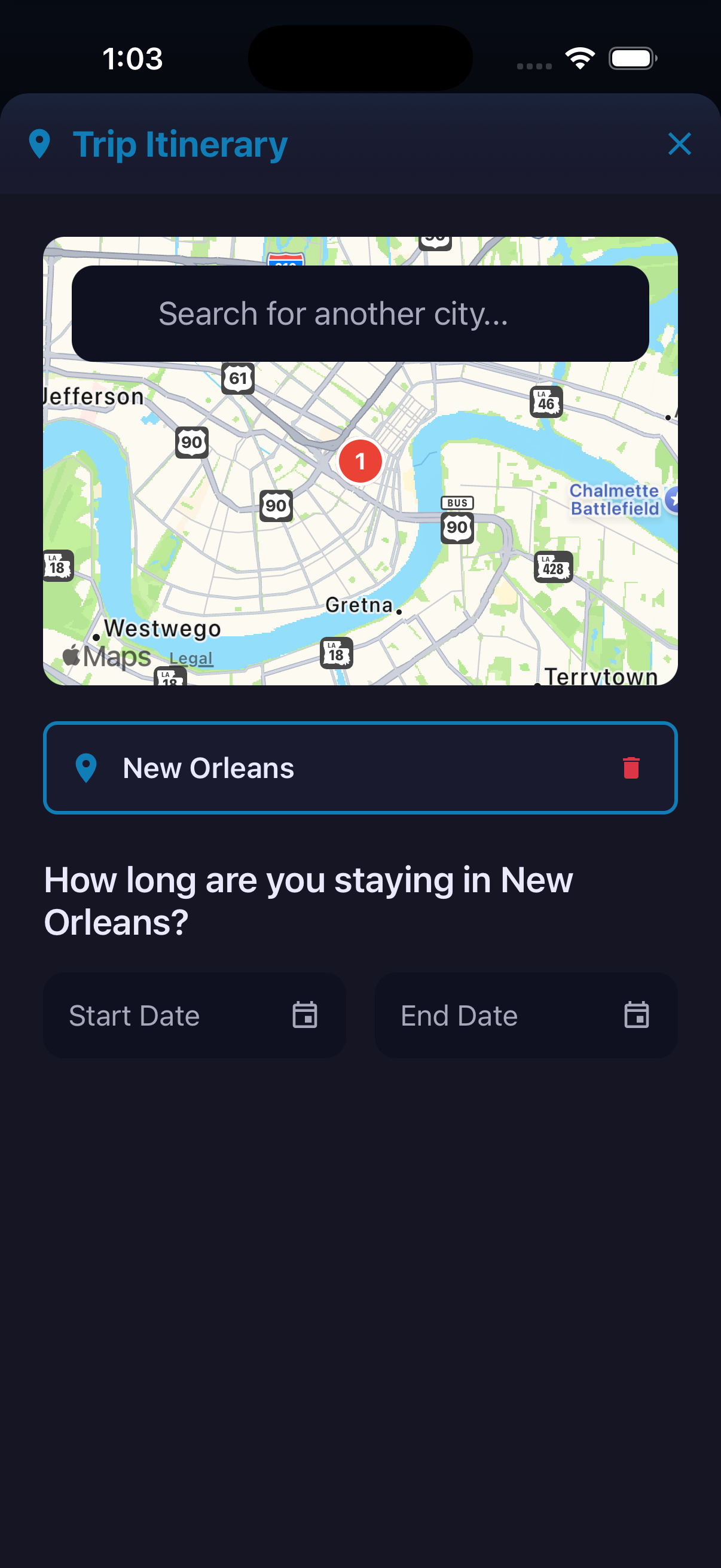
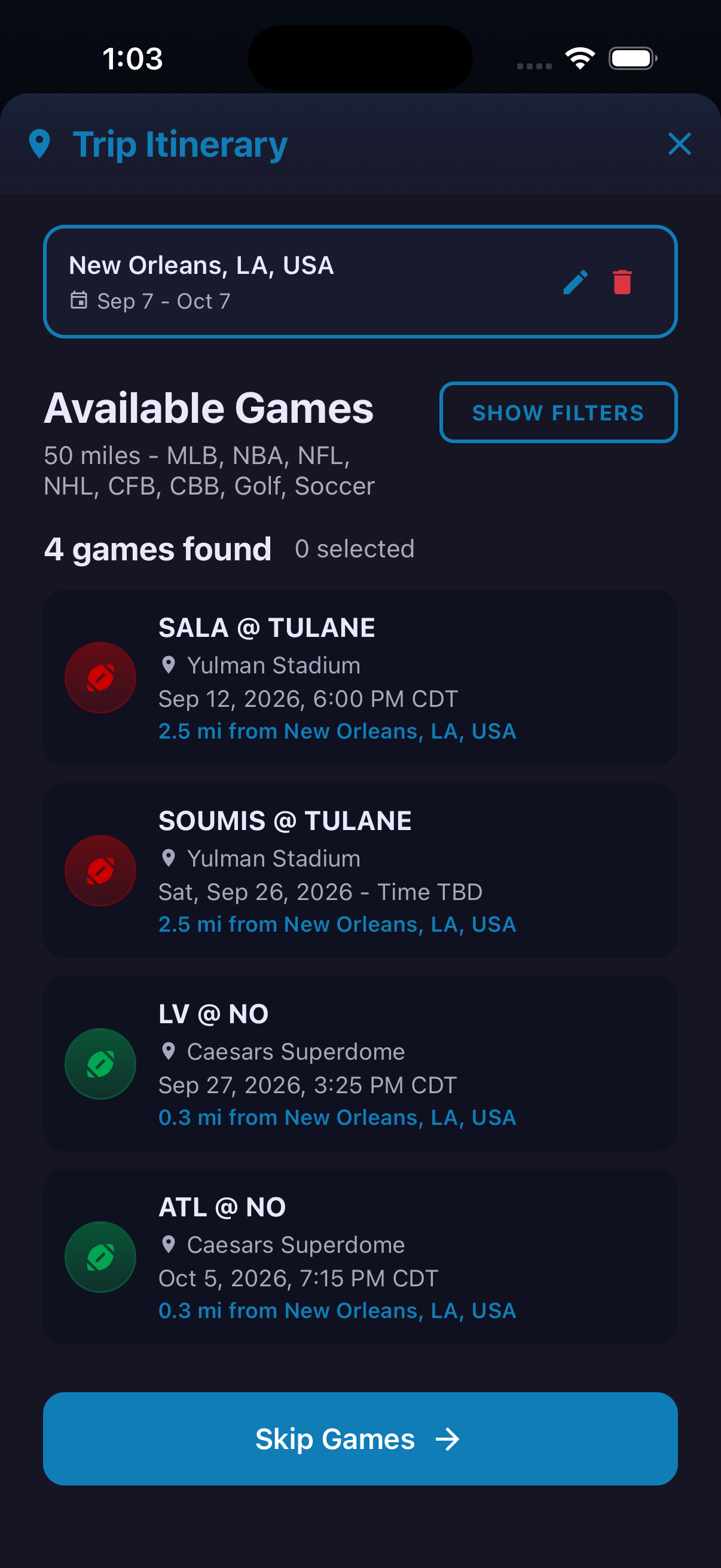
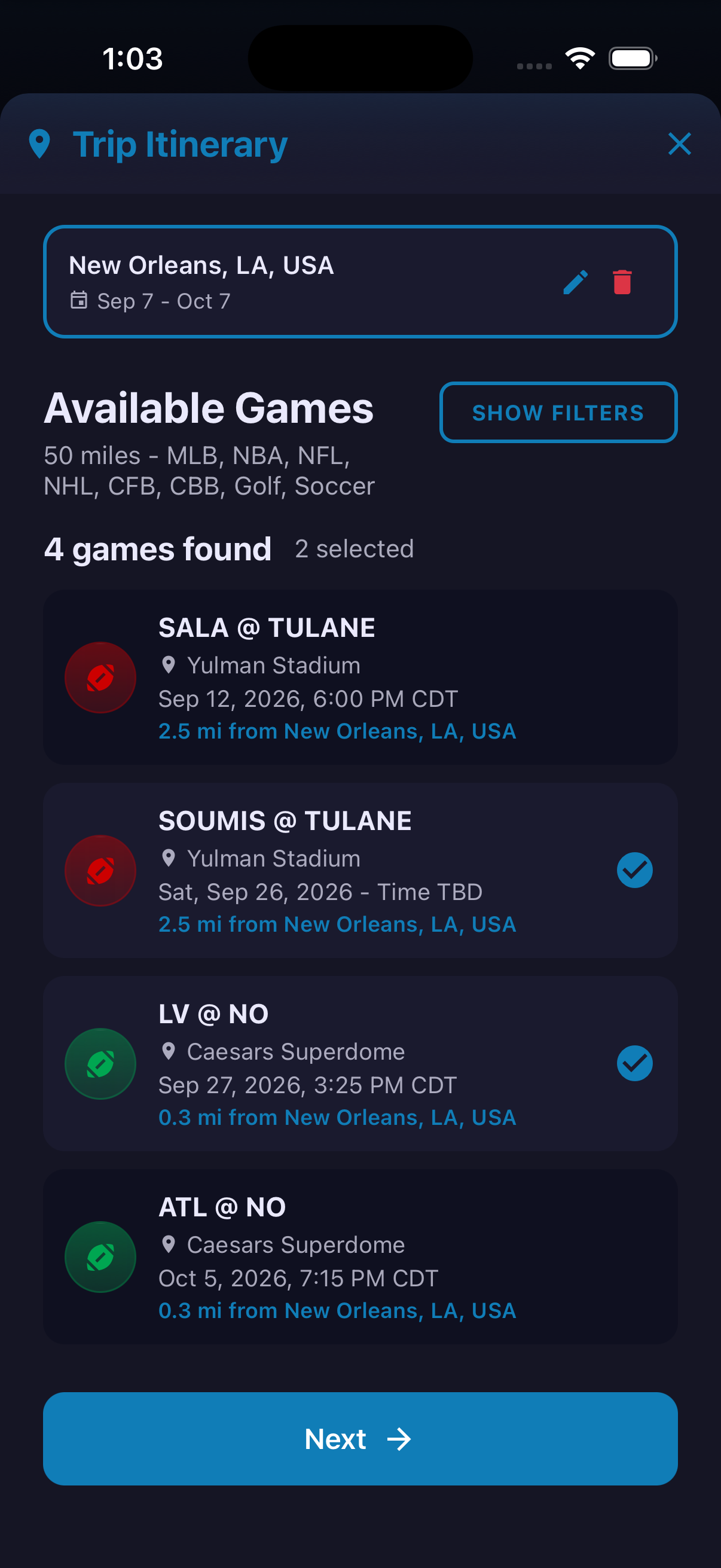
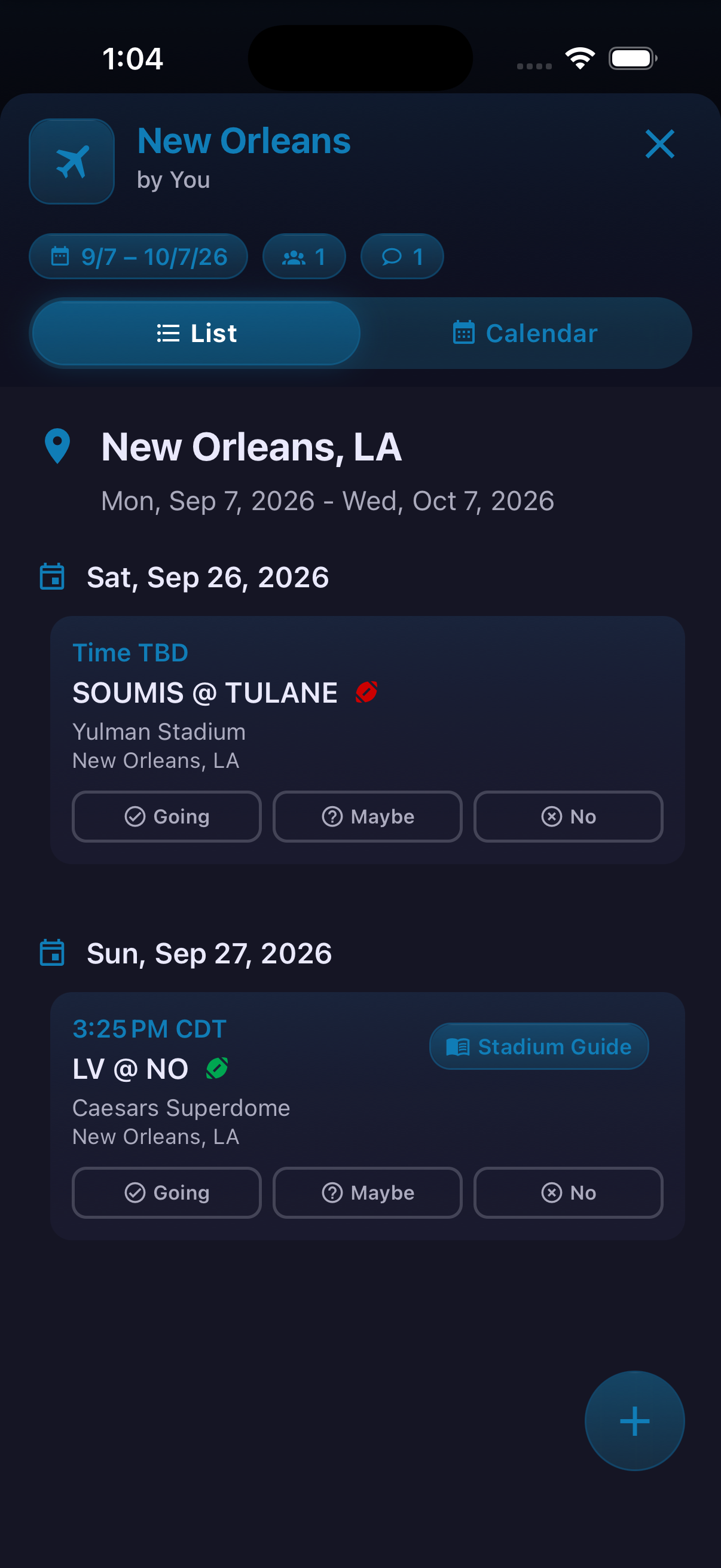
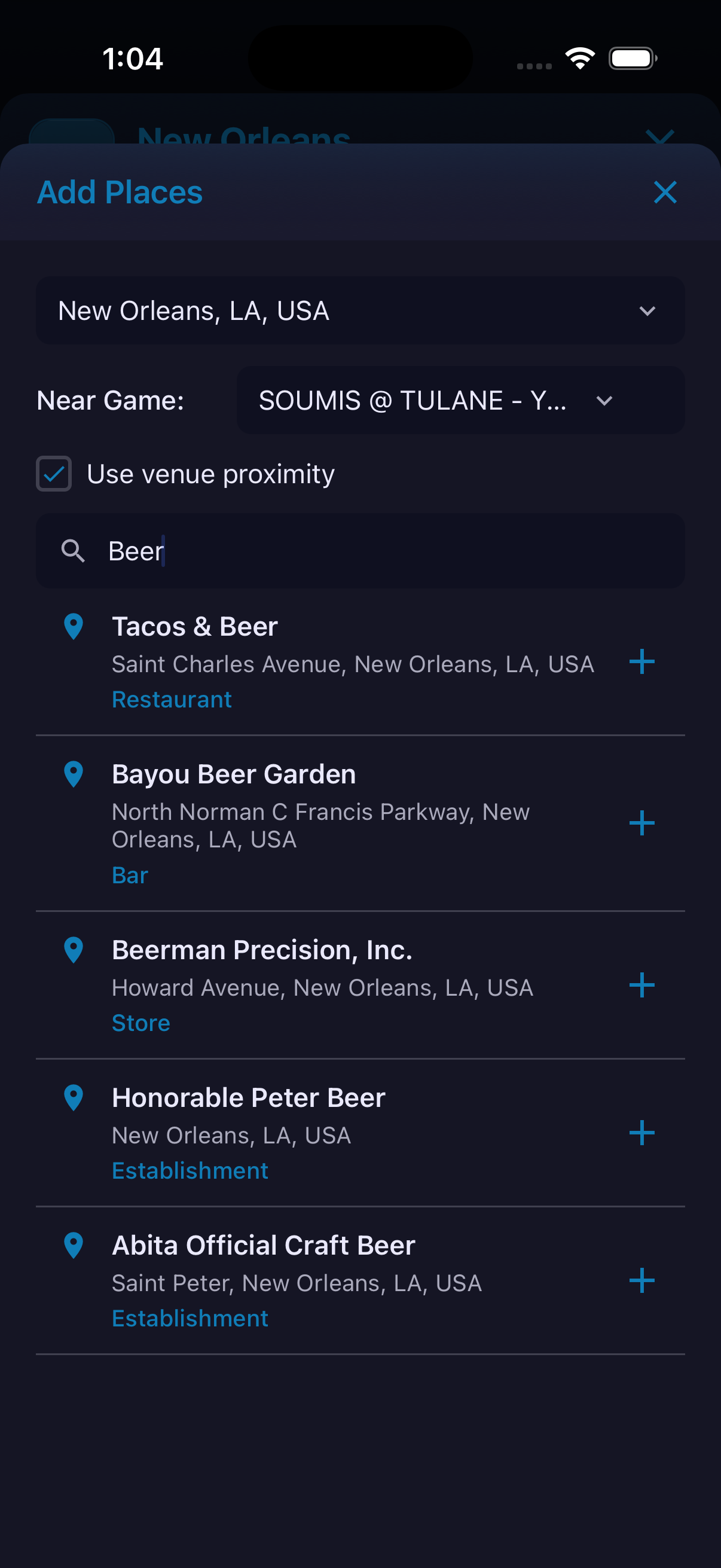
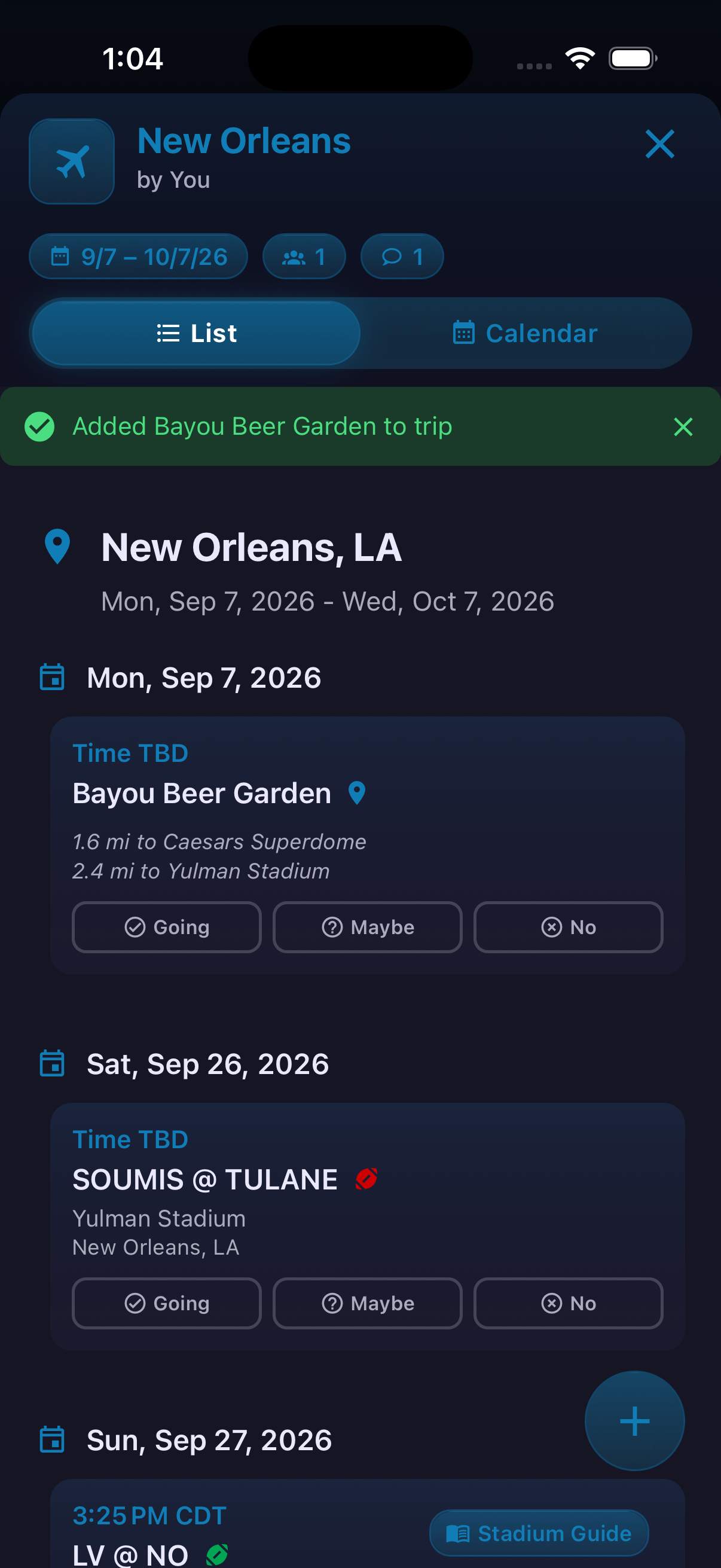
Trips organize cities, games, places, dates and travelers in one working itinerary. A trip can be viewed as a chronological list or as Month, Week and Grid calendars. Each itinerary item supports a simple Going, Maybe or No response, so the plan remains useful even when the group is still deciding. New trips begin with a destination and date range. HomeAway then shows available games near that destination. Travelers can select games, skip that step and build manually, or add restaurants, bars and other stops later. Place search can also be anchored near a particular game venue.




How to use it
- Open Trips, then choose Create and Itinerary.
- Search for a city and set the start and end dates.
- Review Available Games and select the ones to include, or choose Skip Games.
- Open the trip and switch between List and Calendar.
- Use the add control for Add City, Find Games, Find Places or Invite Friends.
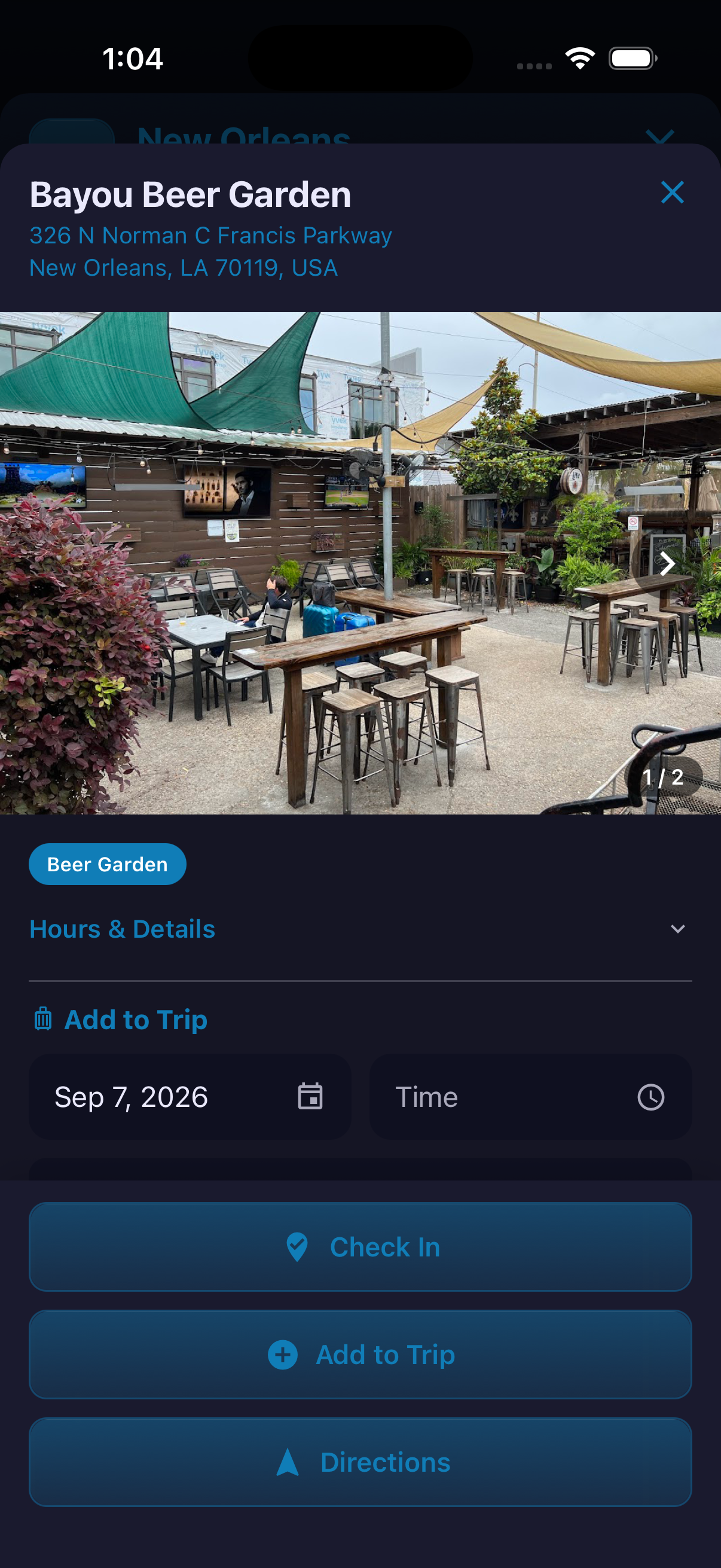
- Open a place, choose its date and time if needed, and tap Add to Trip.
Ready to try it?
Download HomeAway and start exploring.