Rate the Whole Stadium Experience
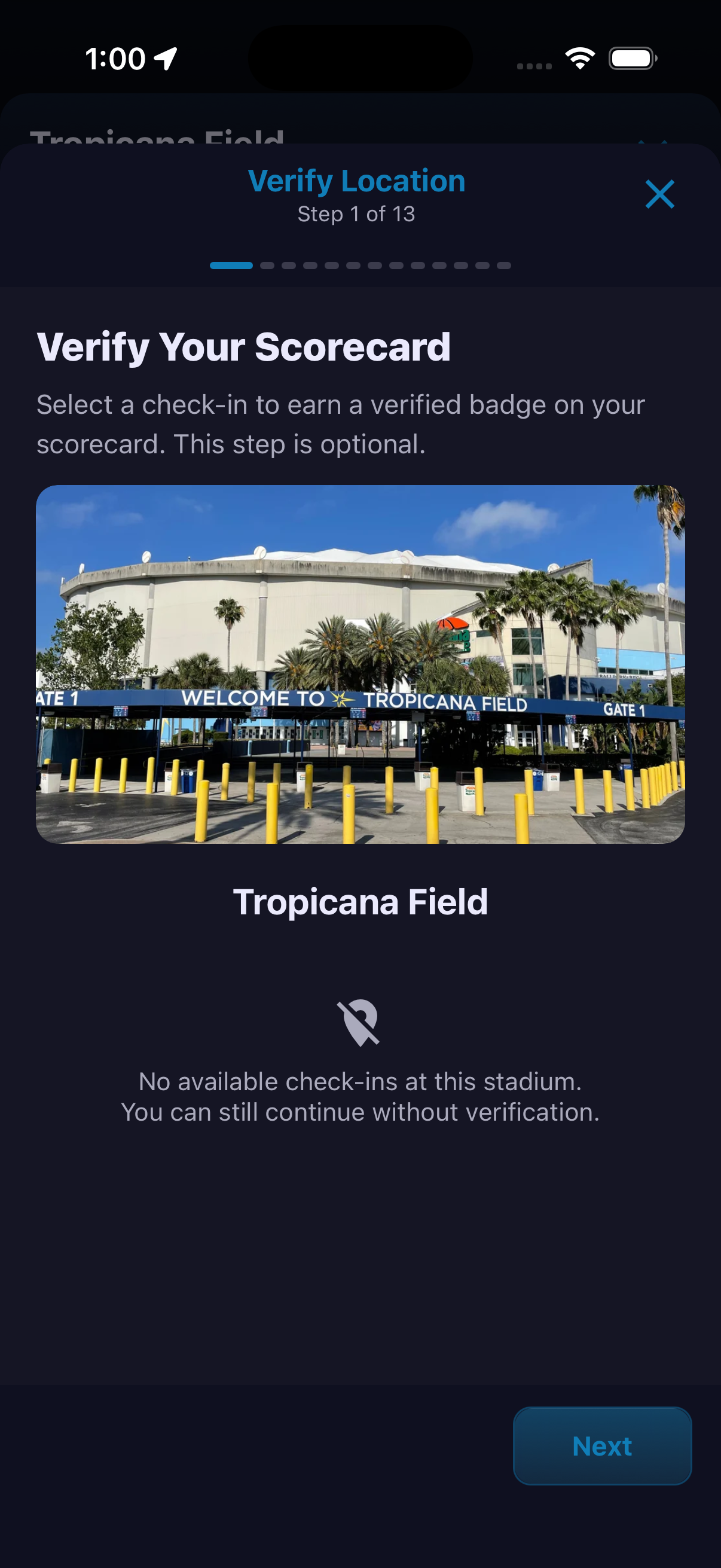
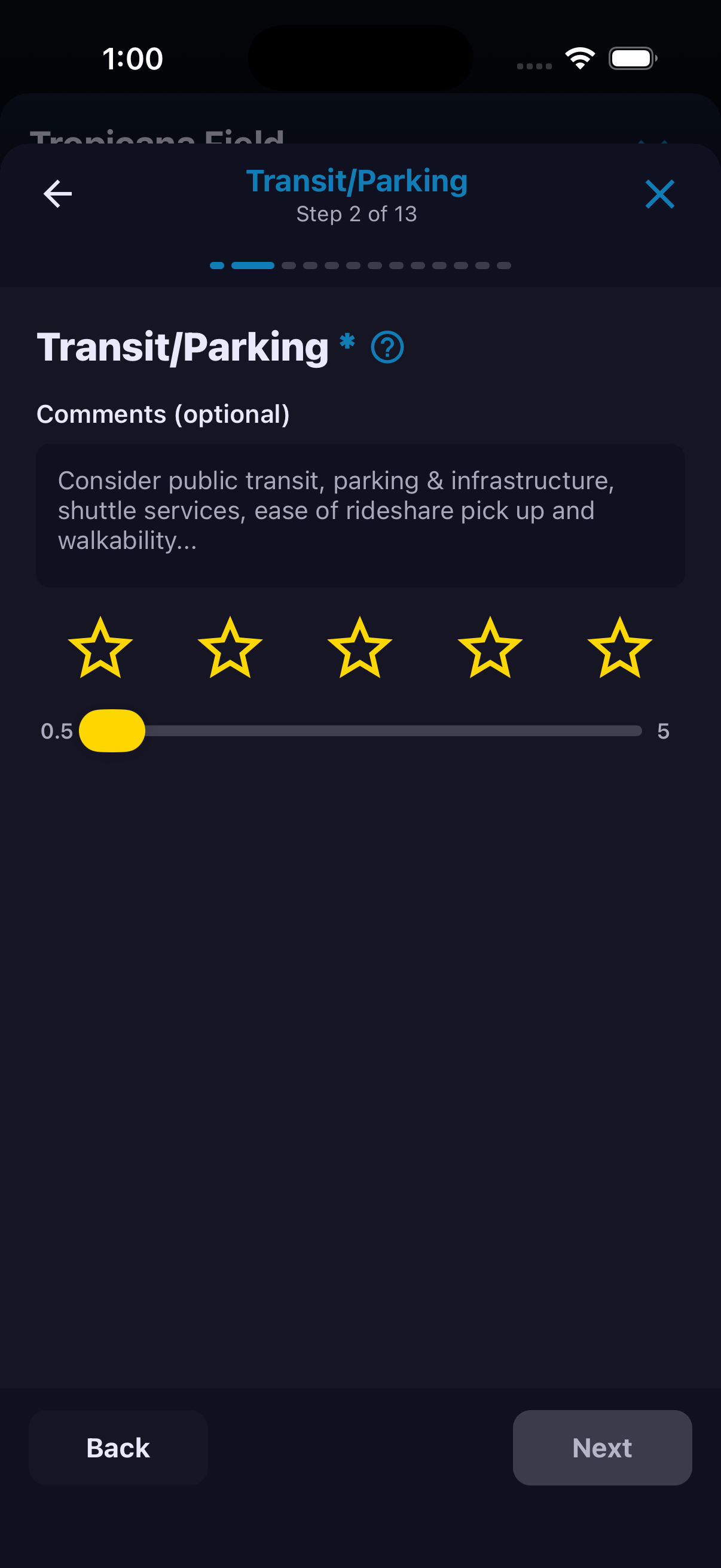
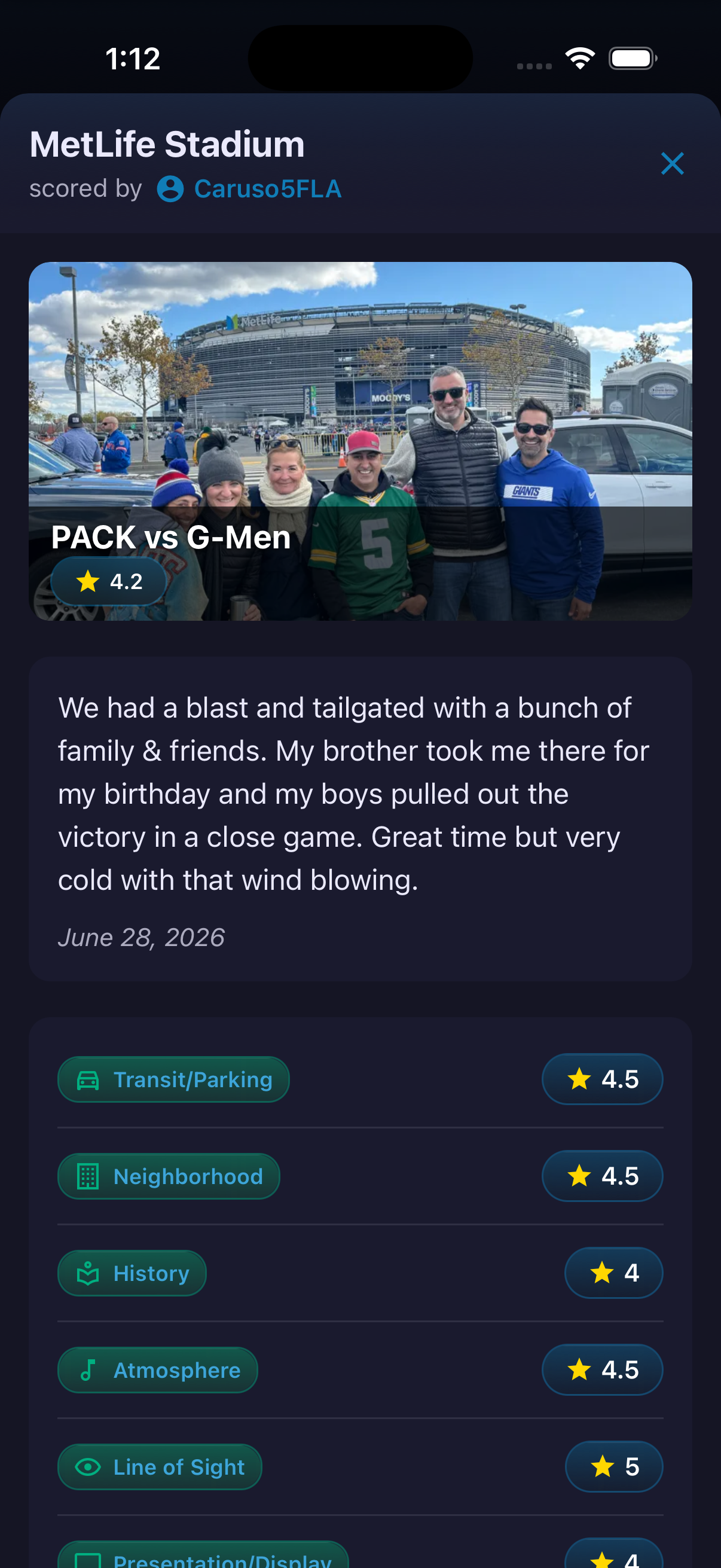
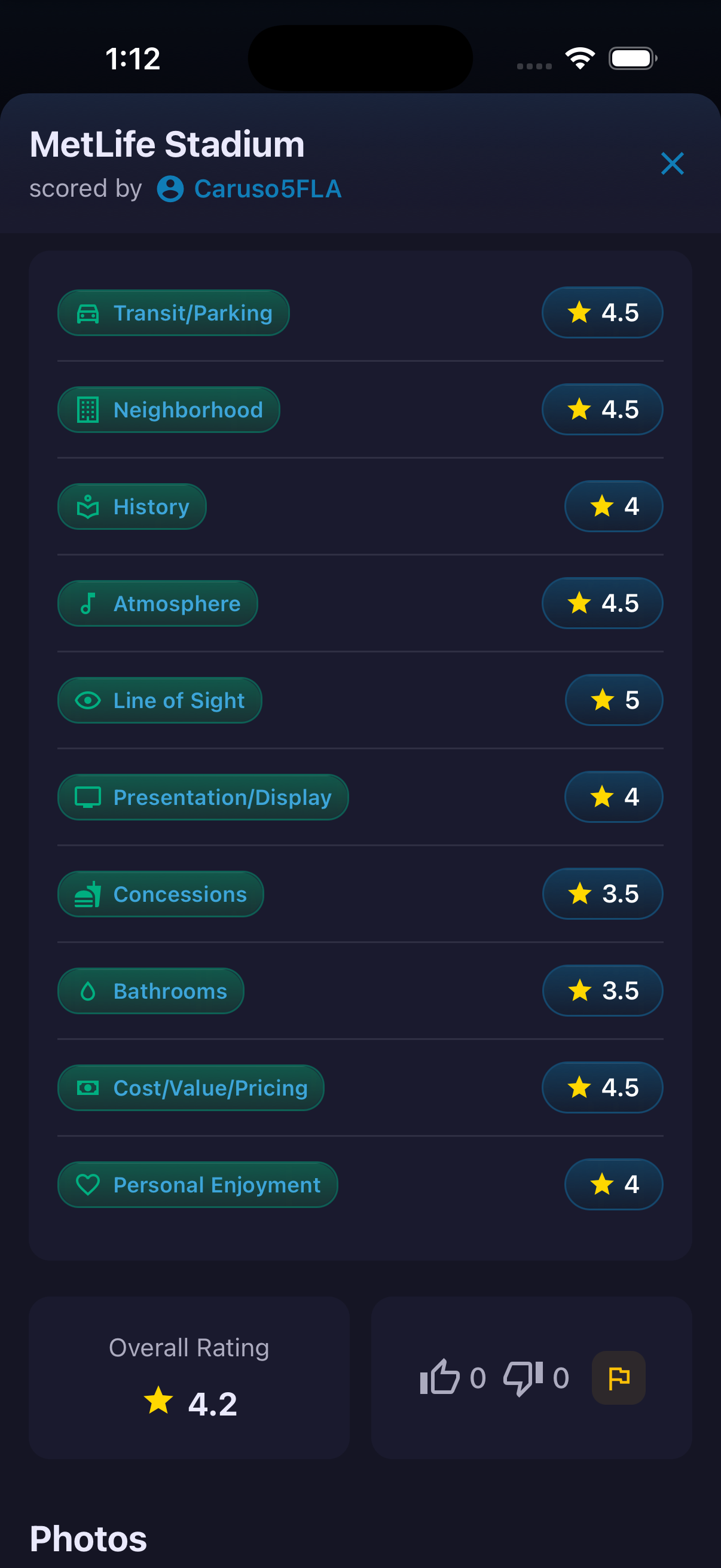
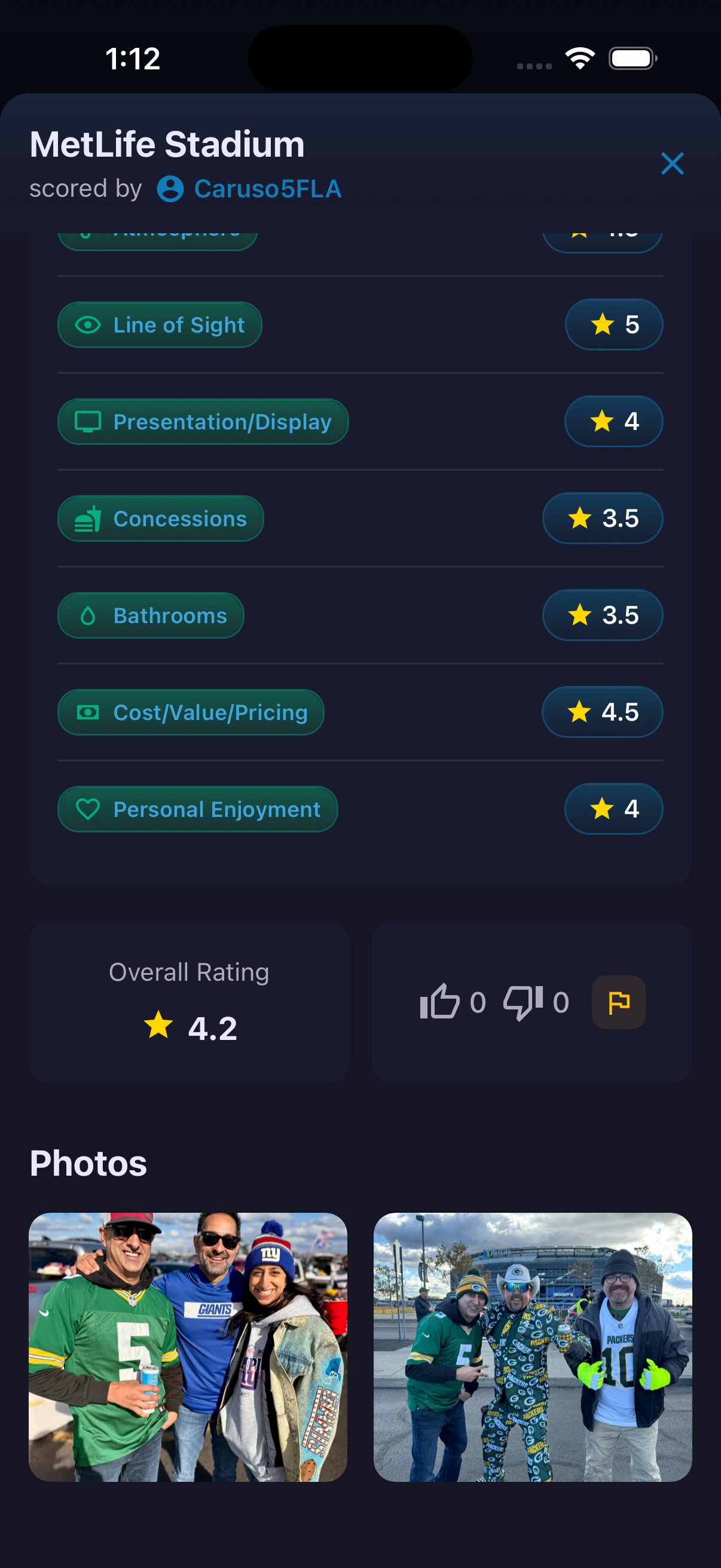
Stadium Scorecards turn a visit into a structured guide for the next fan. A scorecard can include a title, visit story, photos, an overall rating and category-by-category ratings. The published view covers Transit/Parking, Neighborhood, History, Atmosphere, Line of Sight, Presentation/Display, Concessions, Bathrooms, Cost/Value/Pricing and Personal Enjoyment. The creation flow is a focused 13-step wizard. Location verification is optional: a qualifying check-in can add a verified badge, while the user may also continue without one.
How to use it
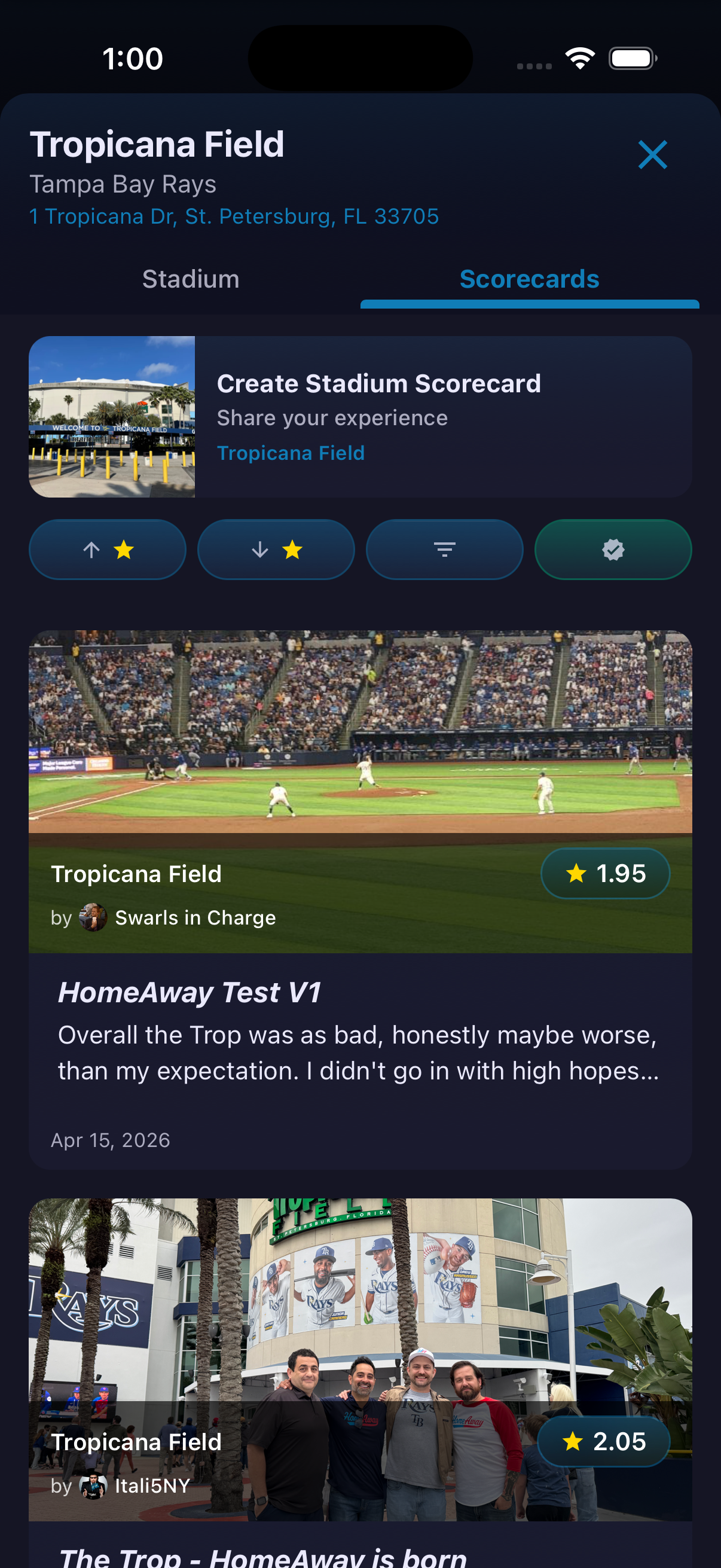
- Open a stadium and select Scorecards.
- Tap Create Stadium Scorecard.
- On Verify Location, select an available check-in or continue without verification.
- Rate each category and add an optional comment where offered.
- Use Back and Next to move through the wizard, then review the finished Scorecard after publishing.
Ready to try it?
Download HomeAway and start exploring.