Turn a Stadium Page Into a Game-Day Guide
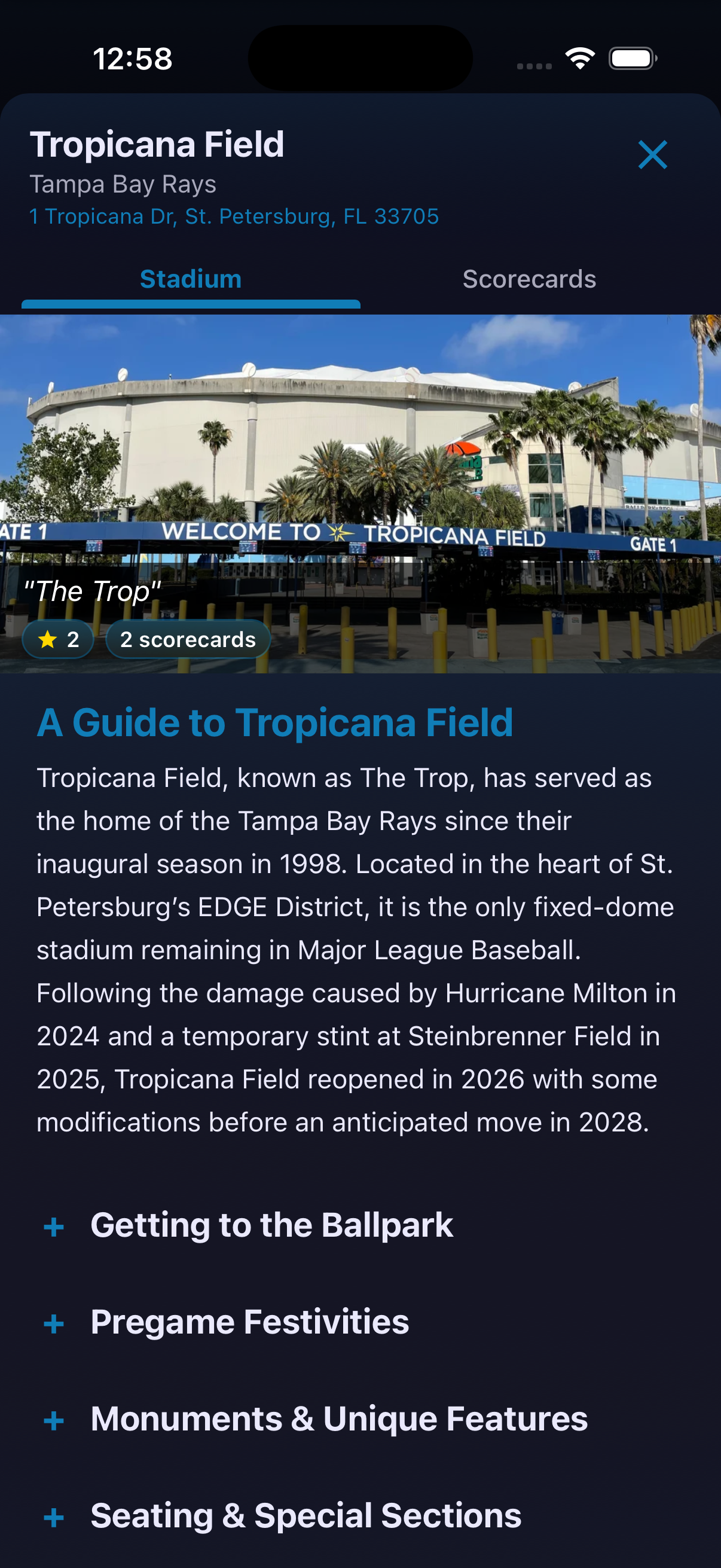
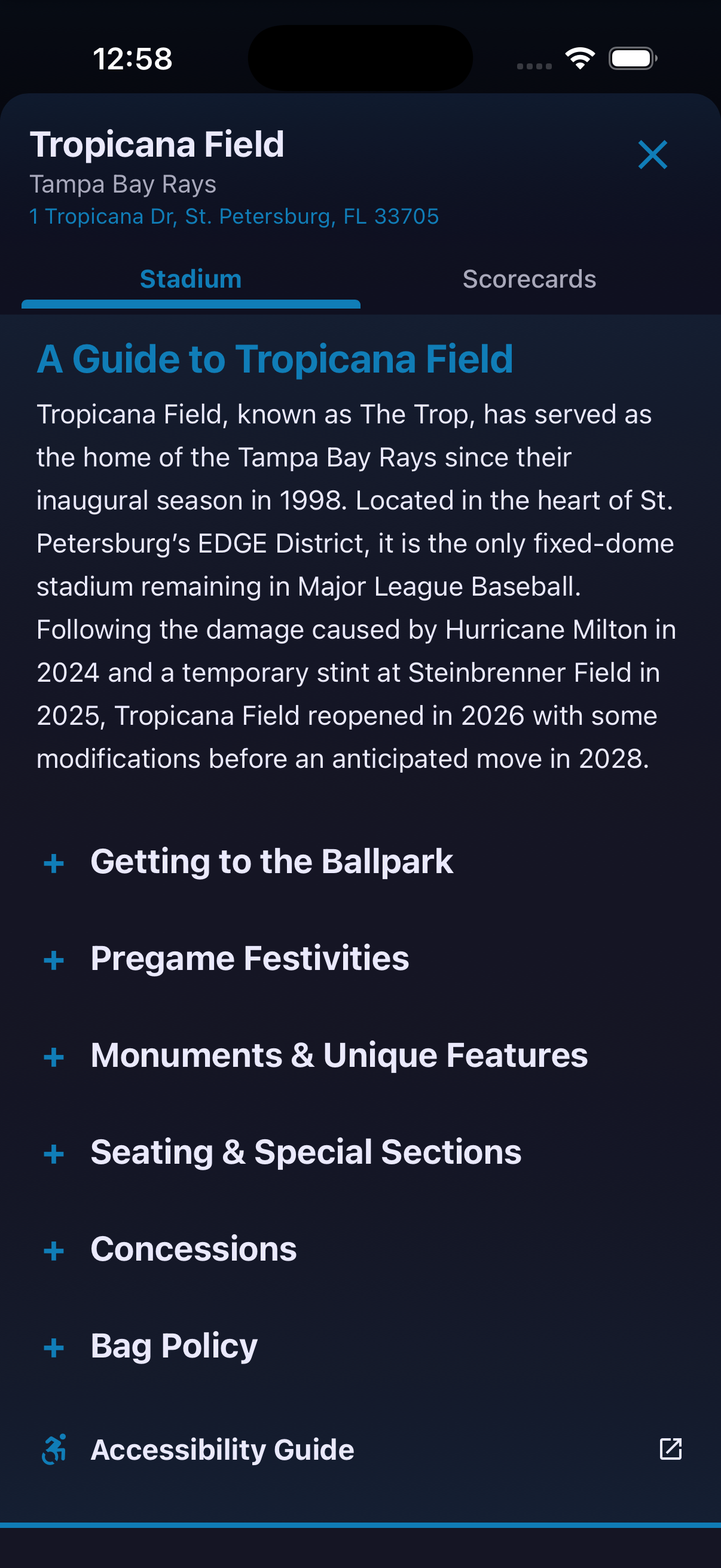
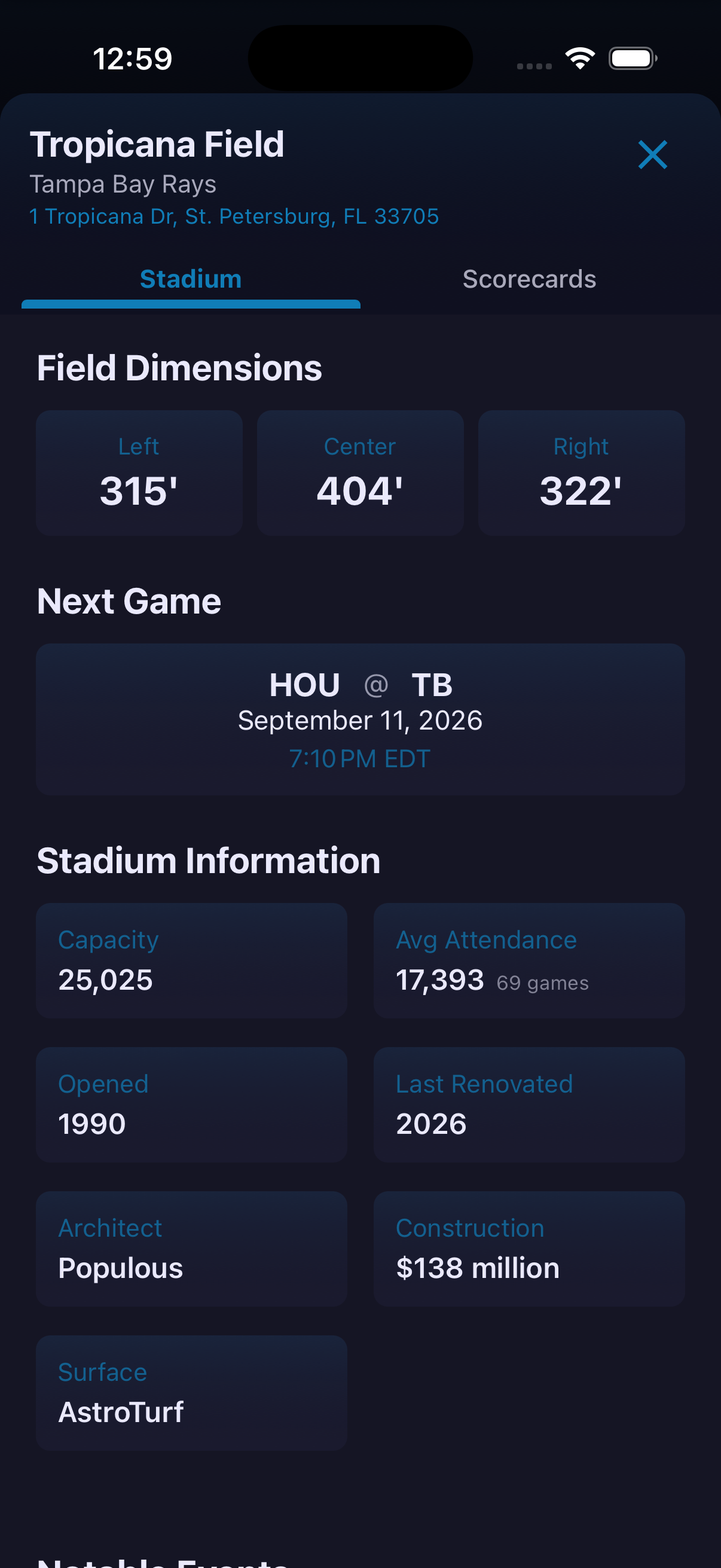
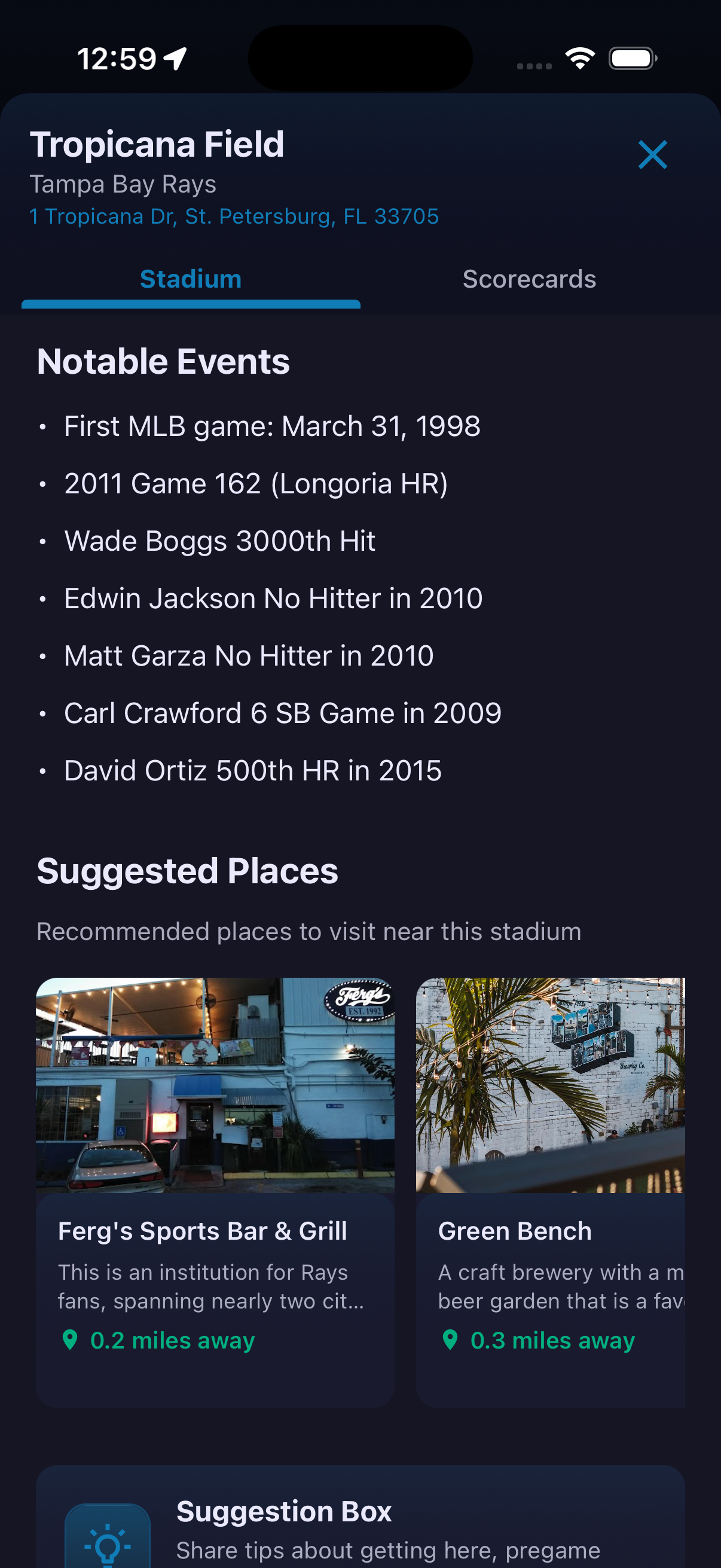
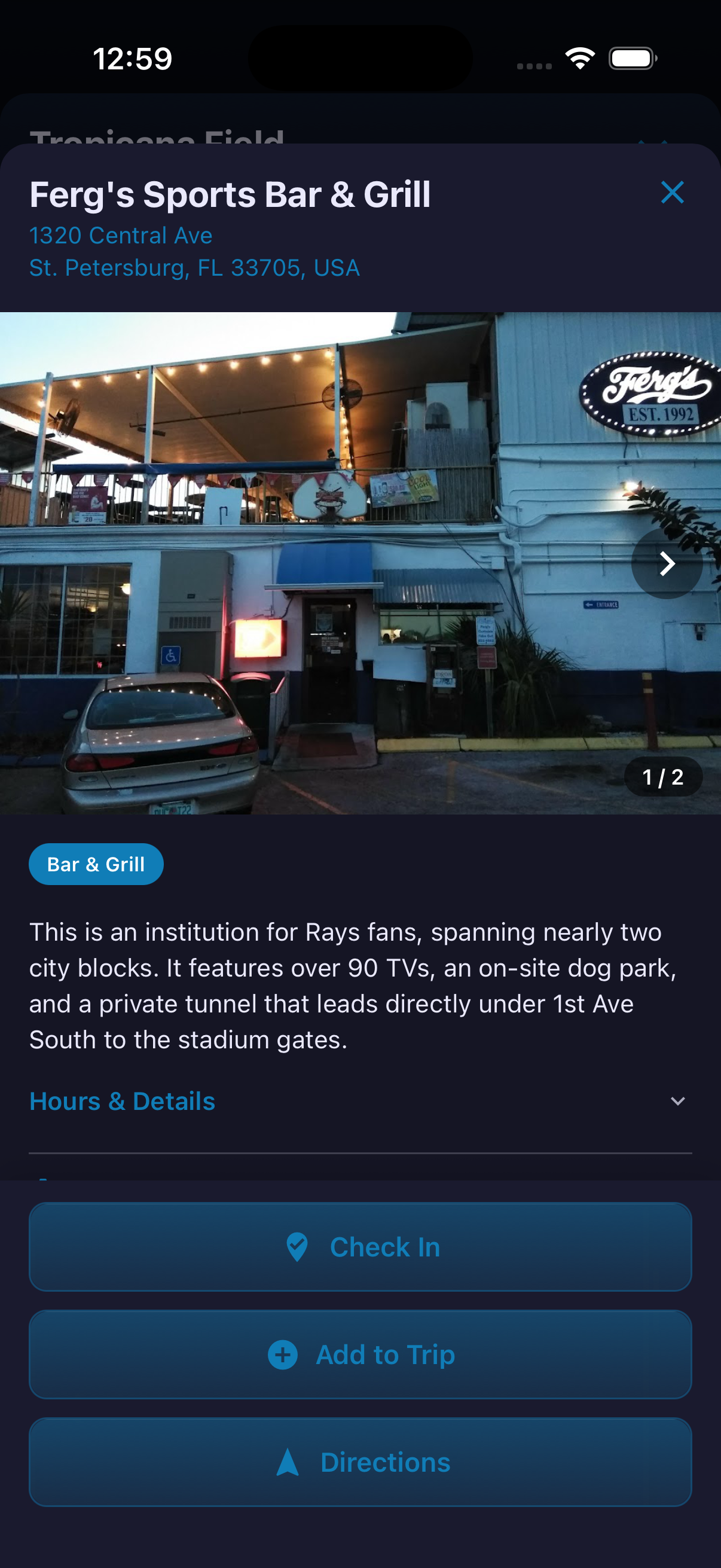
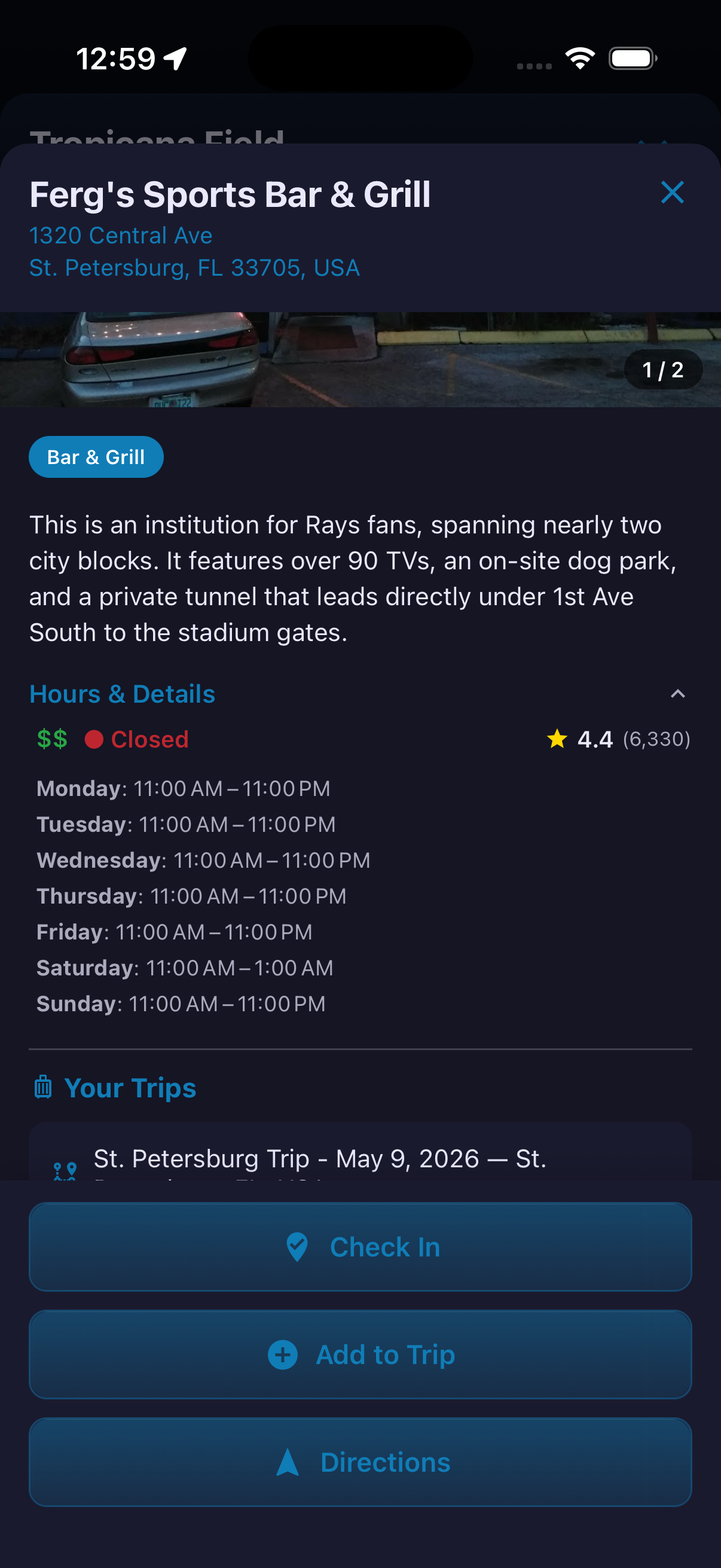
A stadium page is more than a venue description. Expandable sections cover topics such as getting to the ballpark, pregame options, monuments, seating, concessions and bag policy. Farther down the page, fans can review field dimensions, the next game, venue information, notable events and nearby suggestions. Suggested Place profiles extend that guide beyond the gates. A restaurant, bar or other stop can include photos, hours, details, ratings and direct actions for check-in, directions and trip planning.
How to use it
- Open a stadium and stay on the Stadium tab.
- Expand the guide topic you need and use the Accessibility Guide when available.
- Scroll to Suggested Places and open a place card.
- Review its photos, description and Hours & Details.
- Choose Check In, Add to Trip or Directions as appropriate.
Independently verify time-sensitive venue history, policies, schedules and accessibility links before your visit.
Ready to try it?
Download HomeAway and start exploring.