Find the Stadium That Fits the Day
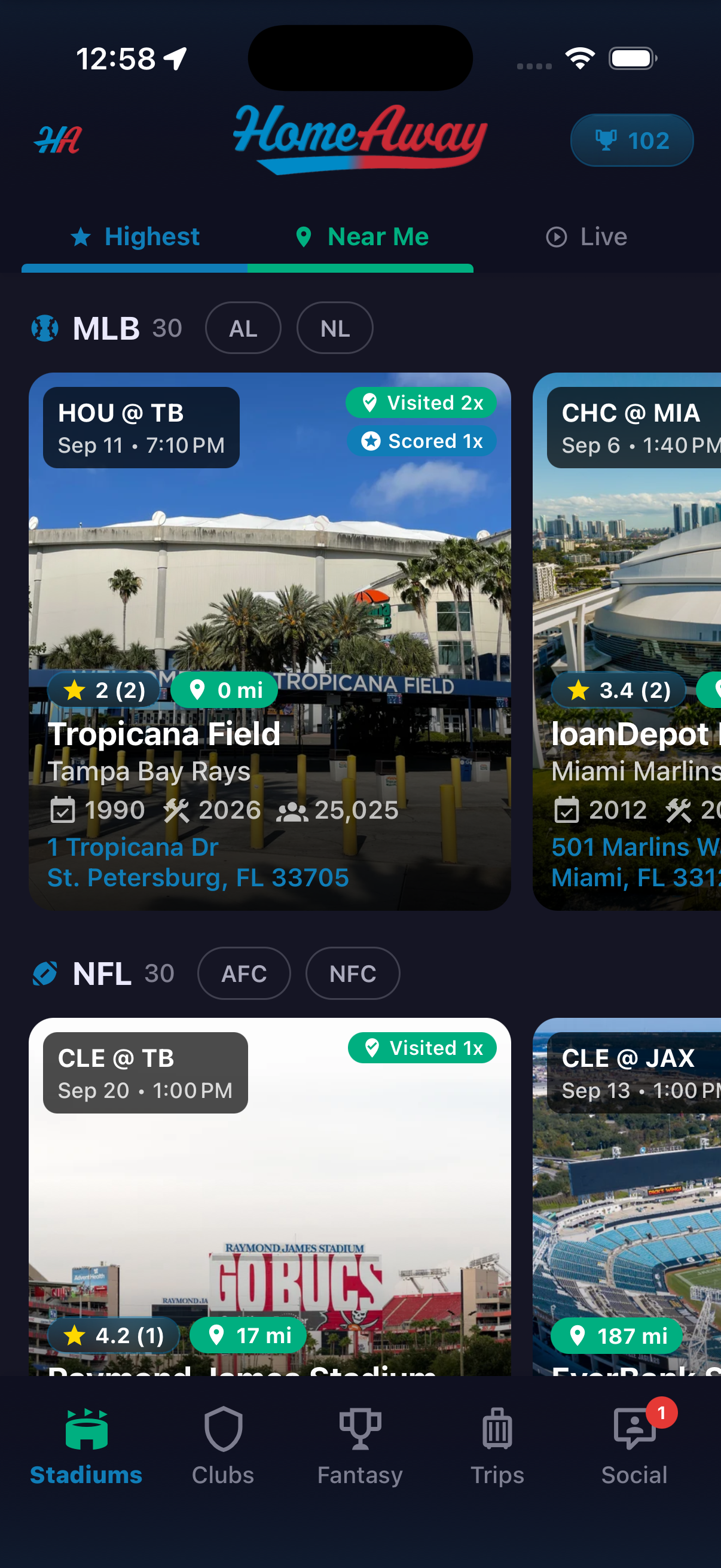
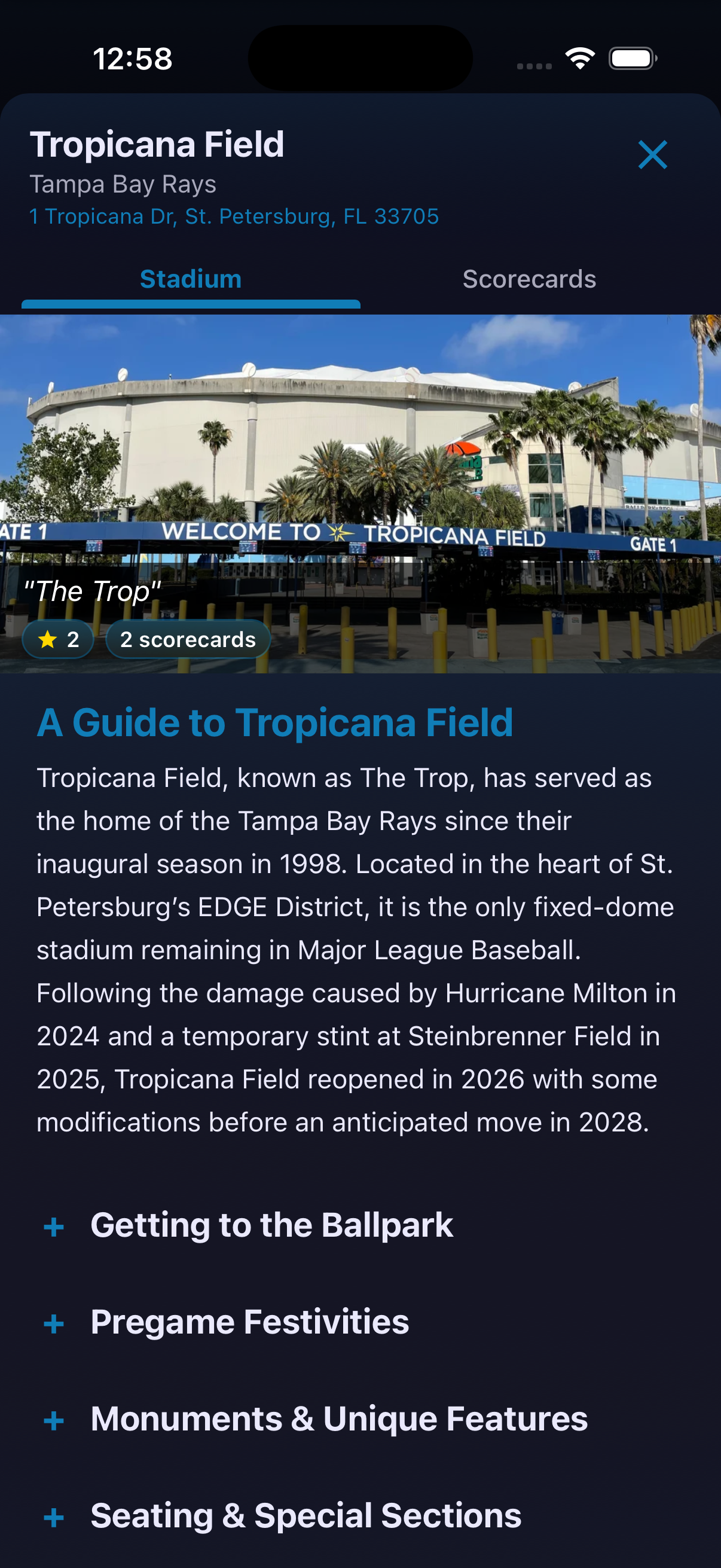
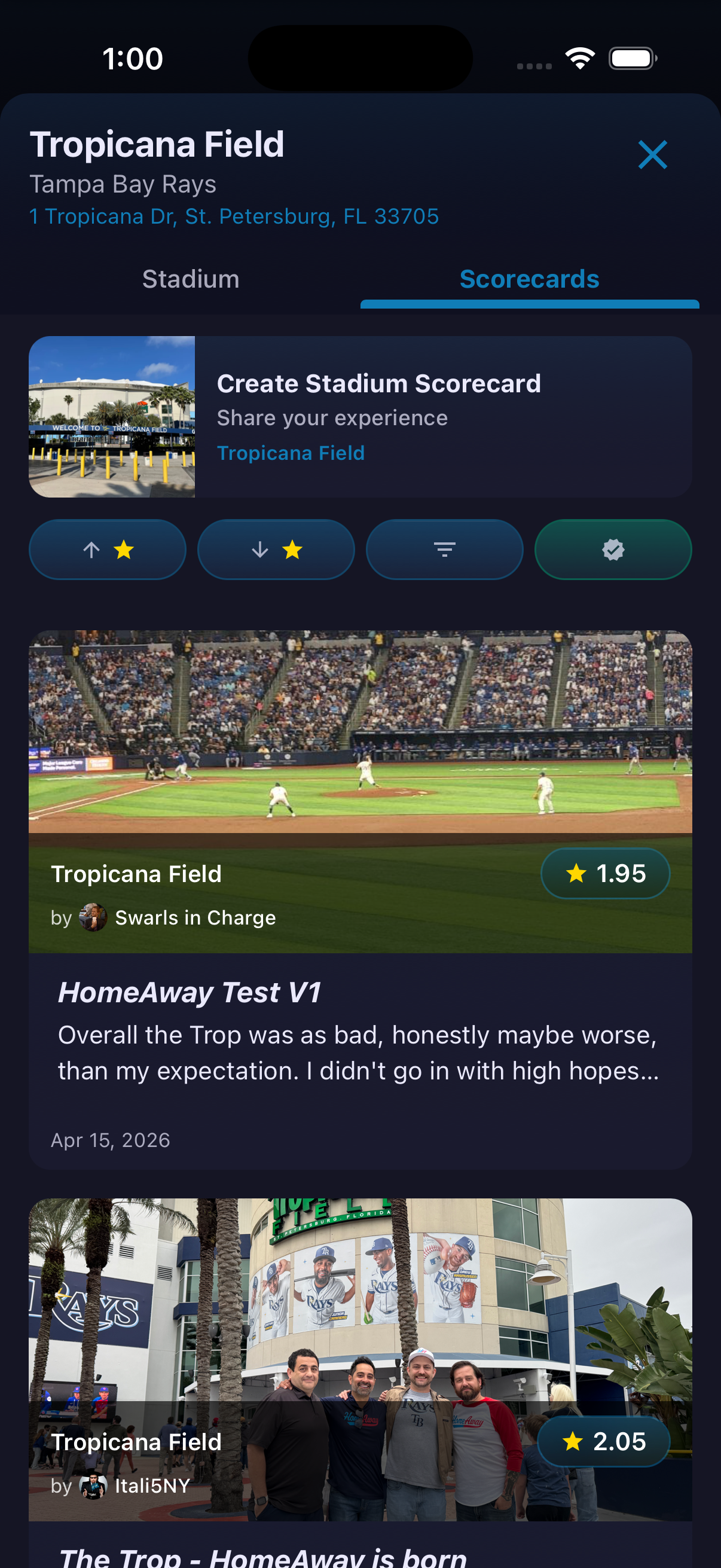
The Stadiums area combines venue discovery with the information a traveling fan actually needs. Browse by sport, league or conference, then compare cards showing the next game, distance, community rating and personal visit history. Highest, Near Me and Live provide different entry points into the same venue collection. Opening a stadium moves from discovery into planning. The stadium profile brings together visitor guidance, venue facts, upcoming games, notable events, suggested places and community Scorecards.
How to use it
- Open Stadiums.
- Choose Highest, Near Me or Live.
- Browse a sport and use the visible league or conference controls to narrow the list.
- Compare the information on each stadium card, then tap a venue to open its profile.
- Switch between the Stadium and Scorecards tabs depending on whether you want venue information or fan reviews.
Ready to try it?
Download HomeAway and start exploring.