Your HomeAway Day at a Glance
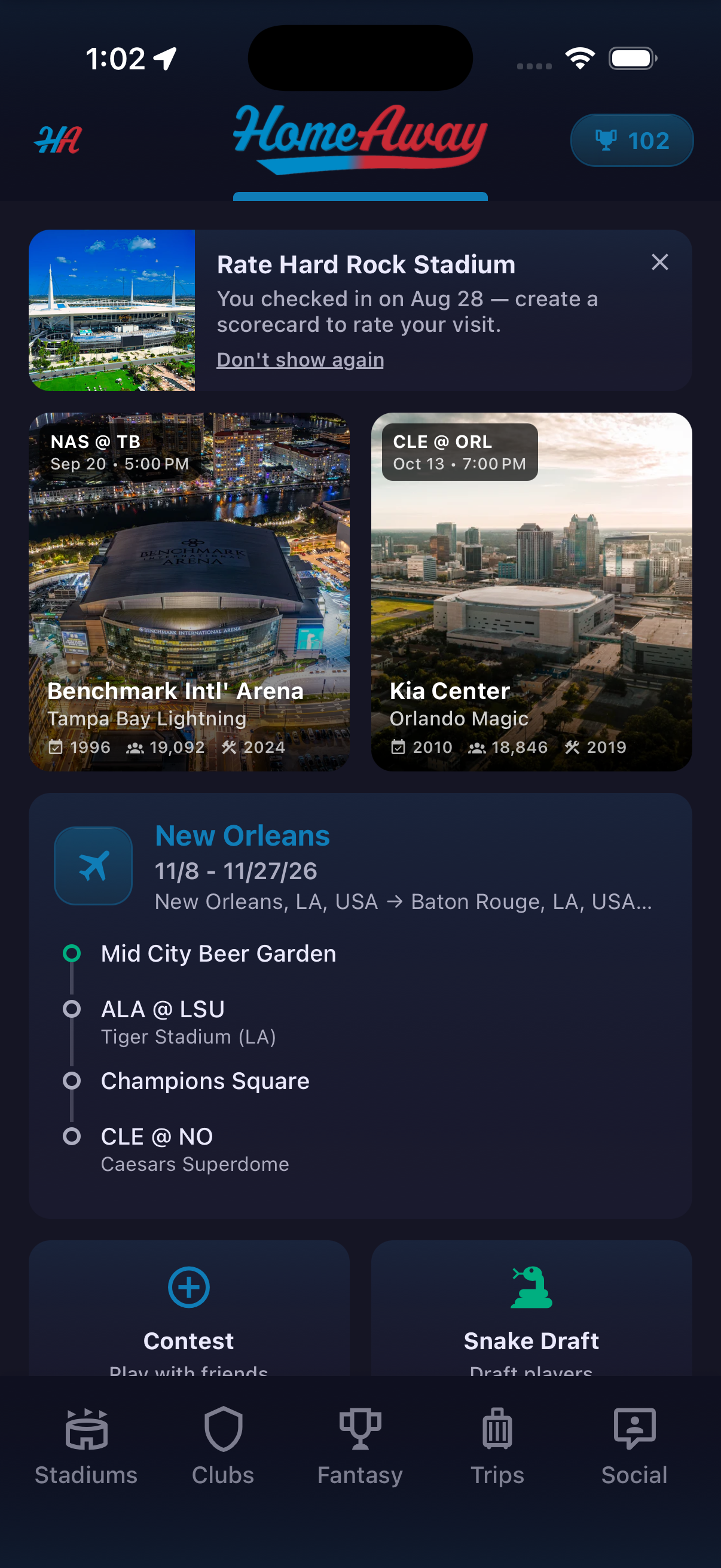
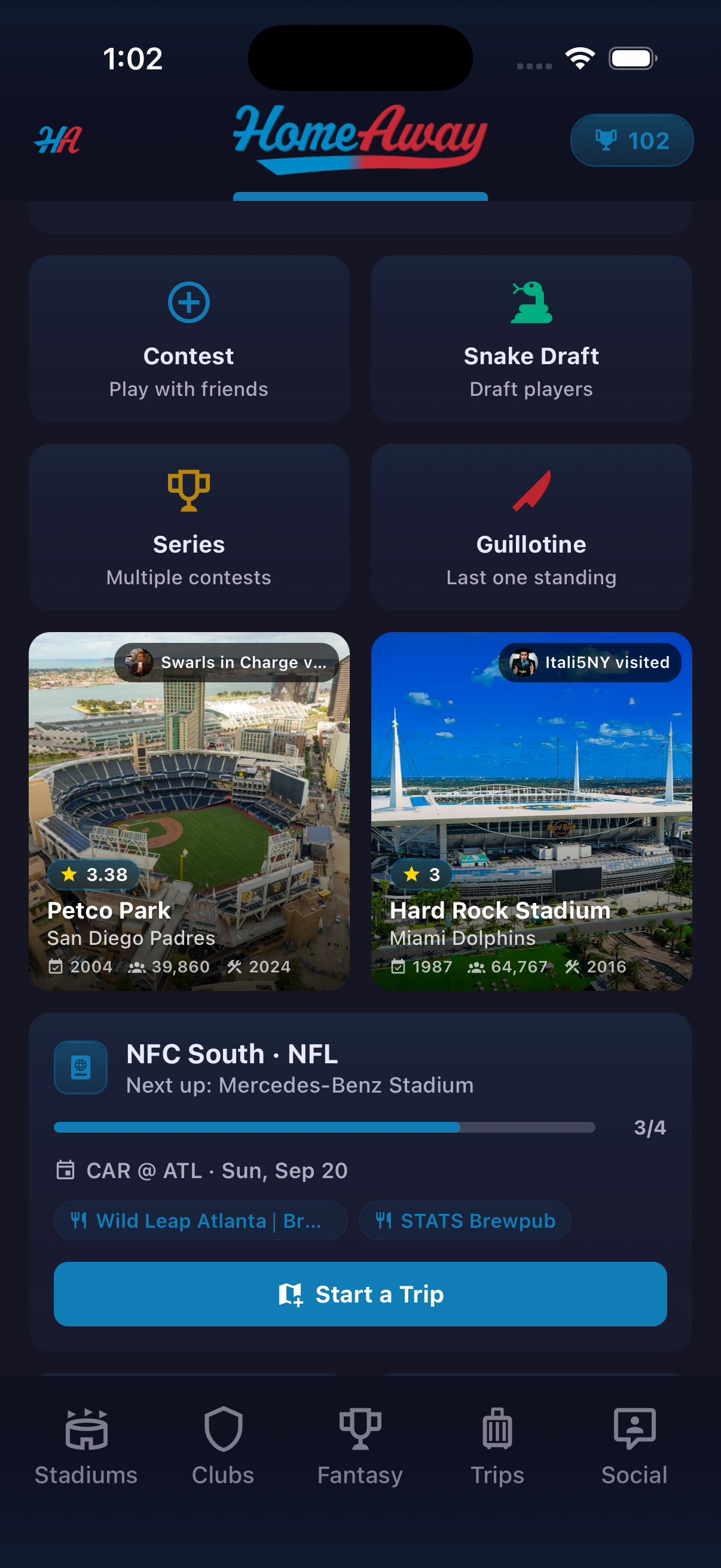
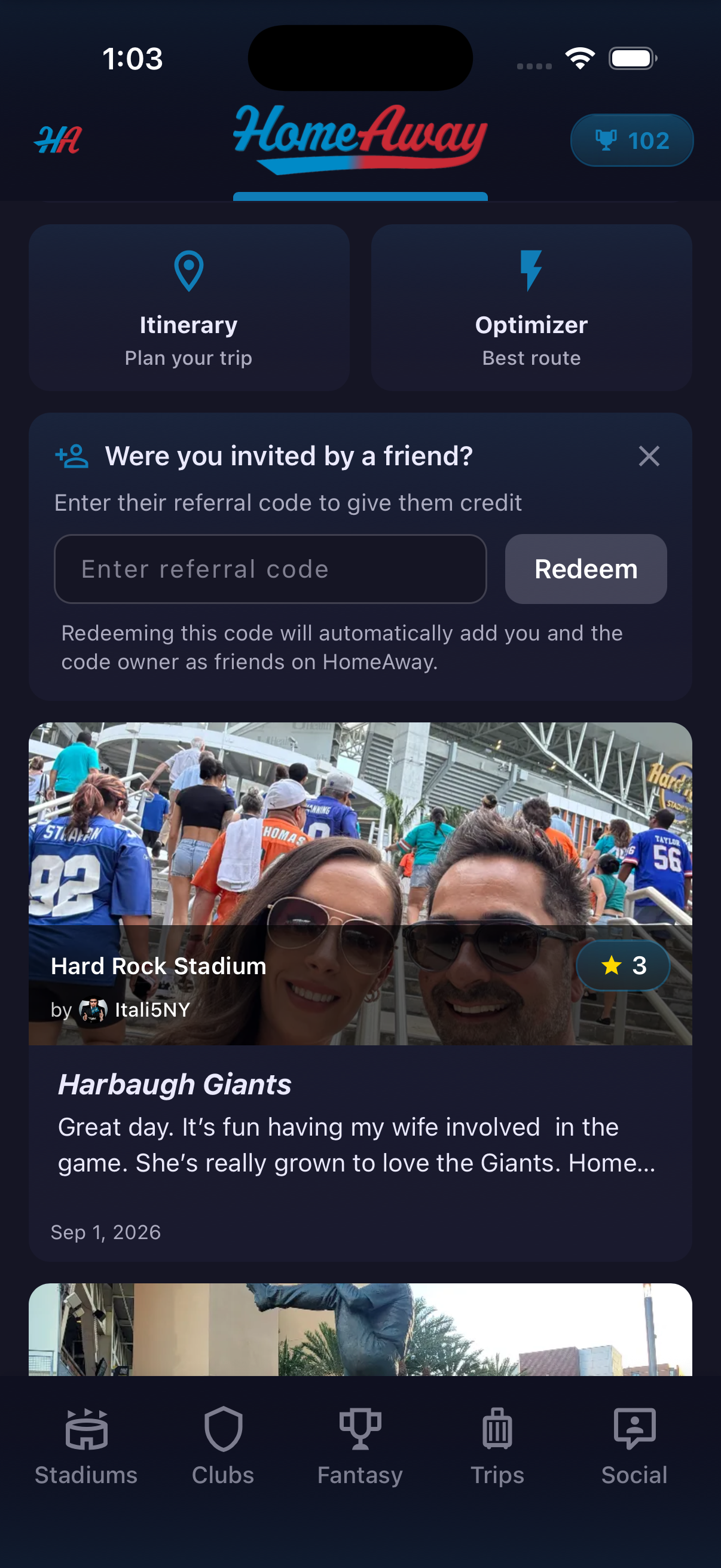
Home is the quickest way to see what needs attention and what comes next. It can surface a reminder to rate a recently visited stadium, an active trip, upcoming venues, fantasy shortcuts, Stadium Passport progress and recent community activity. Instead of making fans start from a blank menu, Home points them back toward the trip, review or contest already in motion.
How to use it
- Open Home to review the cards selected for your current activity.
- Tap a rating reminder to turn a recent check-in into a Stadium Scorecard, or dismiss it if you are not ready.
- Open the active trip to return to its itinerary.
- Use the fantasy shortcuts to start a Contest, Snake Draft, Series or Guillotine game.
- Tap Start a Trip or choose Itinerary or Optimizer when planning something new.
Ready to try it?
Download HomeAway and start exploring.