Keep the Conversation Around the Game
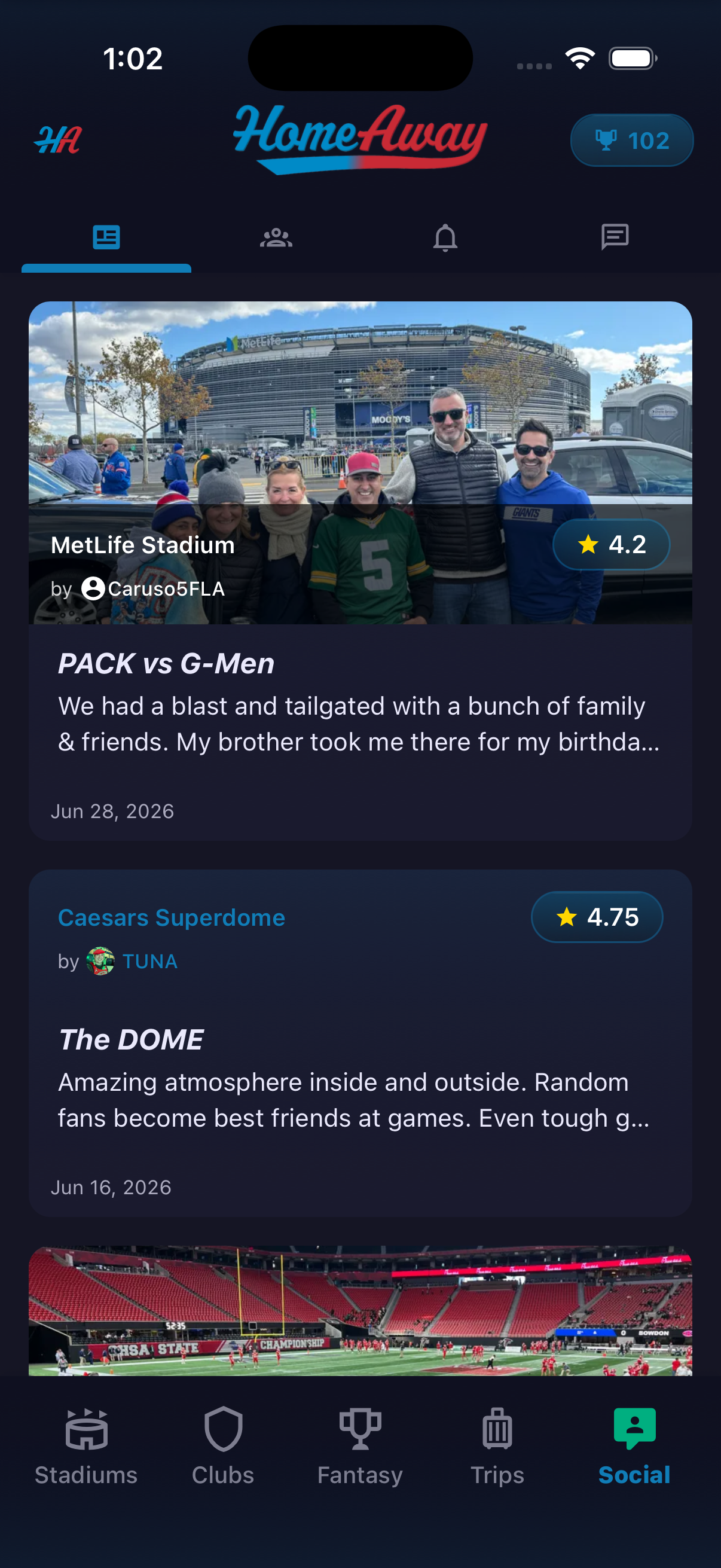
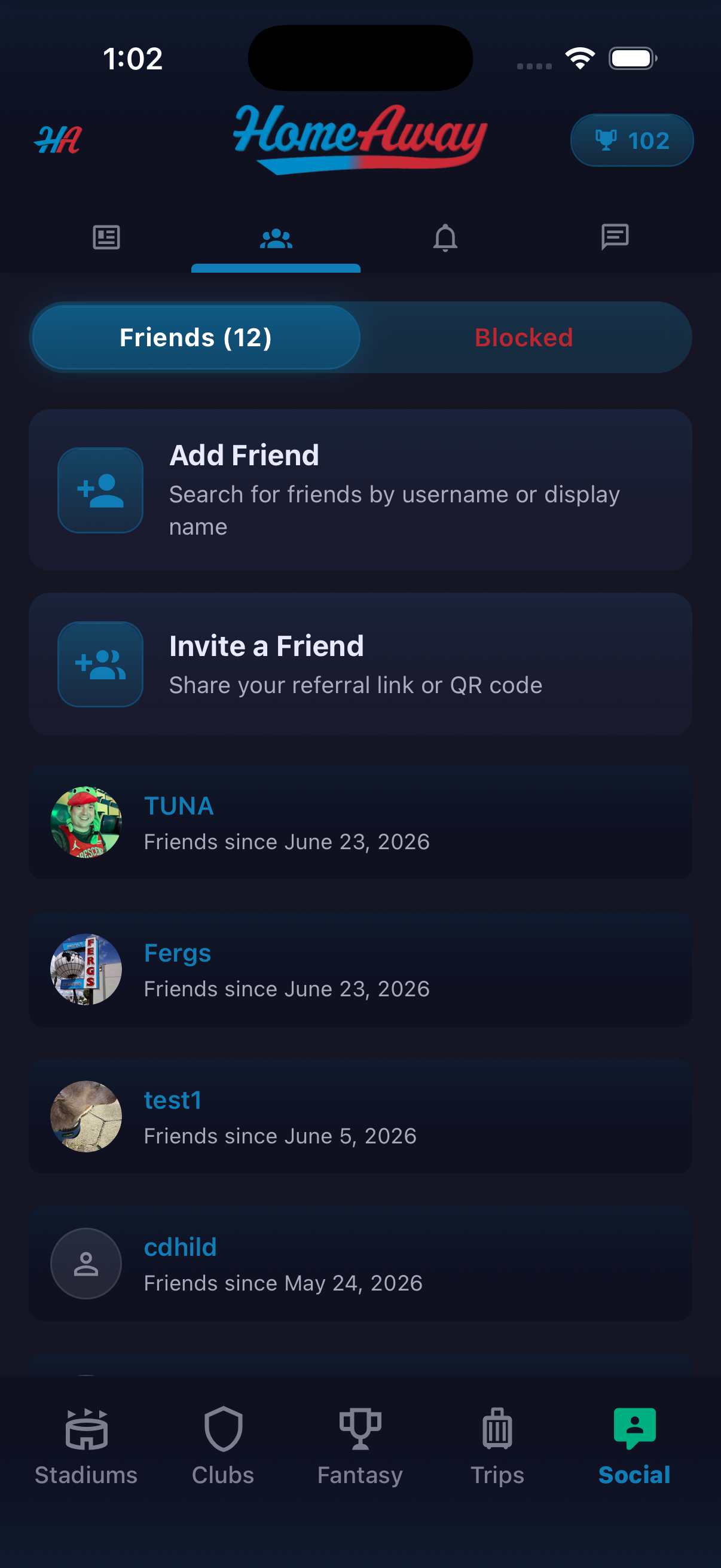
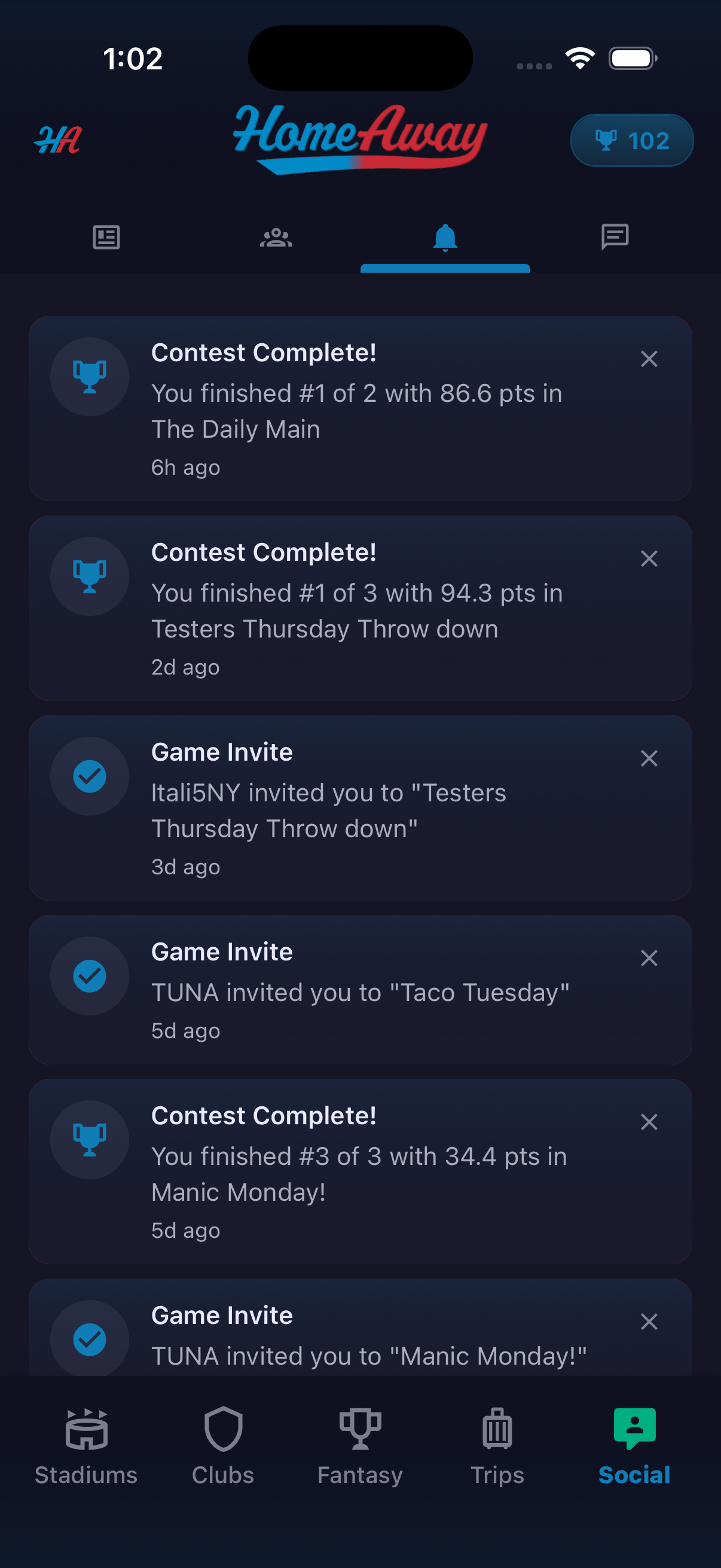
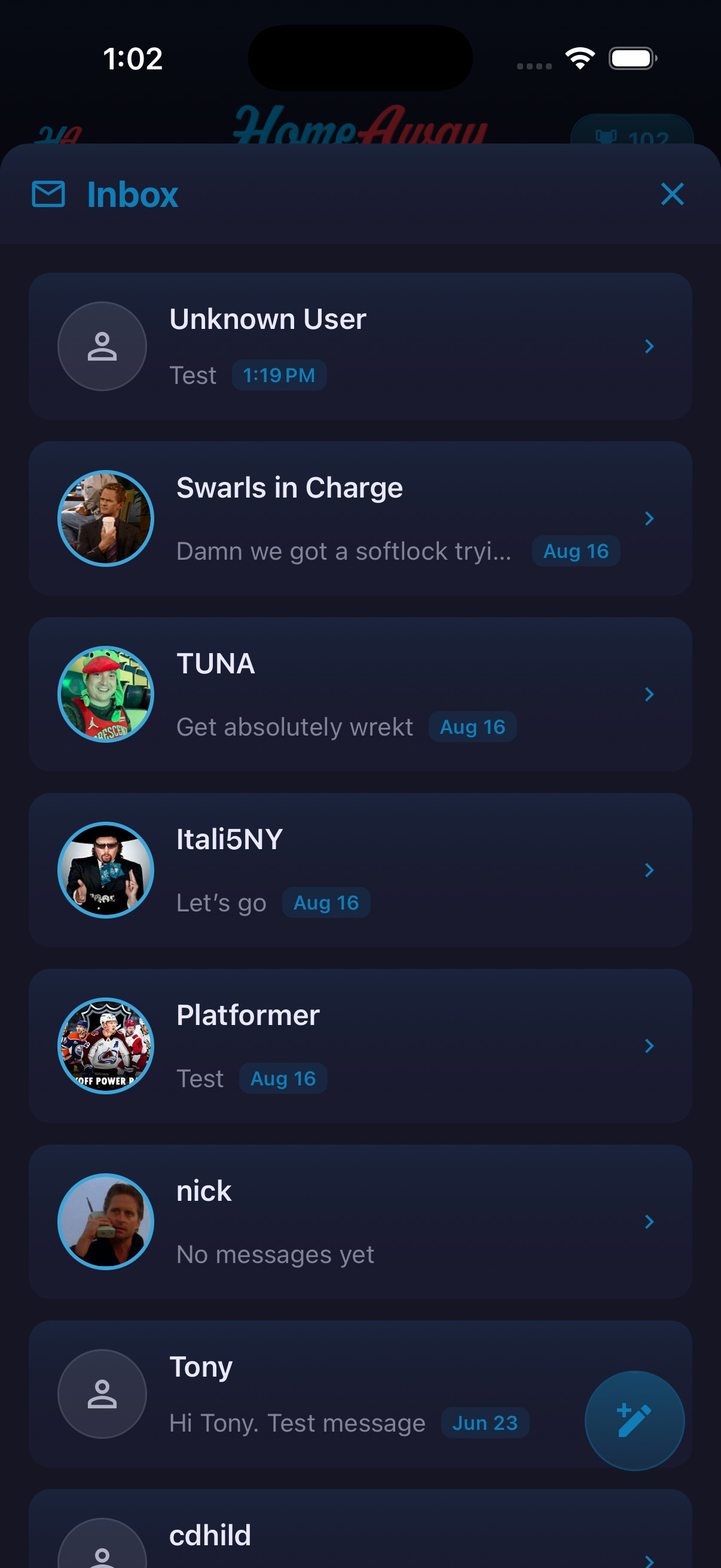
The Social area brings fan activity, relationships and communication into one place. The main feed presents photo-led Stadium Scorecards. Separate views handle friends and blocked users, app invitations, notifications and direct messages. The notification examples show fantasy results and game invitations, while the Inbox provides a simple starting point for one-to-one conversations. Referral tools support a share link and QR code for inviting someone who has not joined yet.
How to use it
- Open Social to browse Scorecards from the community.
- Open the friends view to switch between Friends and Blocked.
- Use Add Friend to search inside the app or Invite a Friend to share an invitation.
- Open Notifications to review contest results and game invites.
- Open Inbox to continue a conversation or use the compose control to start one.
Ready to try it?
Download HomeAway and start exploring.