Track the Places, Progress and Points Behind the Profile
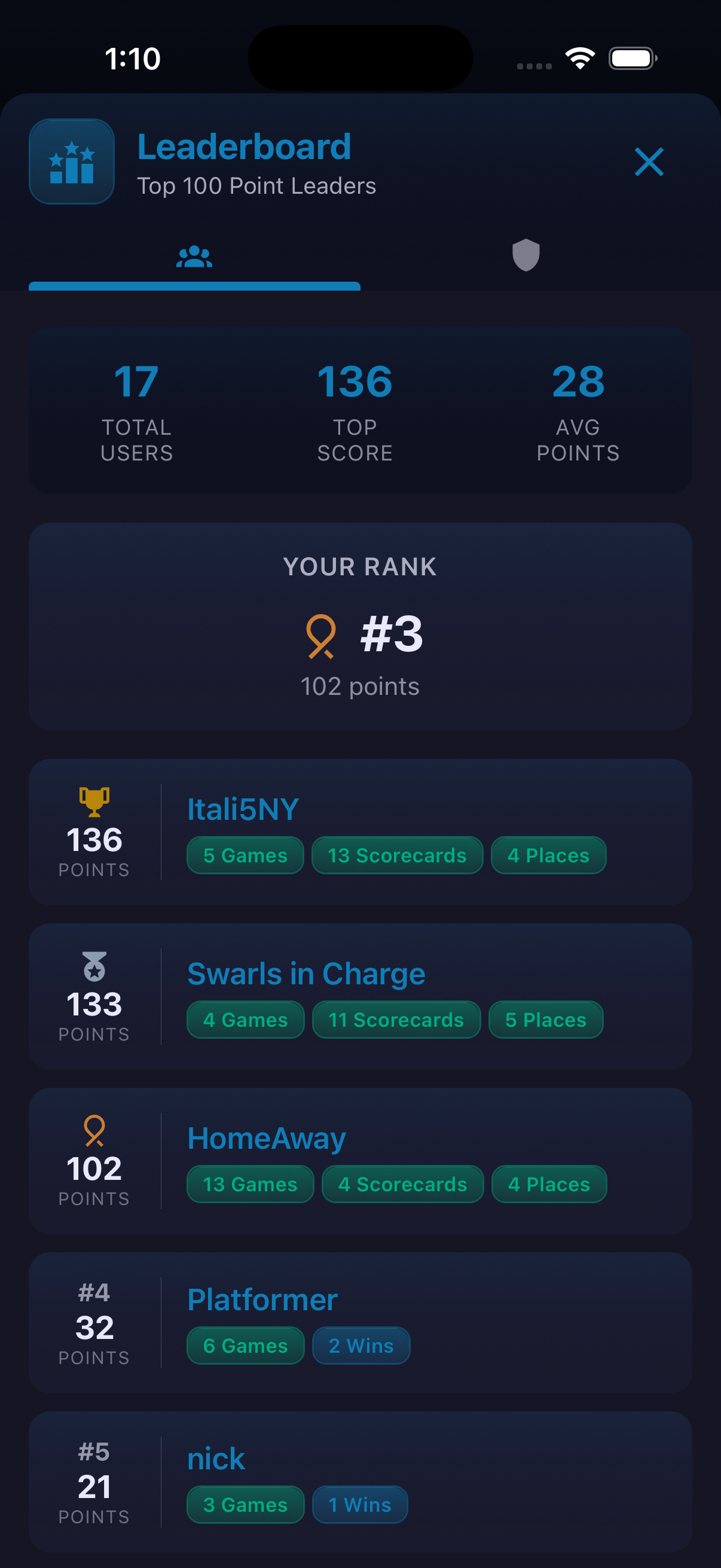
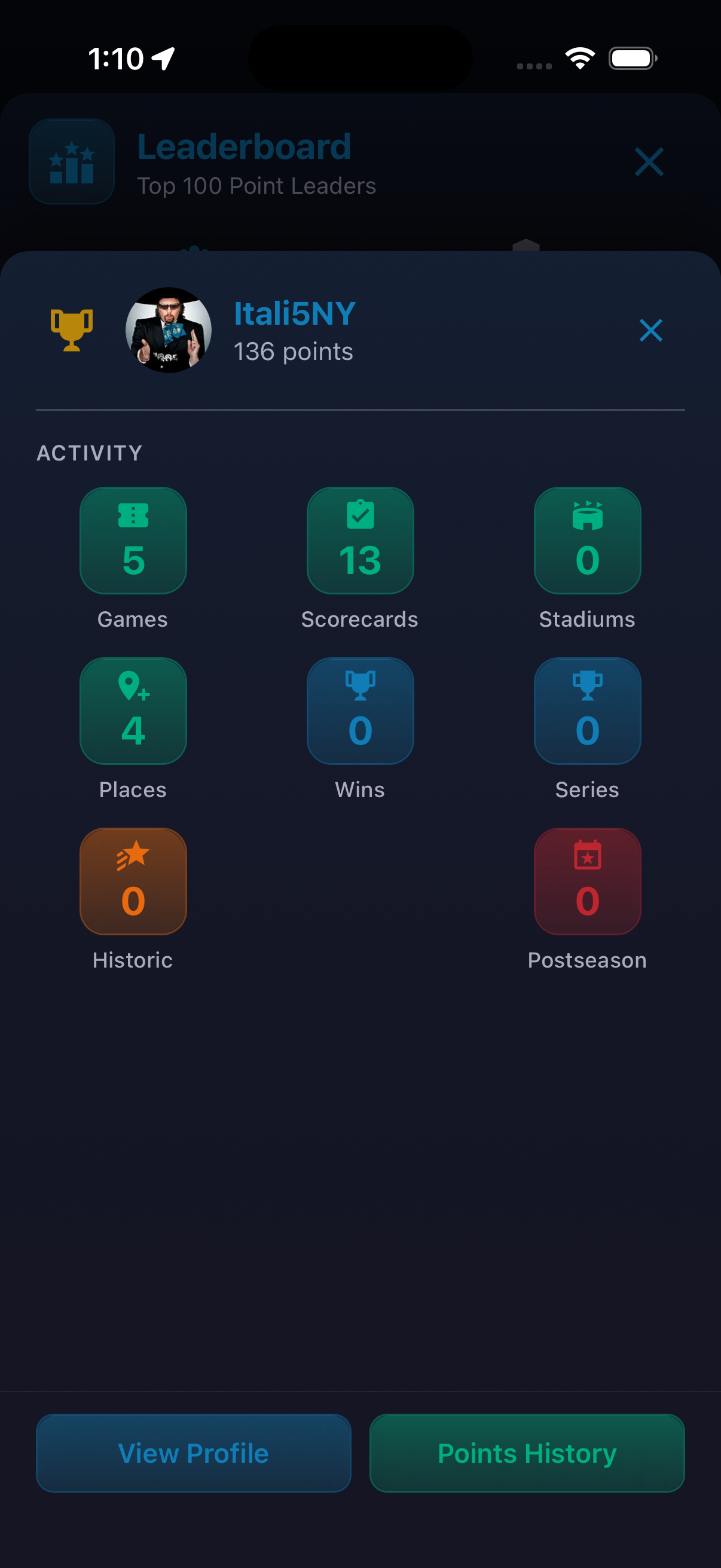
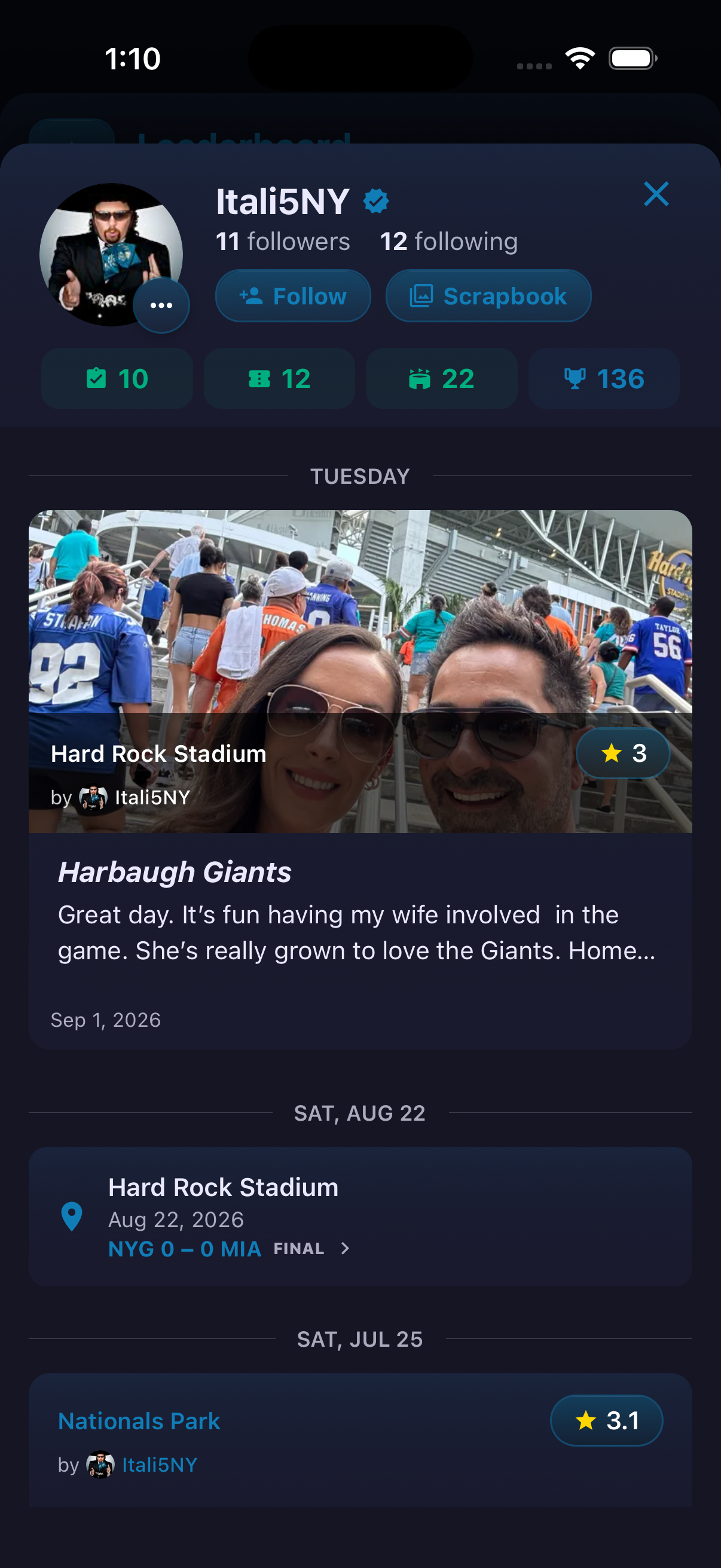
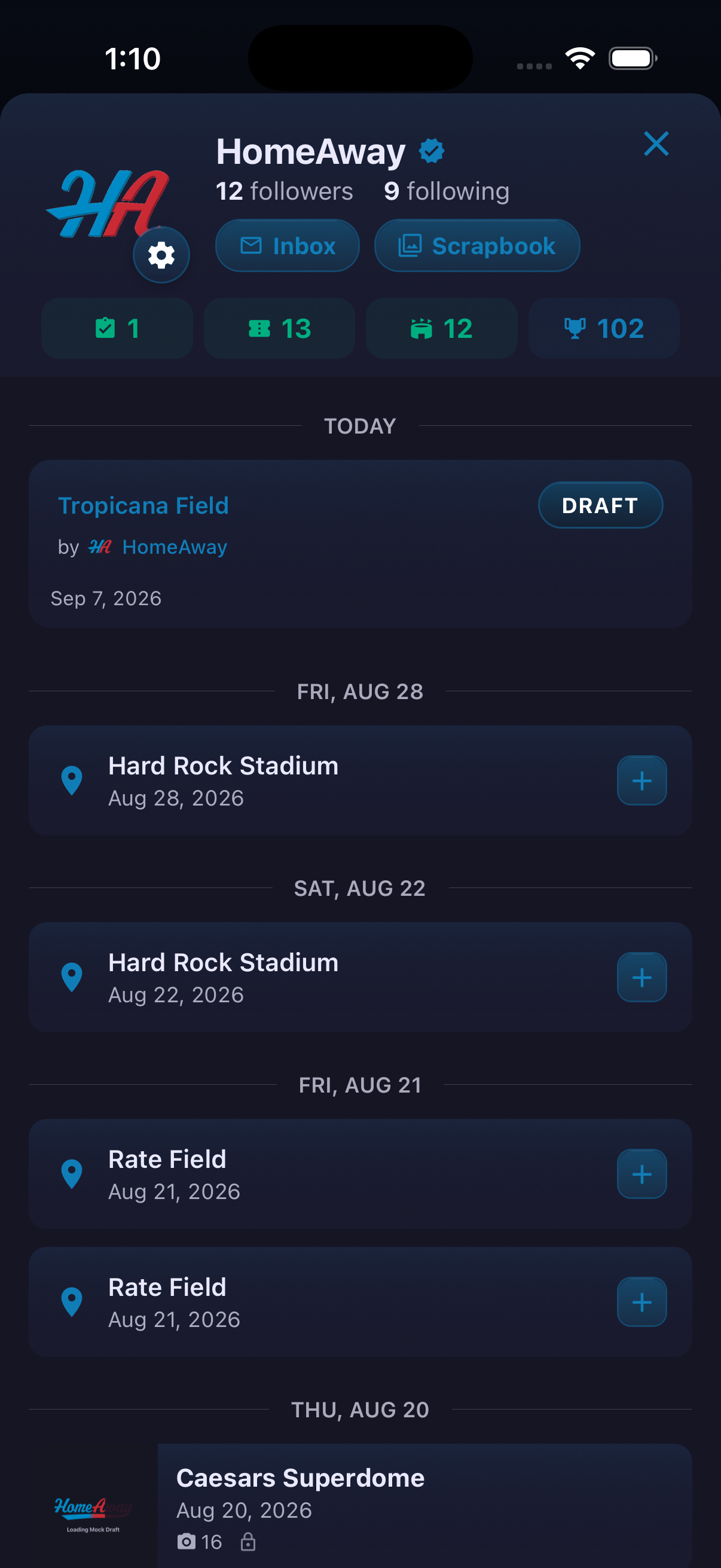
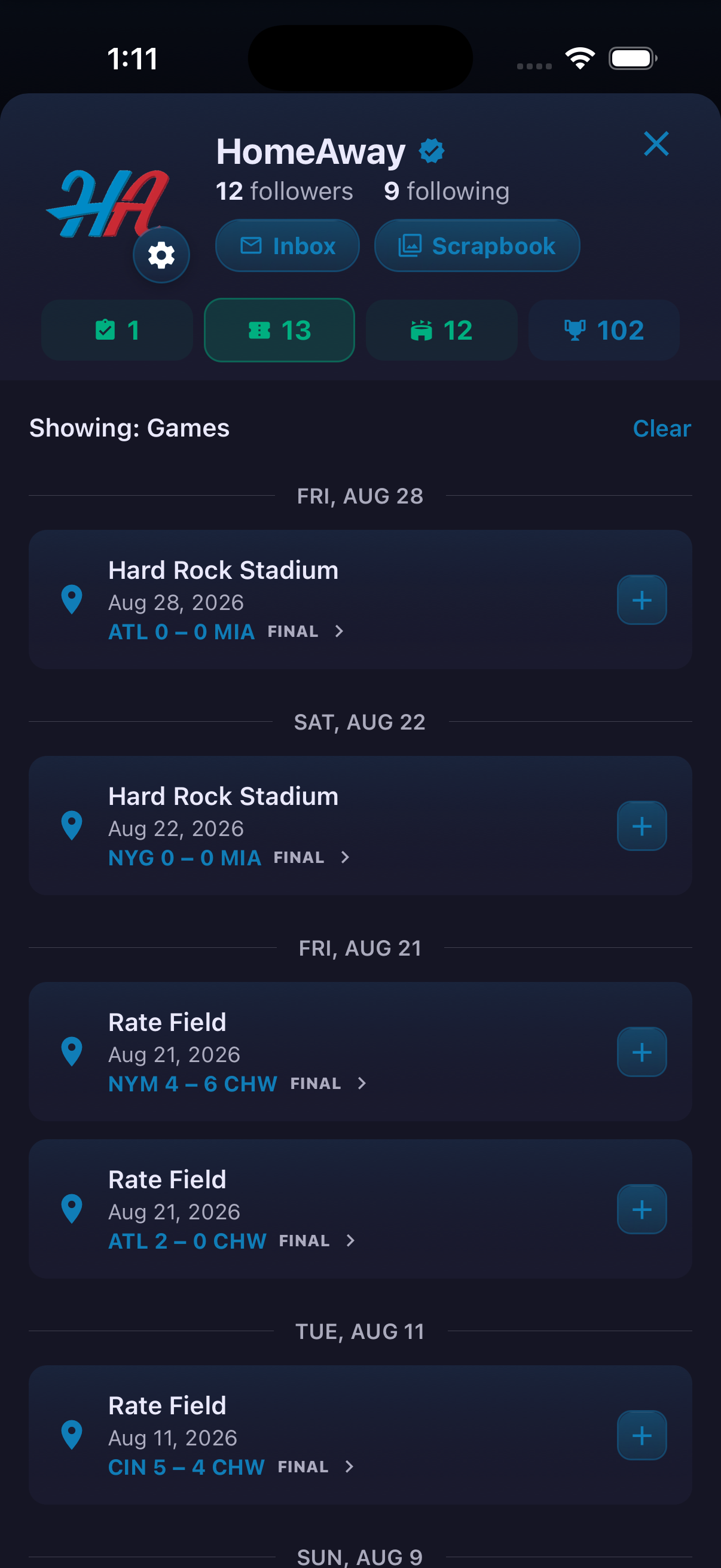
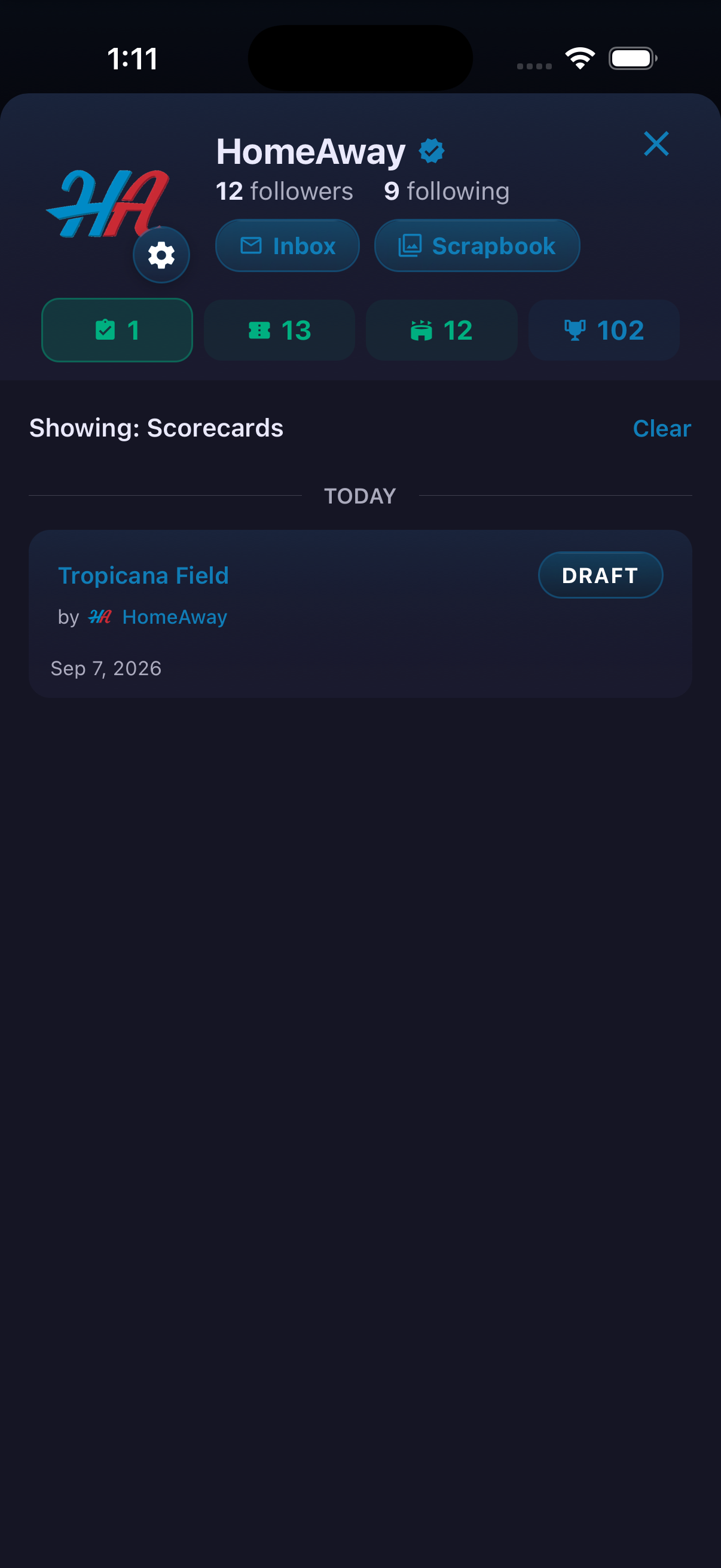
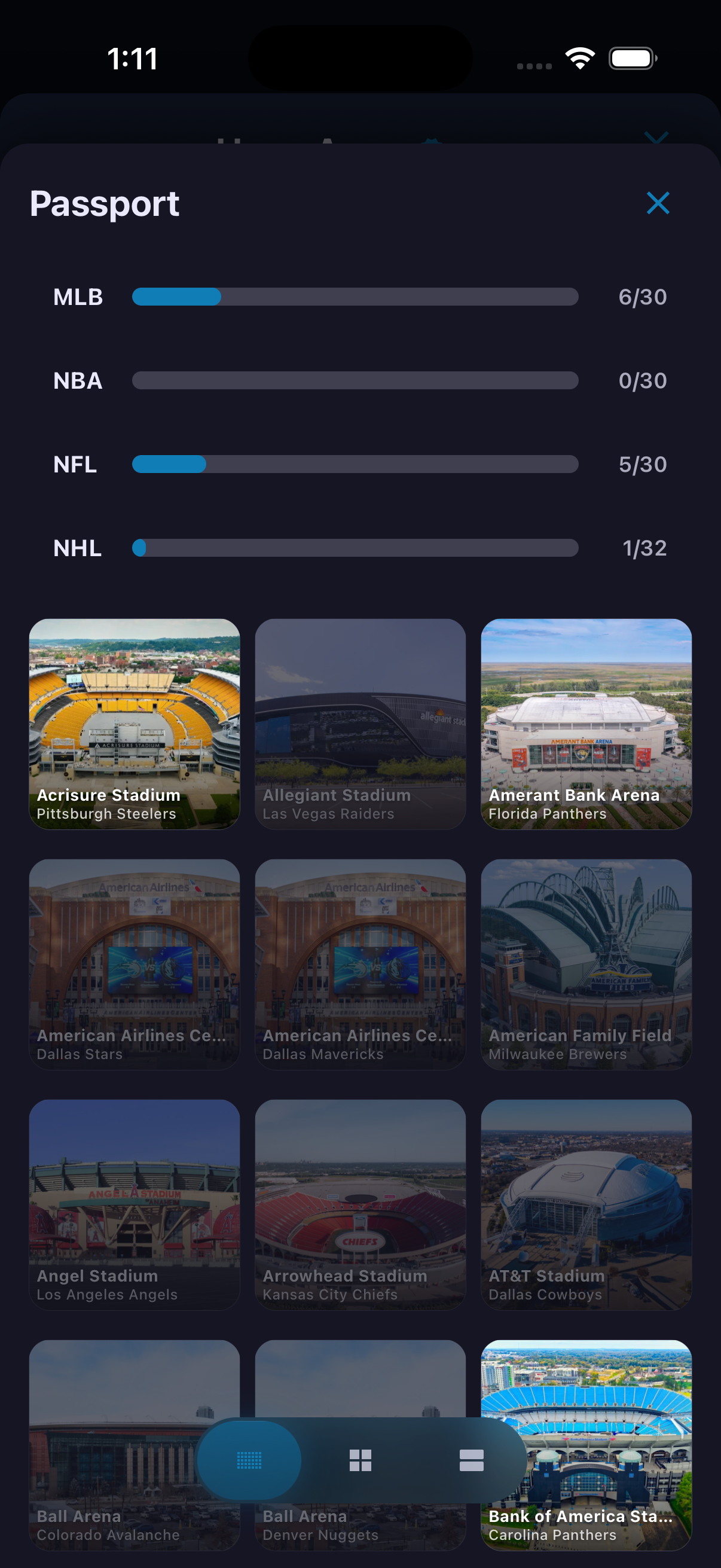
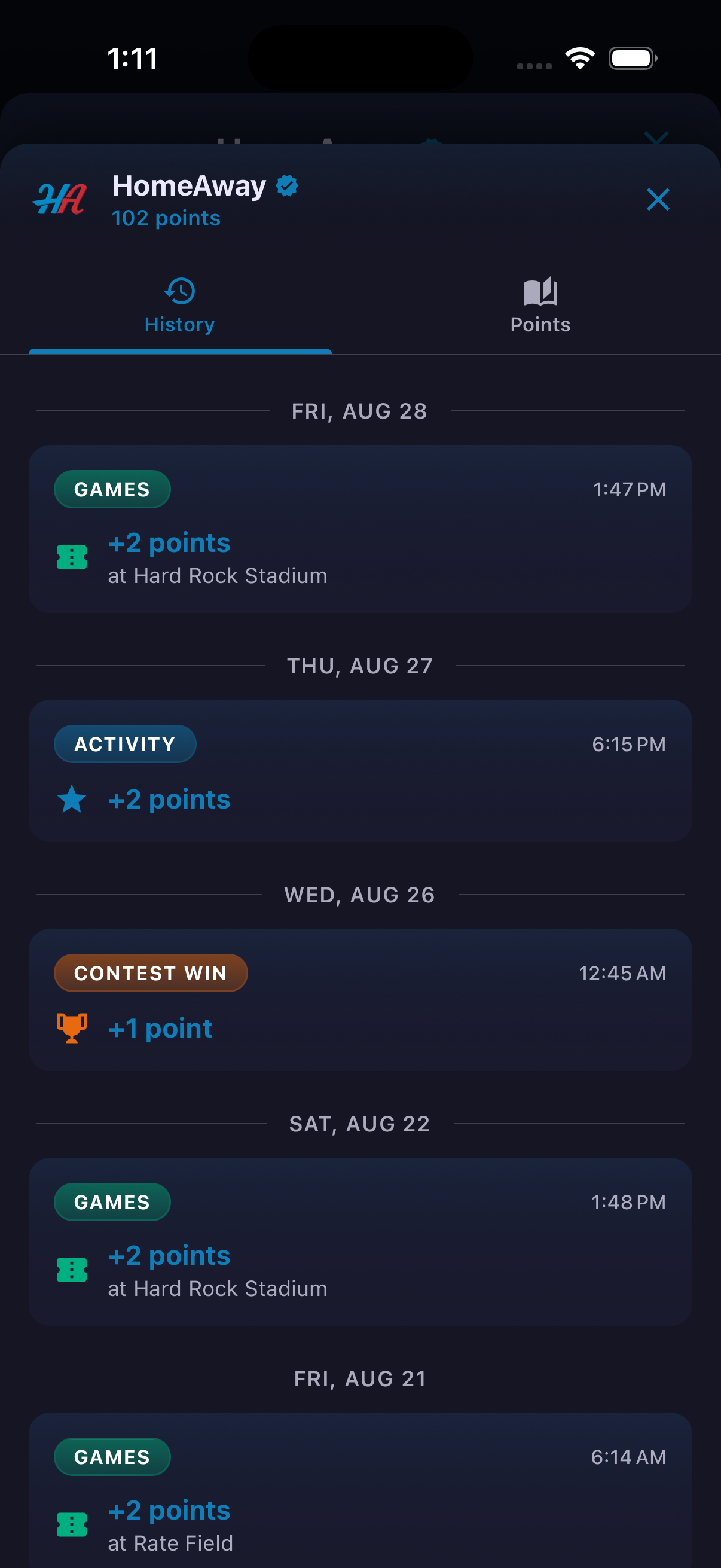
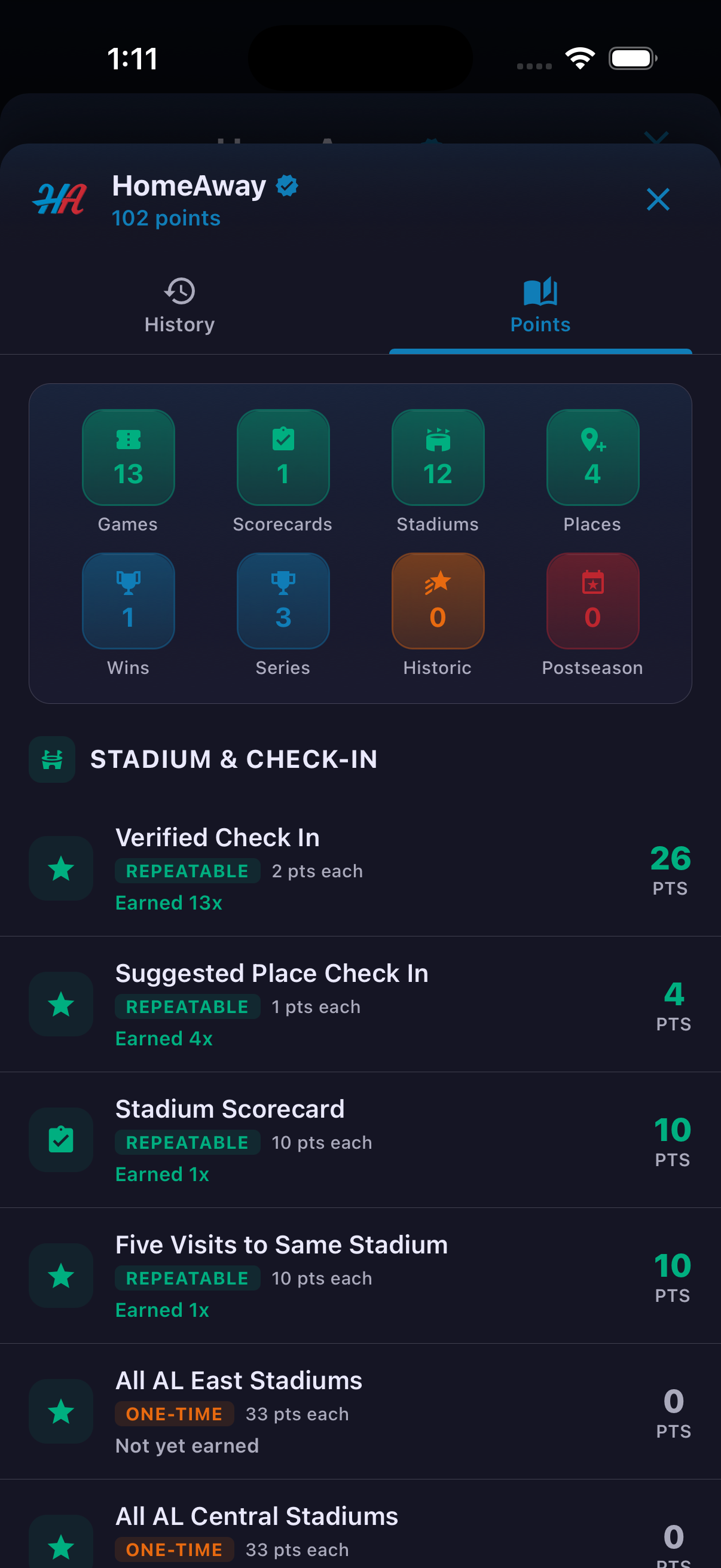
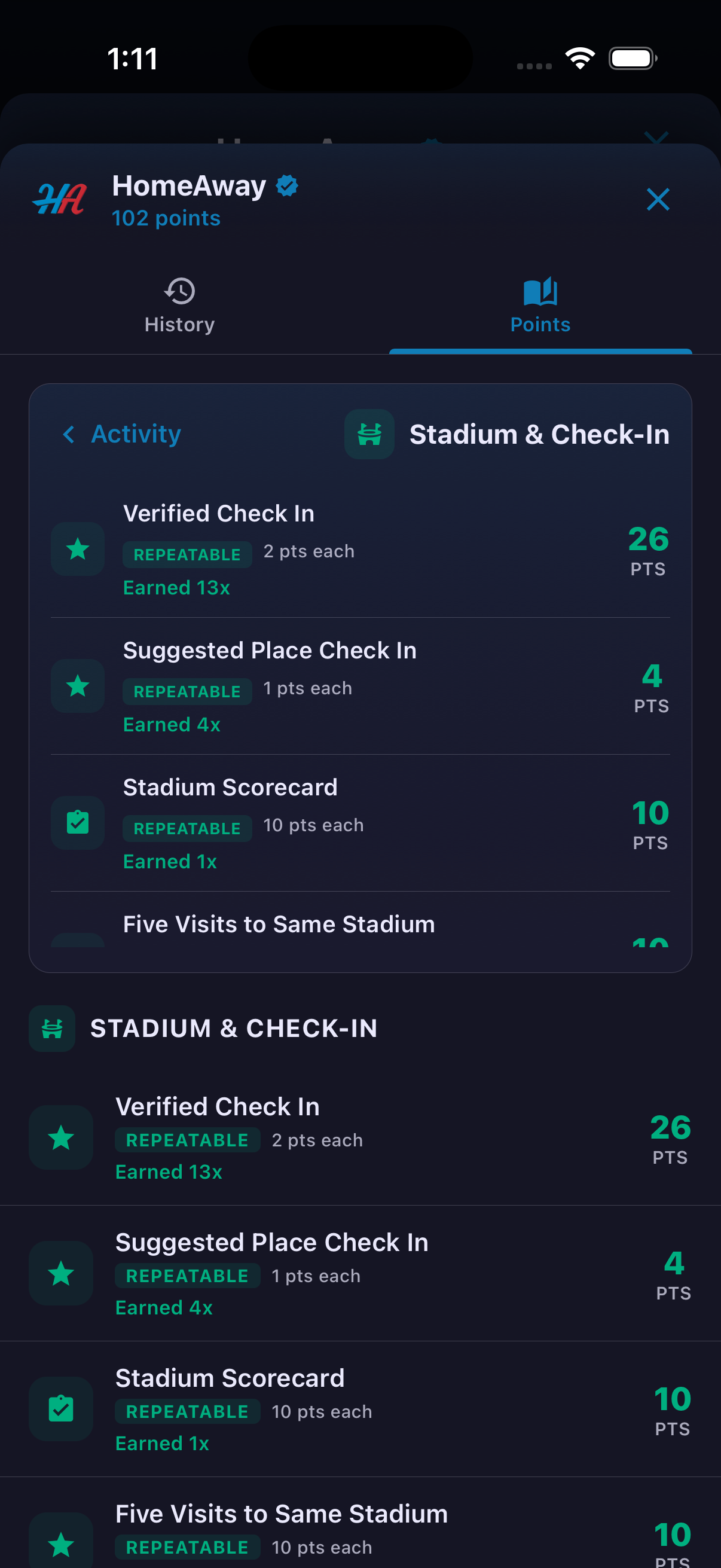
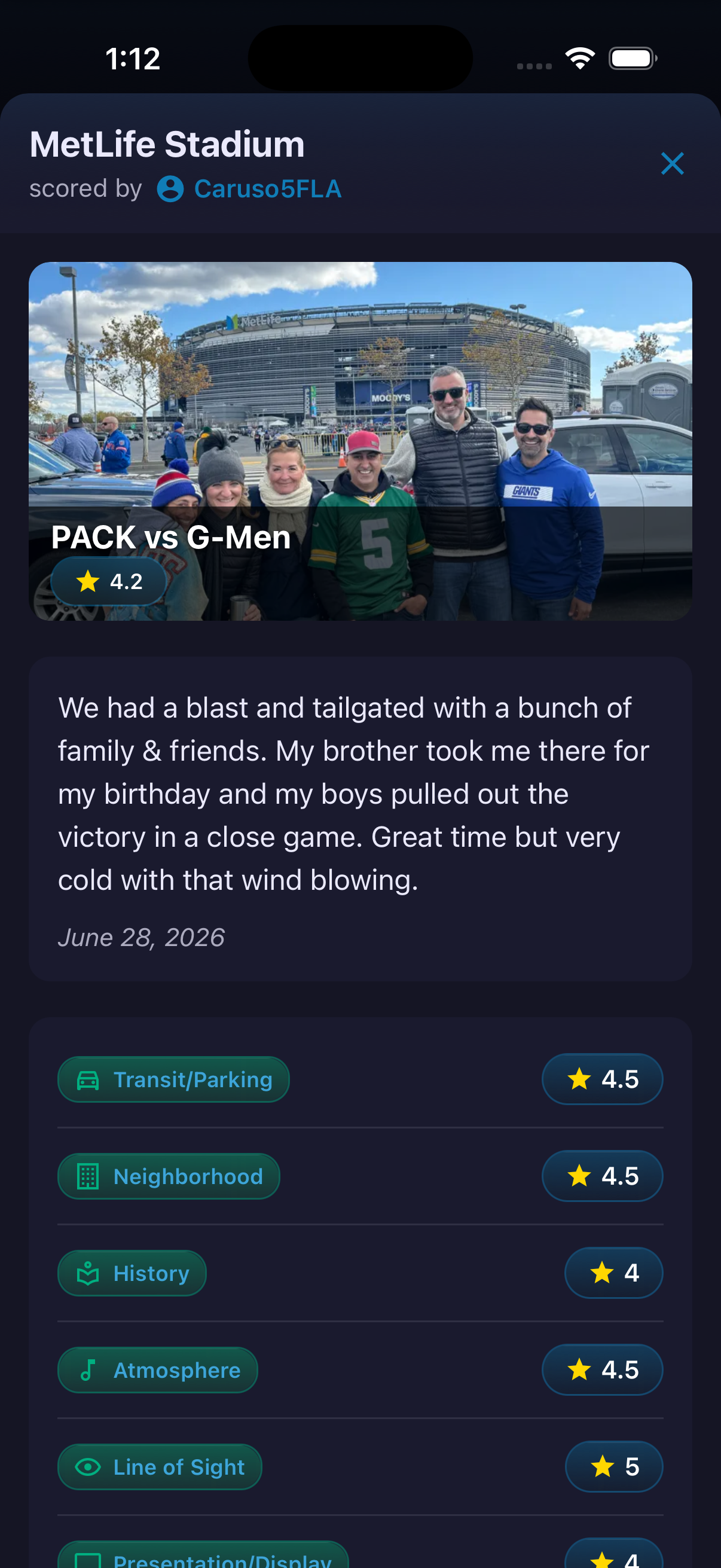
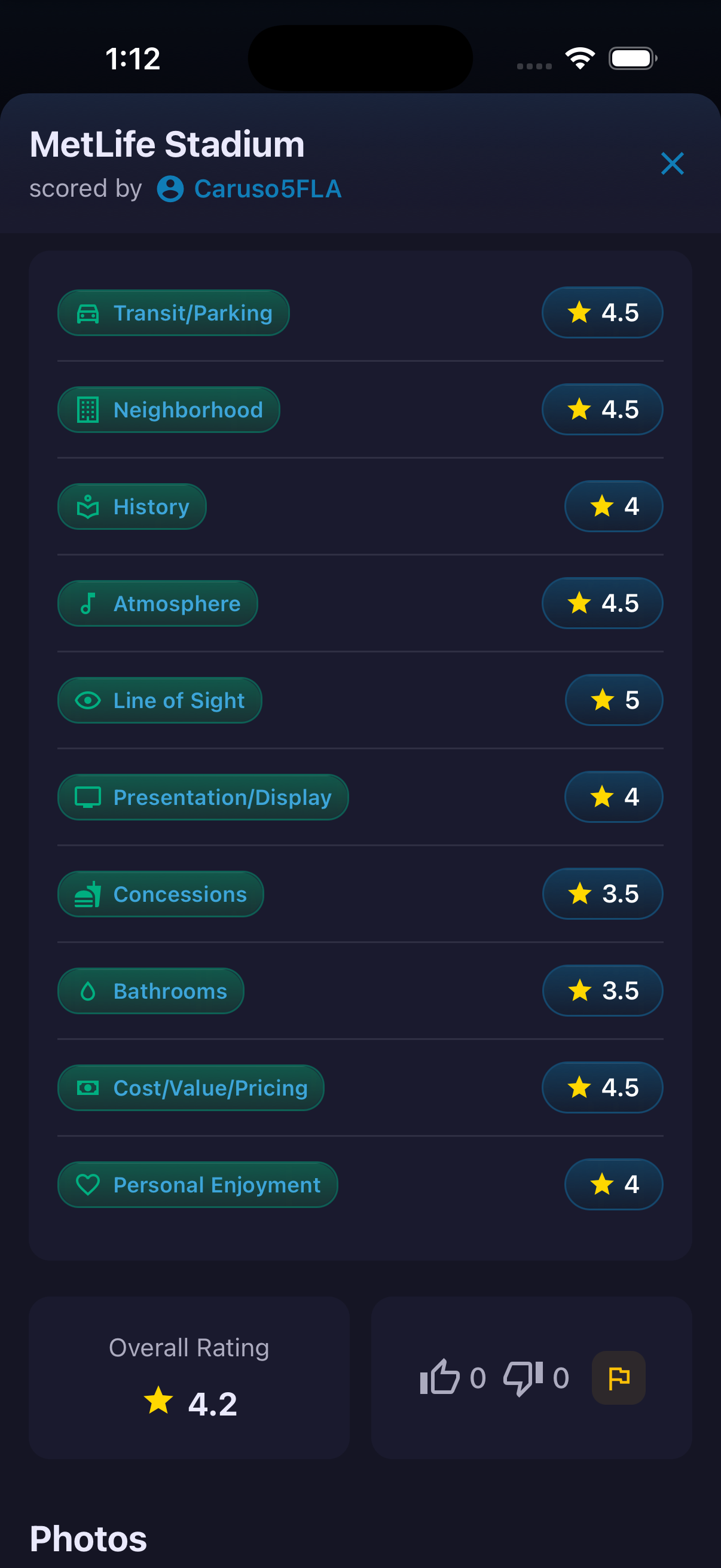
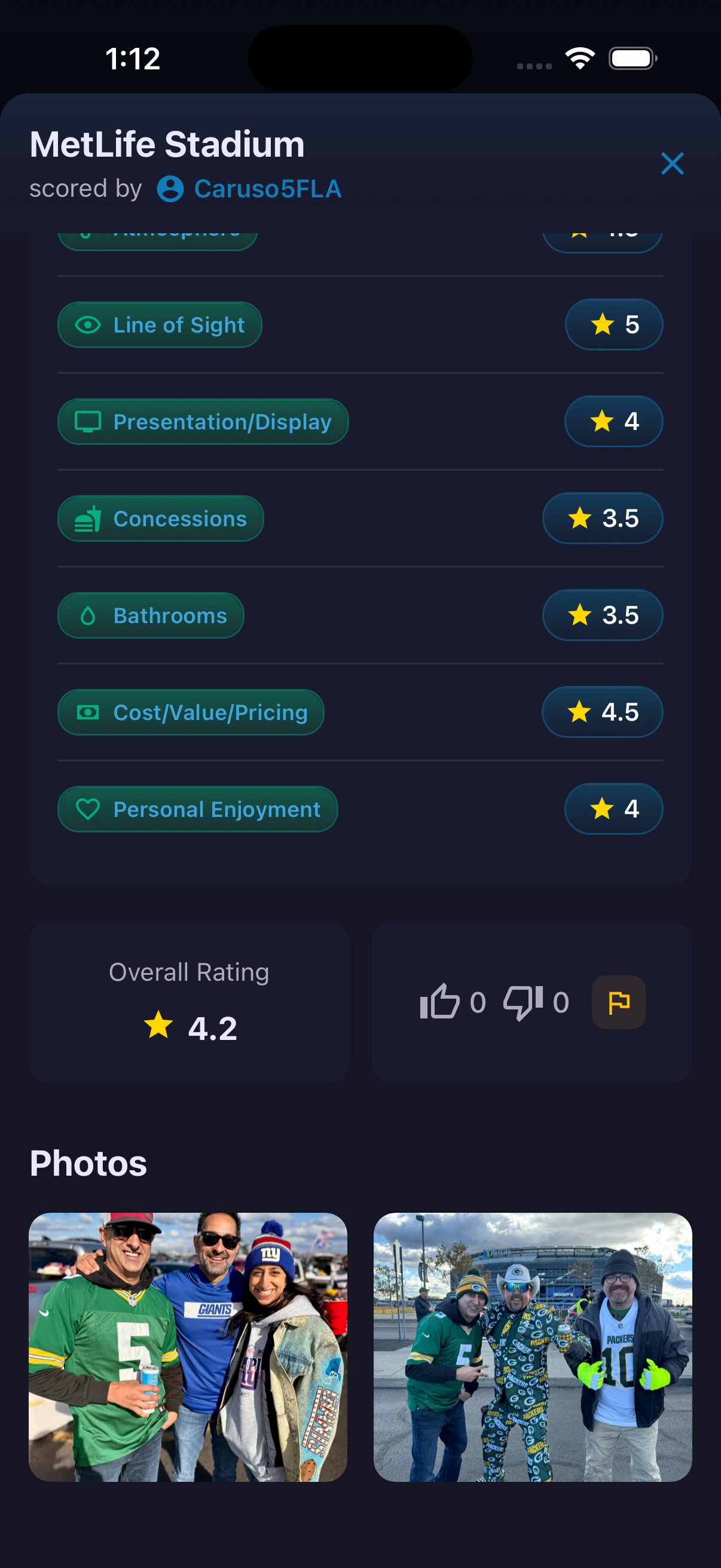
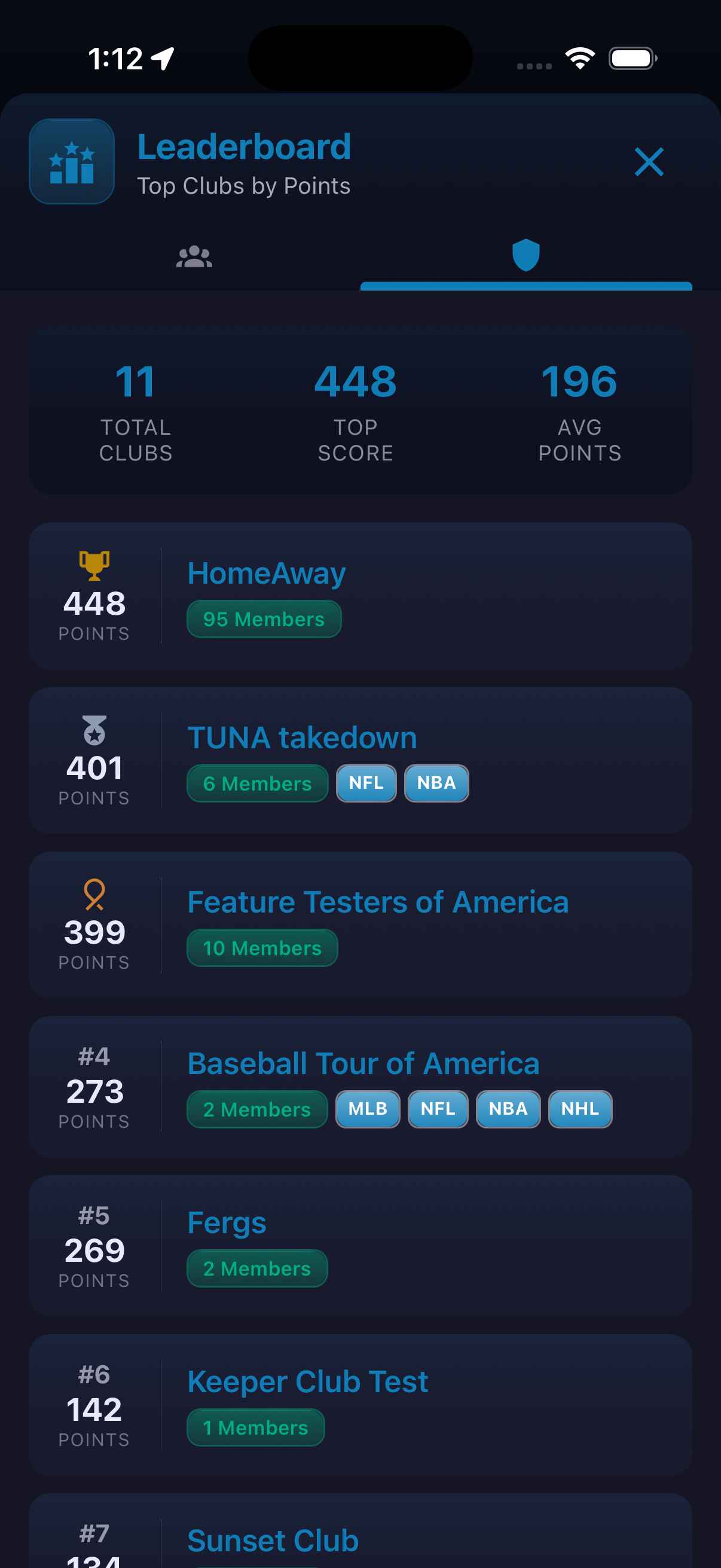
The profile turns activity into a personal sports record. Stat controls can filter the timeline to games or Scorecards, and an unfinished Scorecard can be resumed from its draft card. The Stadium Passport shows venue progress by league in a visual grid, while Points provides both a dated history and an achievement catalog. The current Points view distinguishes repeatable activities from one-time achievements and shows whether an item has been earned. A separate leaderboard compares fans, and the club leaderboard ranks groups by their displayed point totals.
How to use it
- Open a profile and tap a stat to filter its activity timeline.
- Select the stadium stat to open Passport and review league progress.
- Use the layout controls to change the Passport grid density.
- Open the points stat and switch between History and Points.
- Select a points category for a focused breakdown, or open Leaderboard to compare progress.
Values, achievements, standings and league totals shown are a development snapshot and may change through configuration or league changes.
Ready to try it?
Download HomeAway and start exploring.