Preserve the Story With Scrapbook
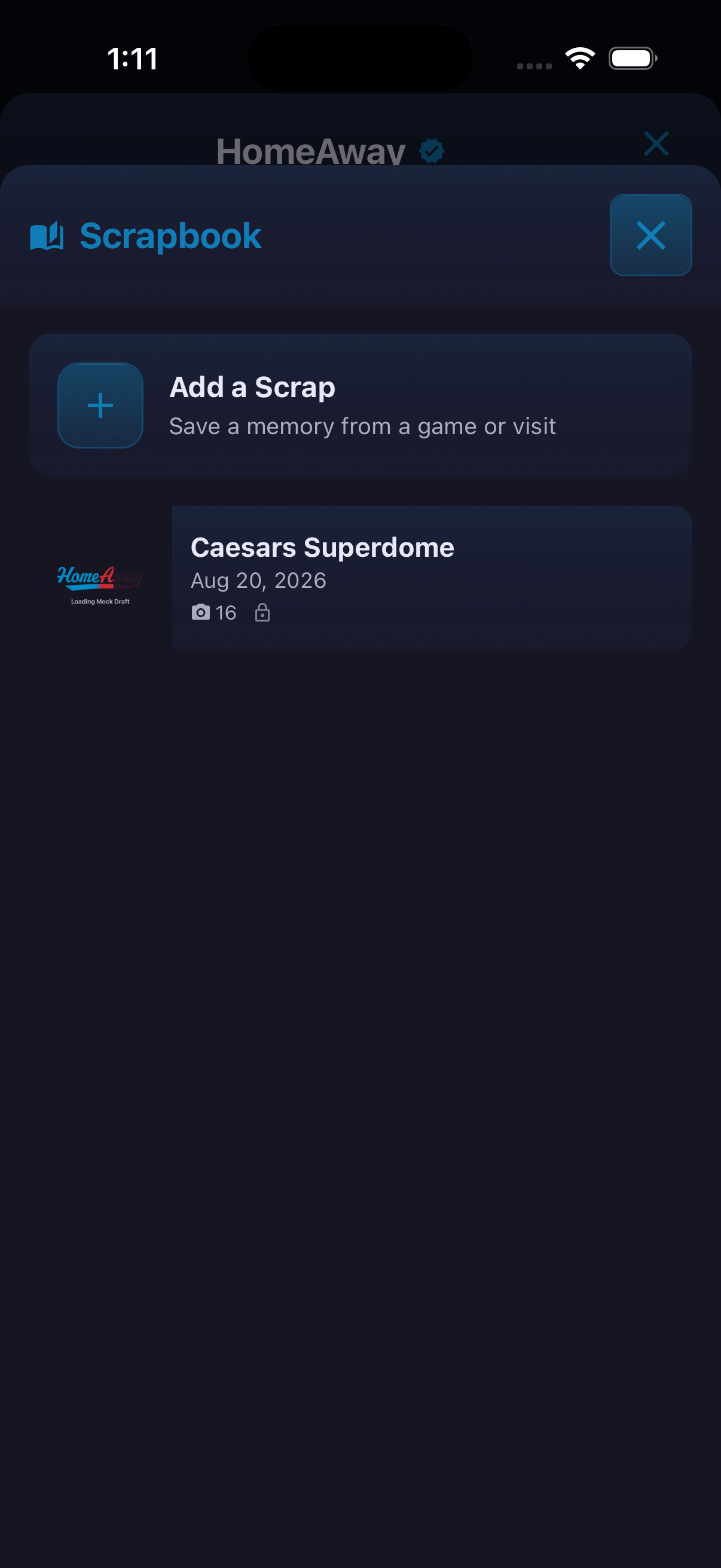
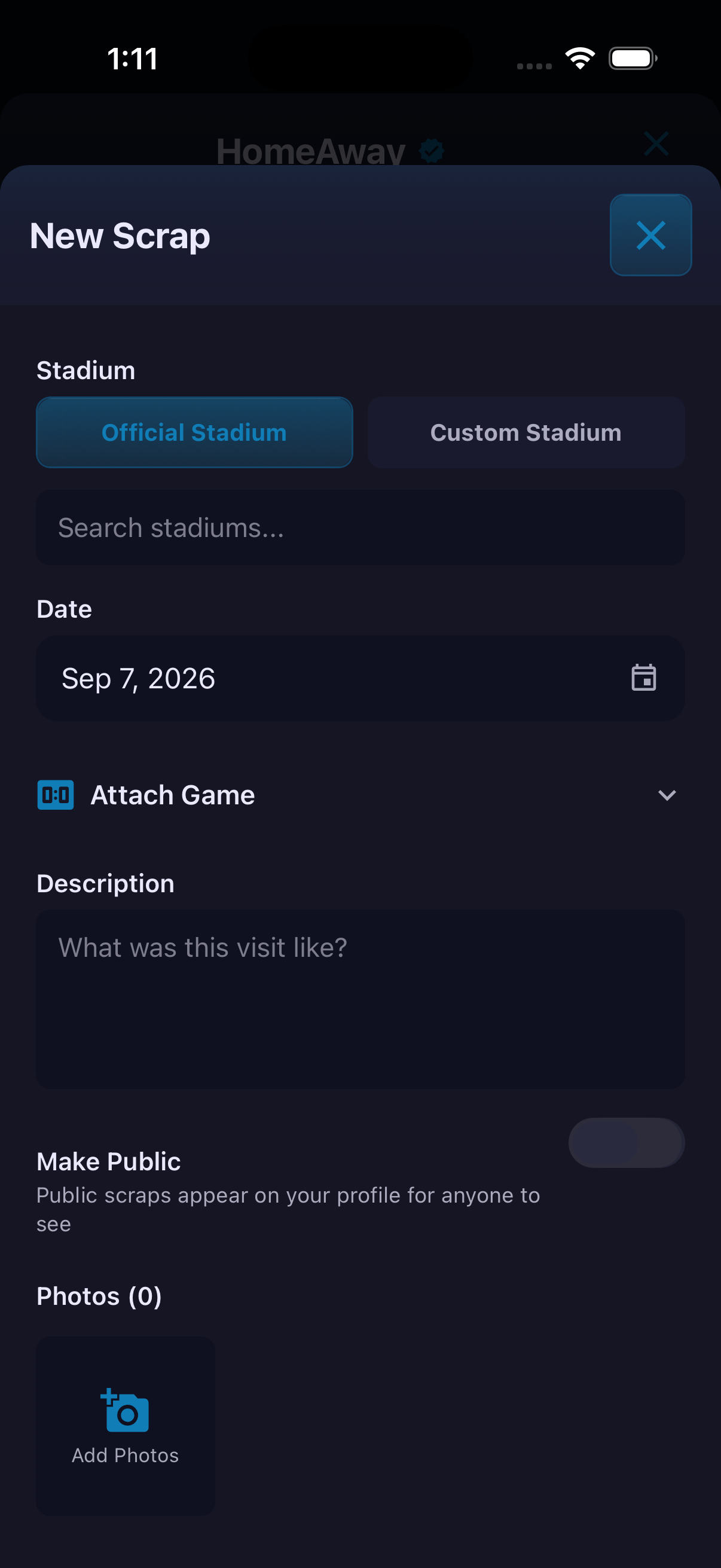
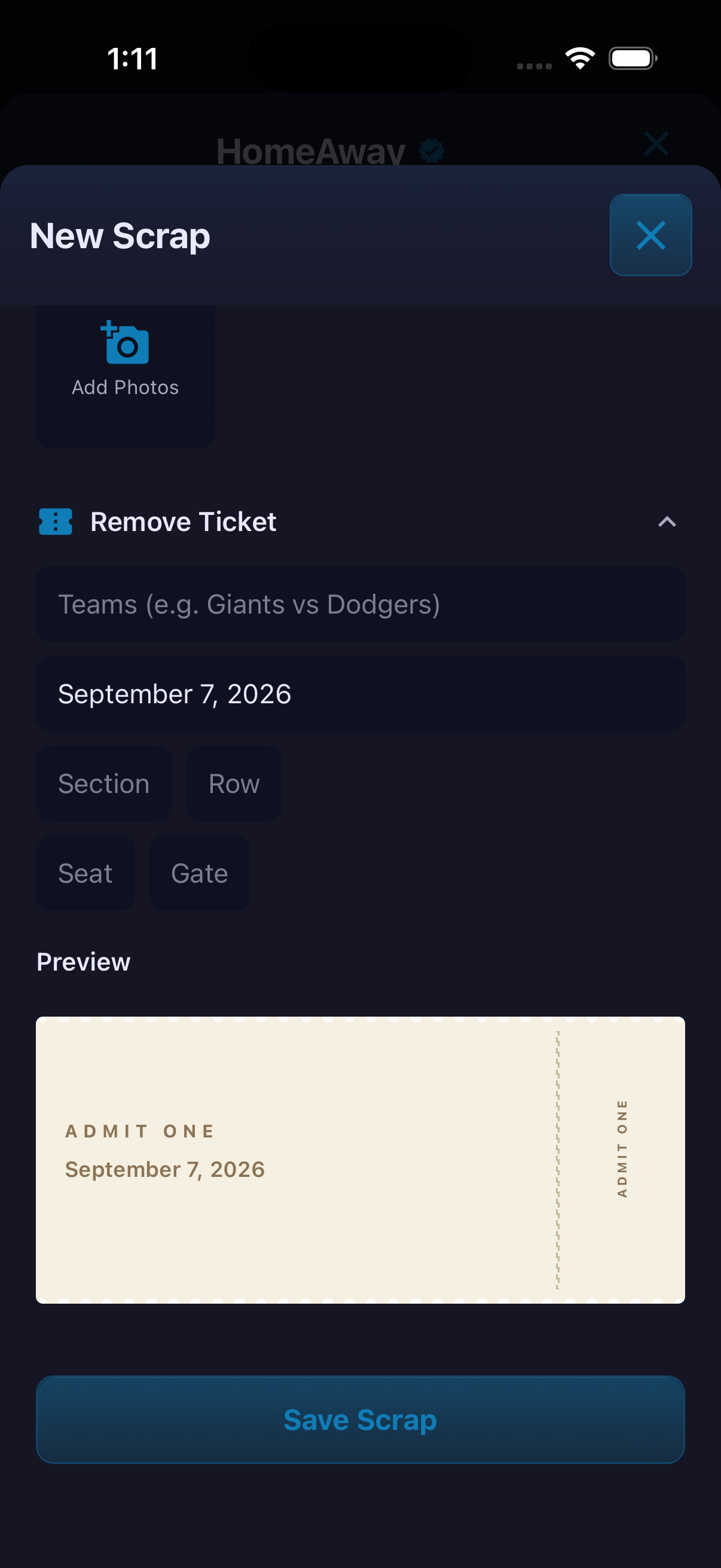
Scrapbook is for the memory around the result: who was there, what the ticket looked like and what made the visit worth remembering. A Scrap can use an official or custom stadium, include a date and attached game, add a written description and photos, and preserve ticket details such as section, row, seat and gate. Visibility is deliberate. Turning on Make Public allows the Scrap to appear on the user's profile; leaving it off keeps the memory out of the public profile experience.
How to use it
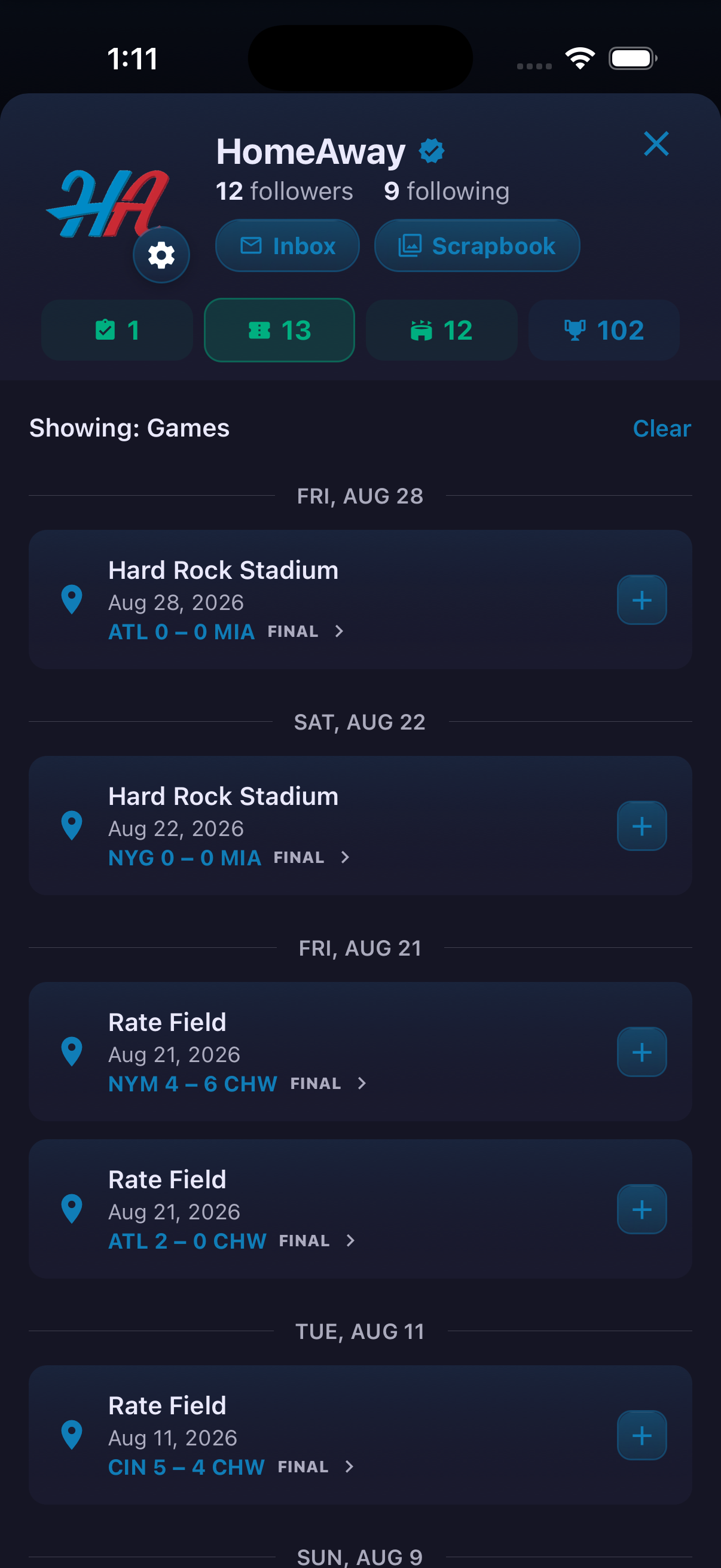
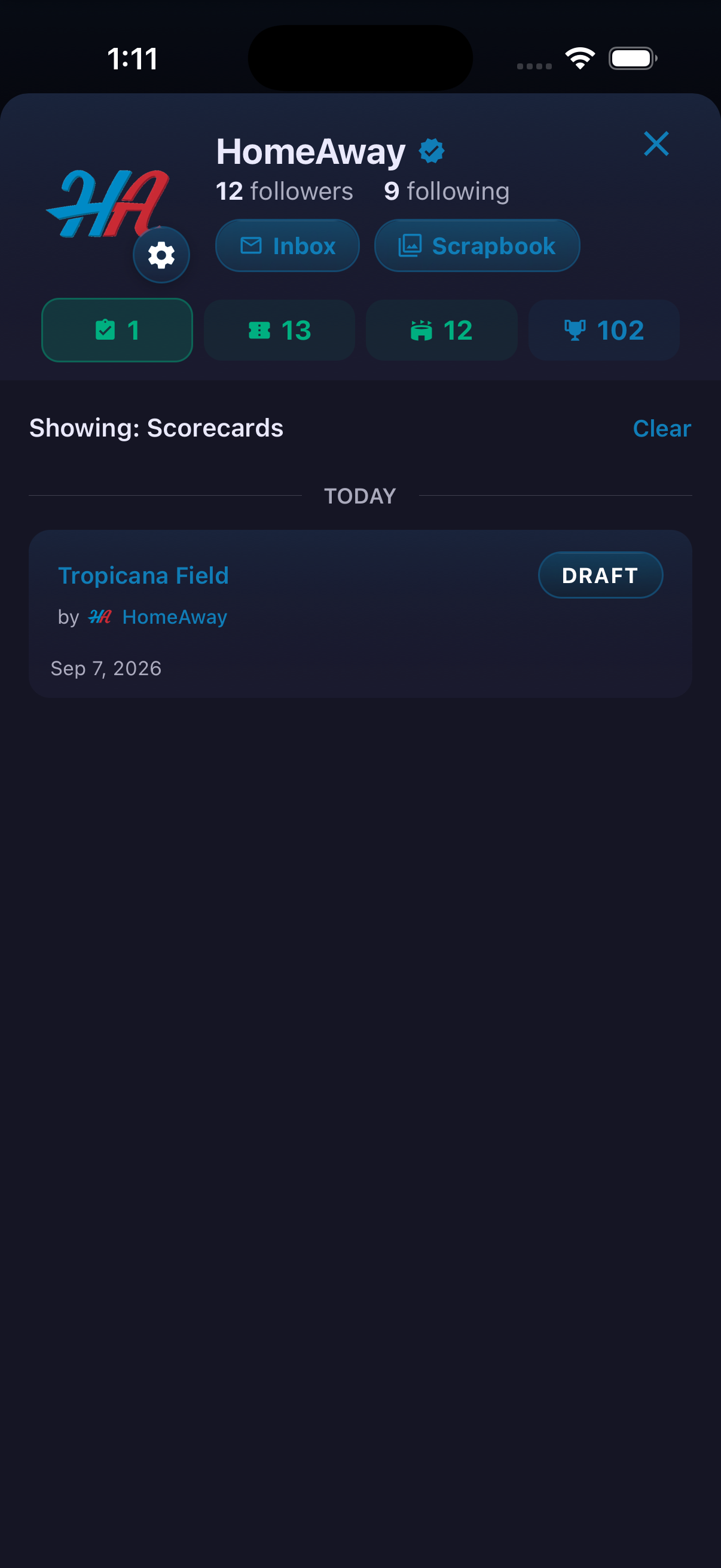
- Open Scrapbook from your profile and tap Add a Scrap.
- Choose Official Stadium or Custom Stadium, then select the venue and date.
- Optionally attach the game and describe the visit.
- Add photos and any ticket details you want to preserve.
- Turn on Make Public only when the memory should be visible on your profile.
- Review the preview and tap Save Scrap.
Ready to try it?
Download HomeAway and start exploring.