Personalize the Experience and Control What Others See
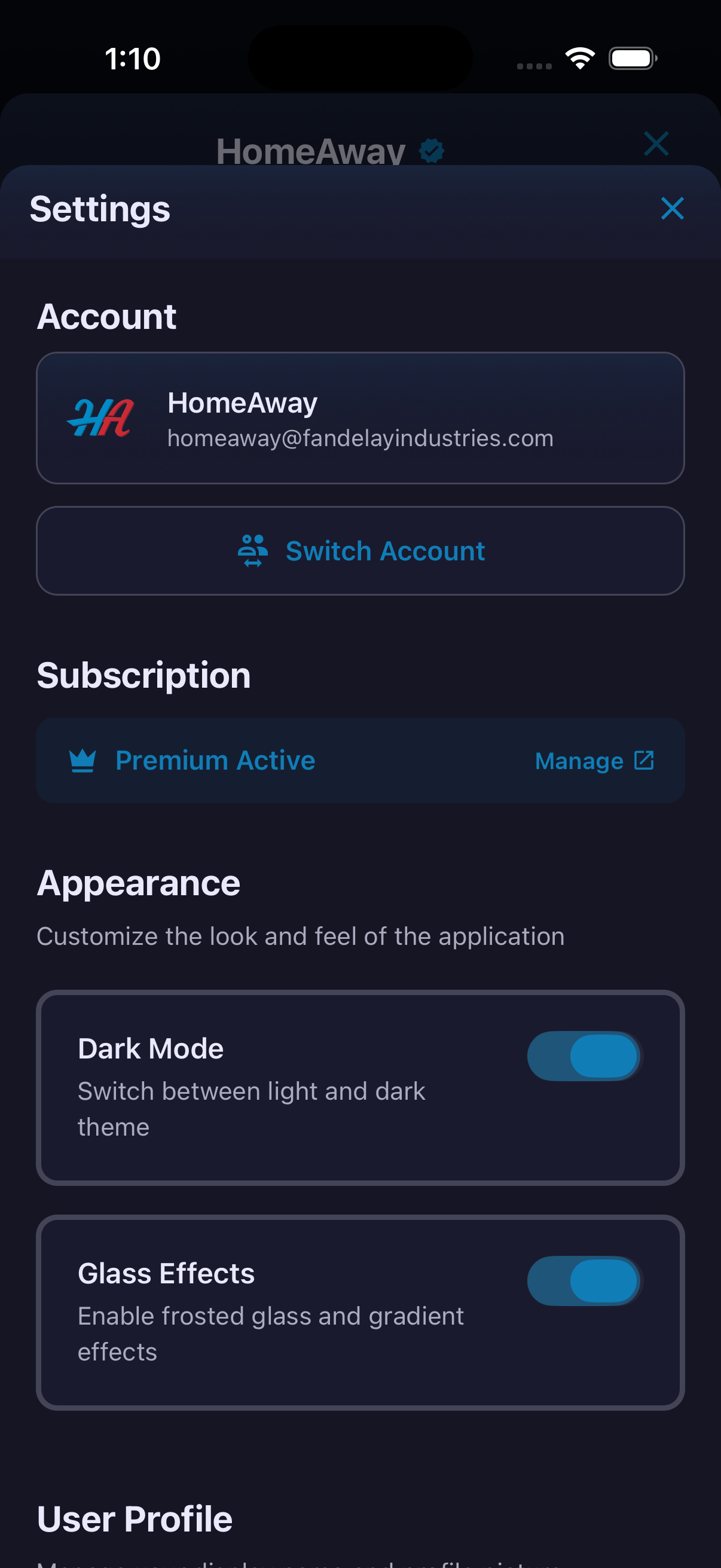
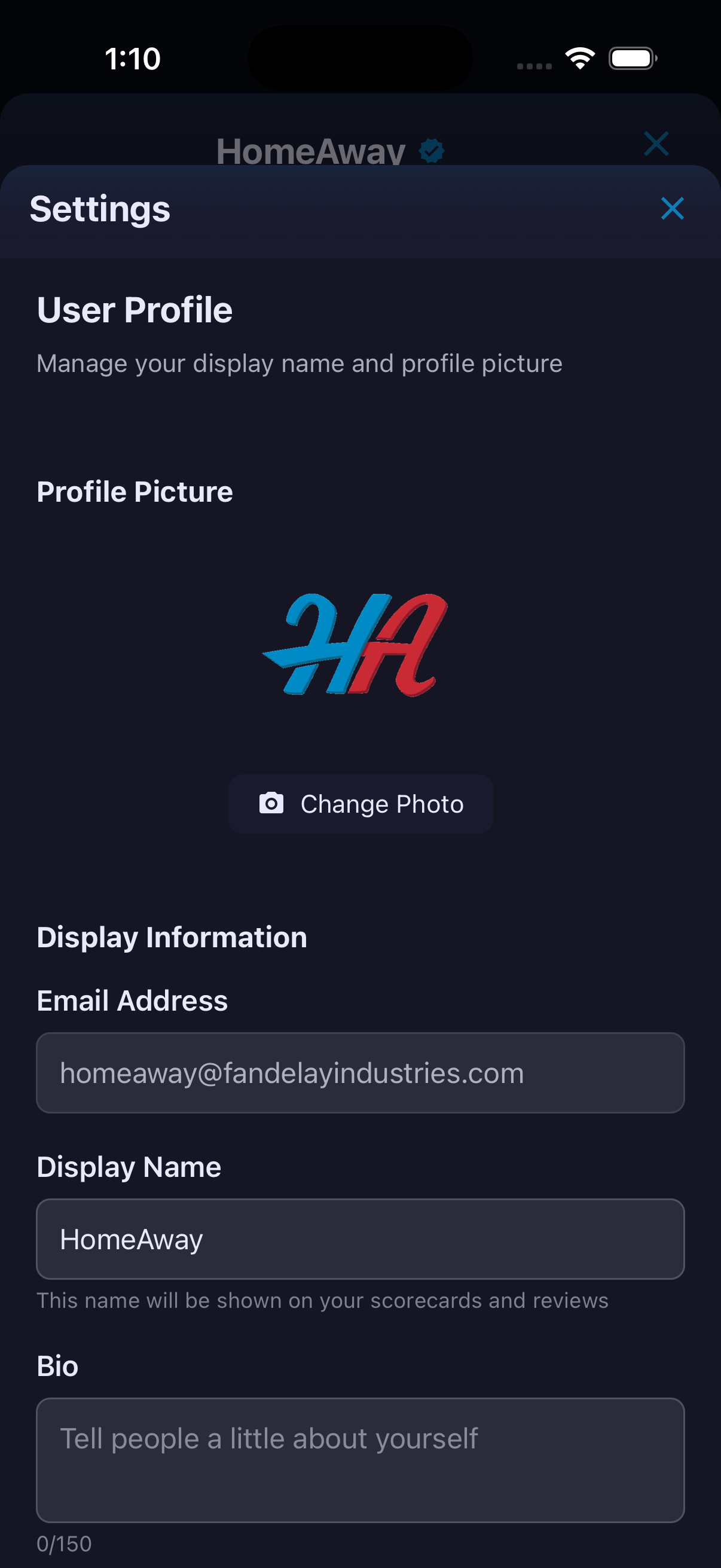
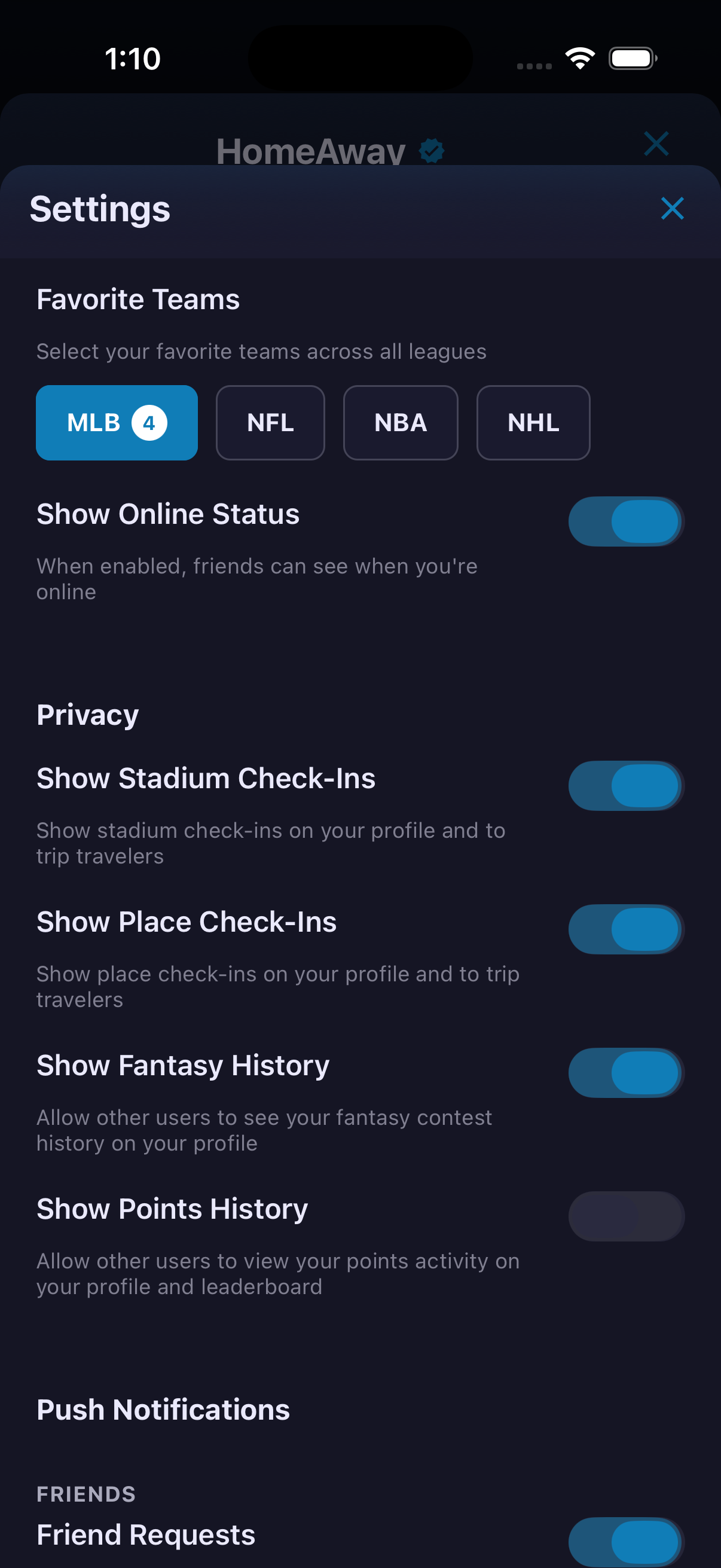
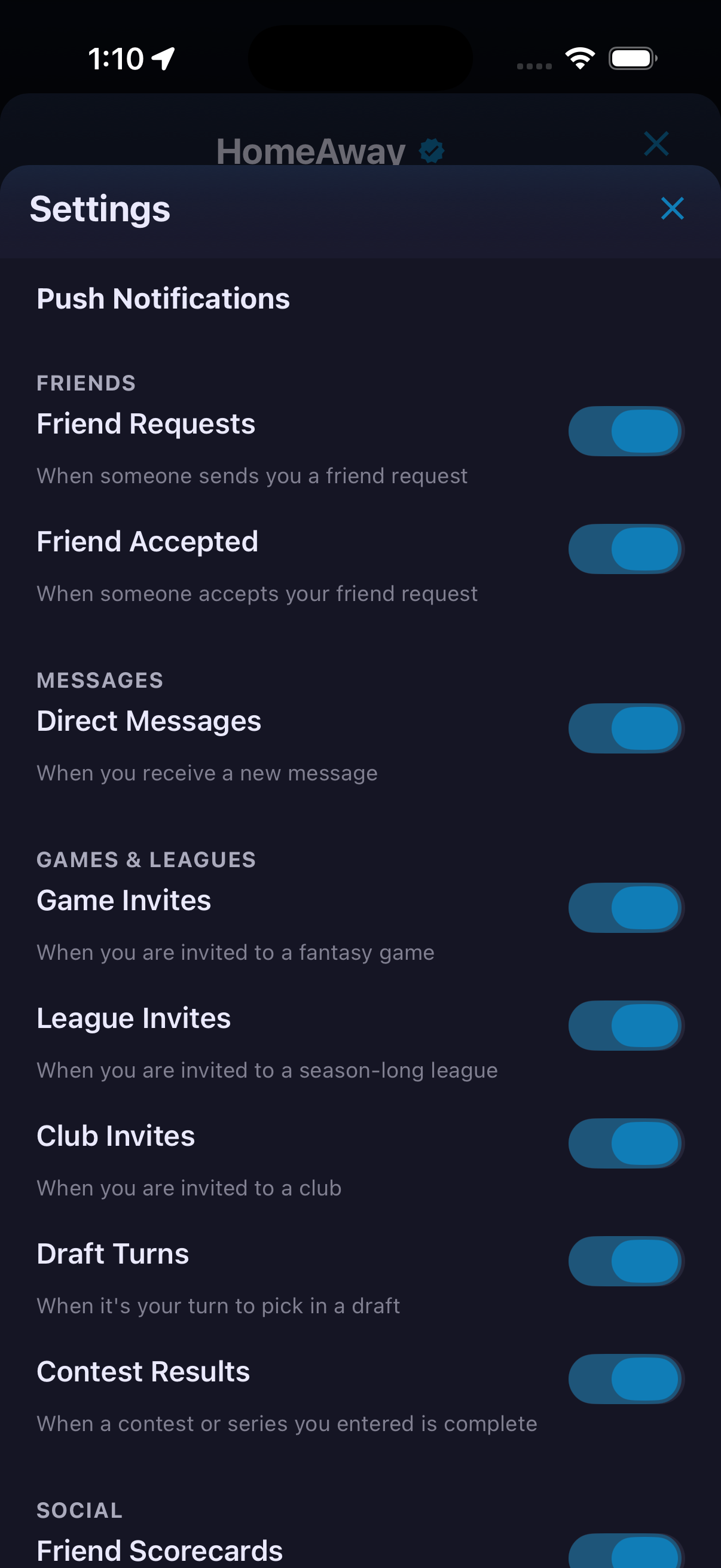
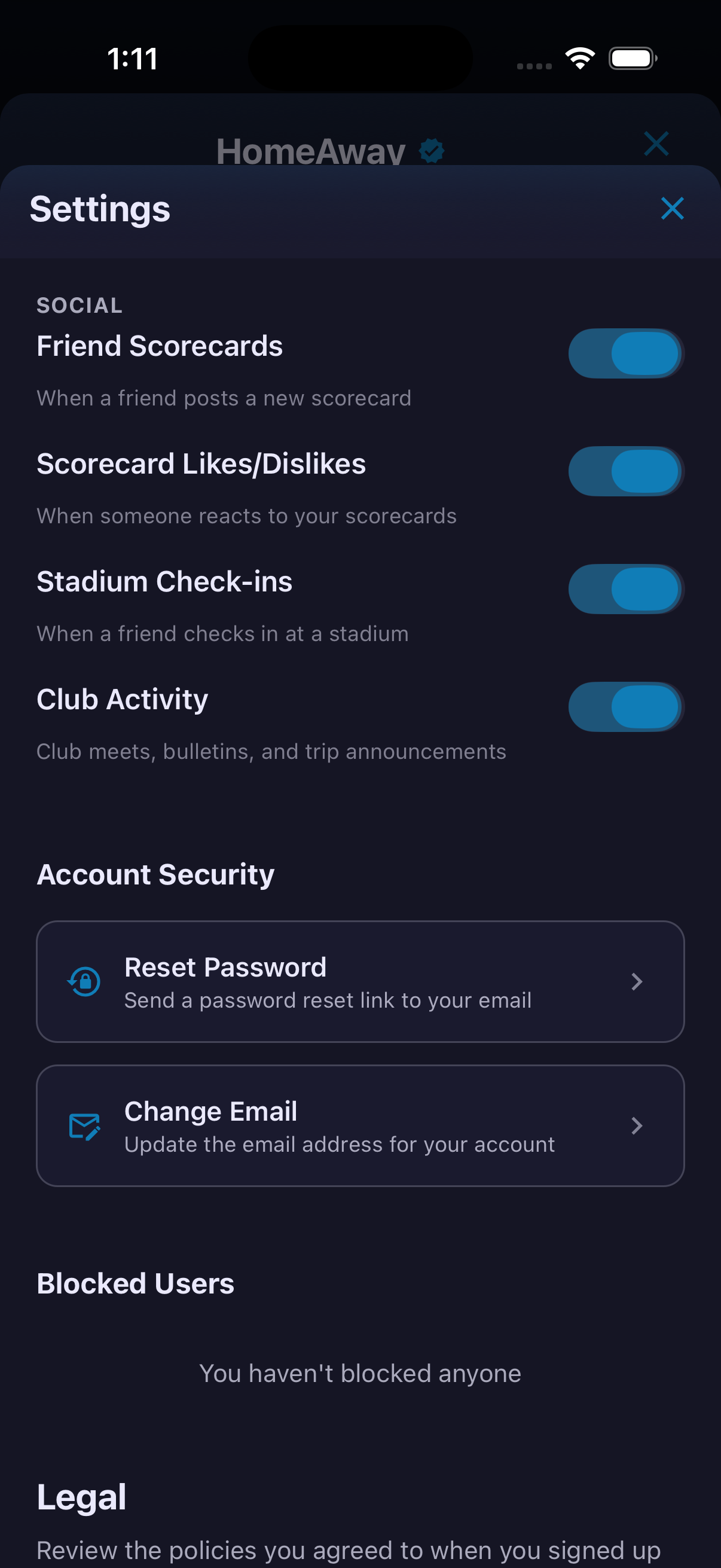
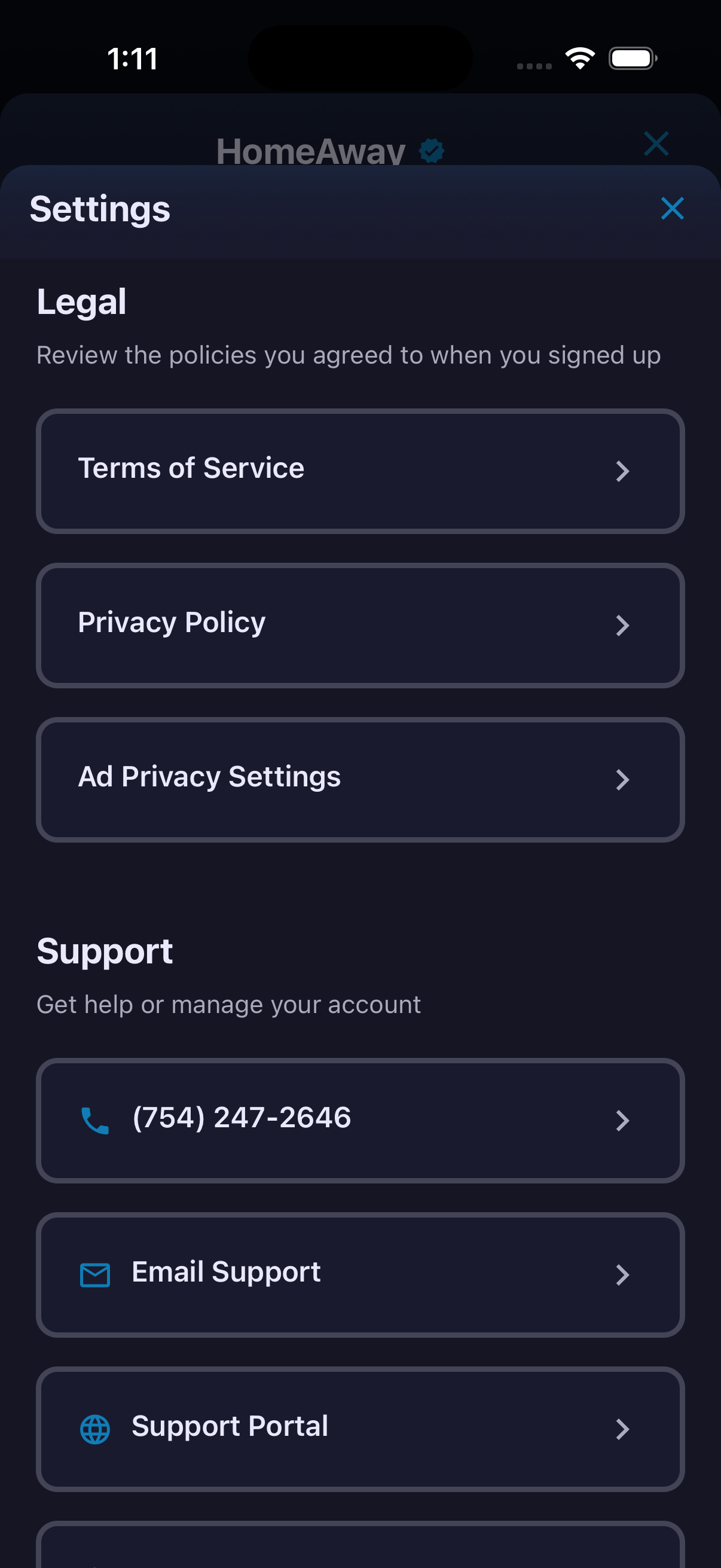
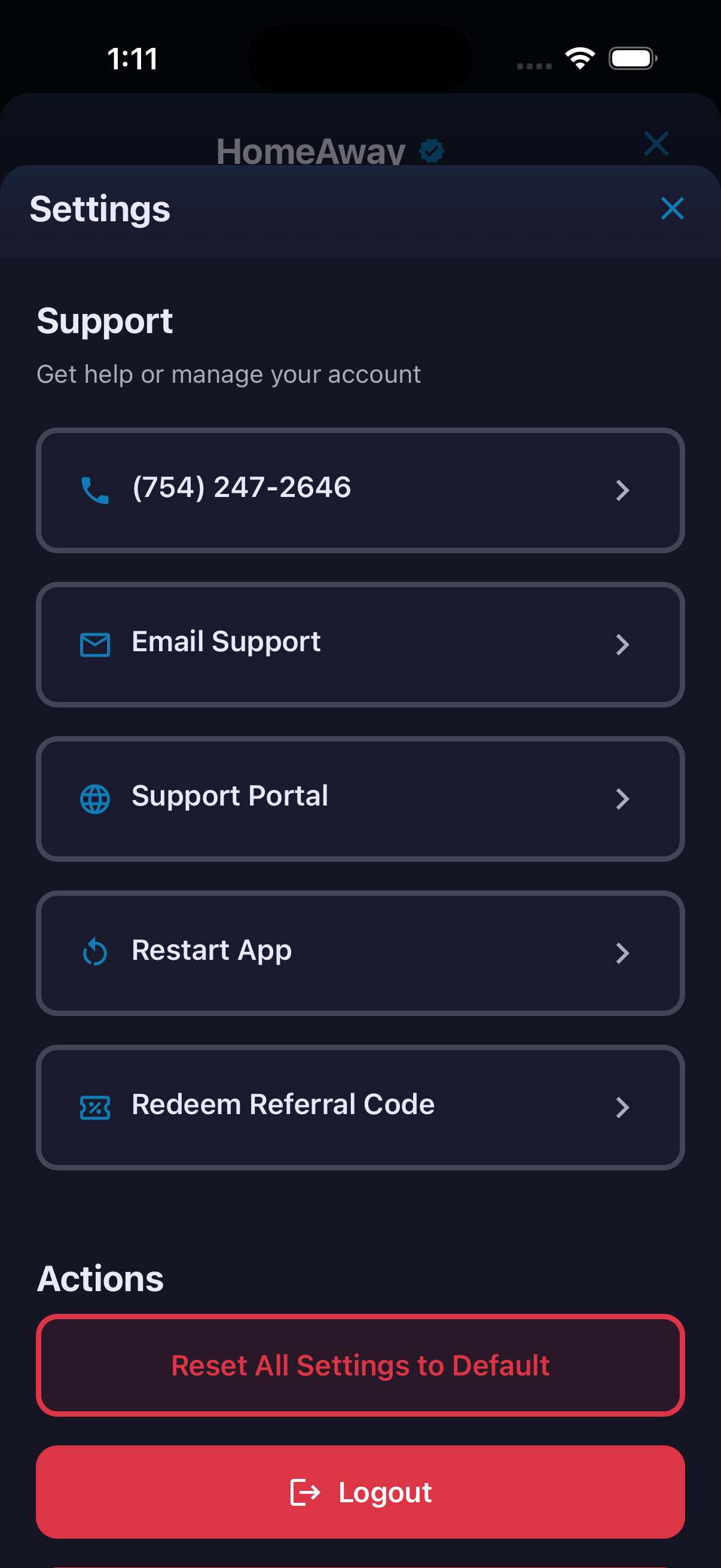
Settings brings appearance, profile identity, favorite teams, privacy, notifications, account security, legal information and support into one control center. The visible appearance options are Dark Mode and Glass Effects. Profile tools cover photo, display name and bio, while privacy controls determine whether other users can see online status, stadium and place check-ins, fantasy history and points history. Push notifications can be tuned by activity, including friend requests, messages, invitations, draft turns, contest results, Scorecard activity, stadium check-ins and club activity.
How to use it
- Open your profile and tap the gear to enter Settings.
- Adjust Dark Mode and Glass Effects.
- Update the profile photo, display name, bio and favorite teams.
- Review each privacy control and choose which activity is visible to others.
- Turn individual notification categories on or off.
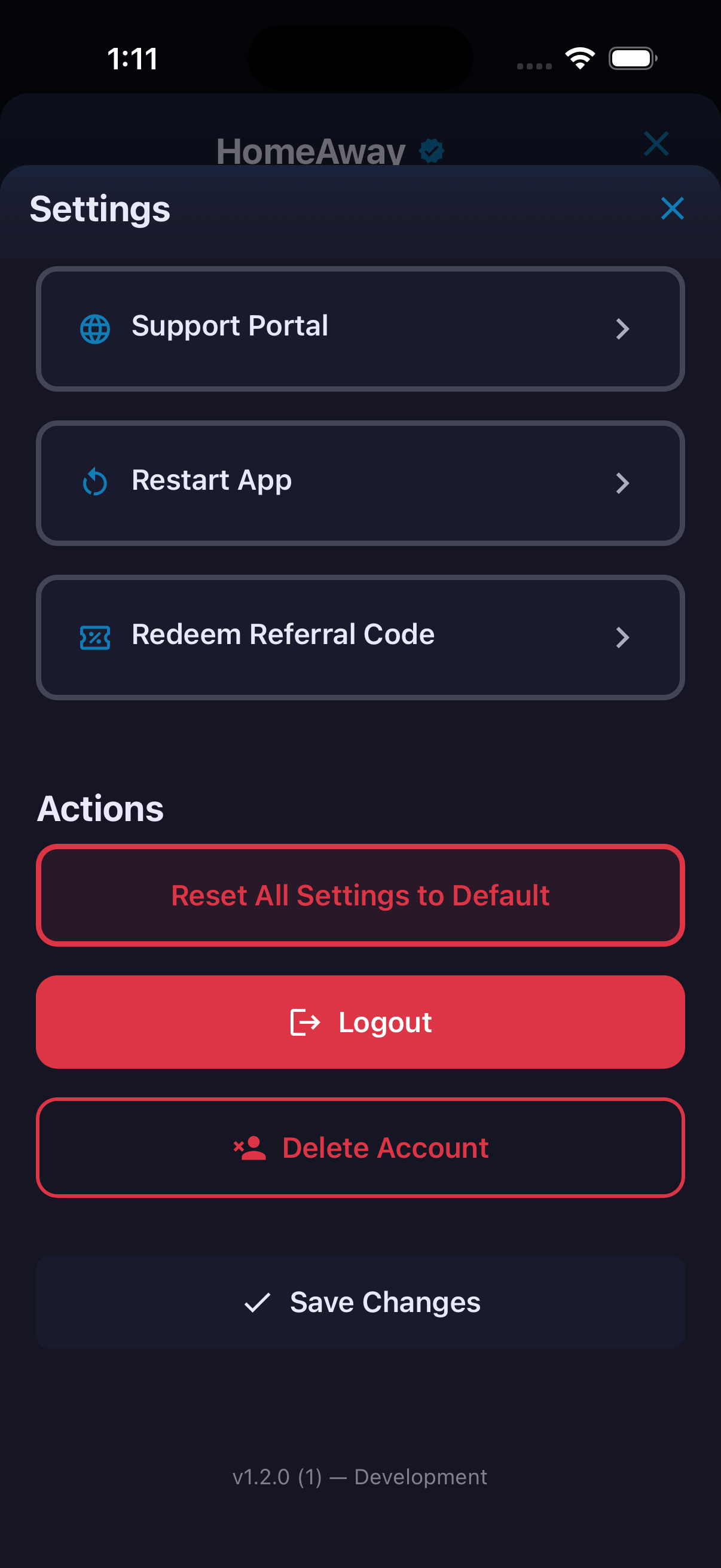
- Scroll for password, email, blocked-user, legal and support options, then tap Save Changes.
Ready to try it?
Download HomeAway and start exploring.