Unlock Location-Linked Features for Your Business
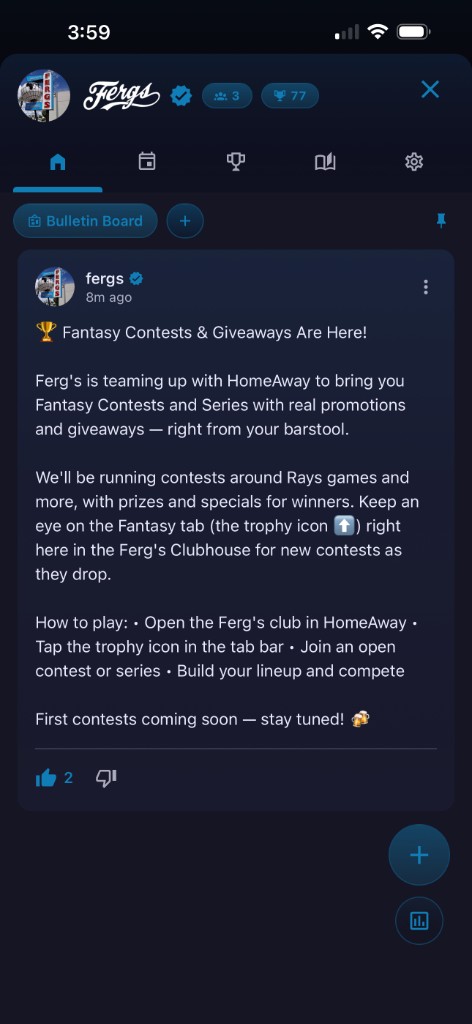
Branded Identity
Your logo replaces the club name across the entire ClubHouse experience. Members see your brand front and center on the bulletin board, meets, fantasy and every tab — reinforcing recognition with every visit.
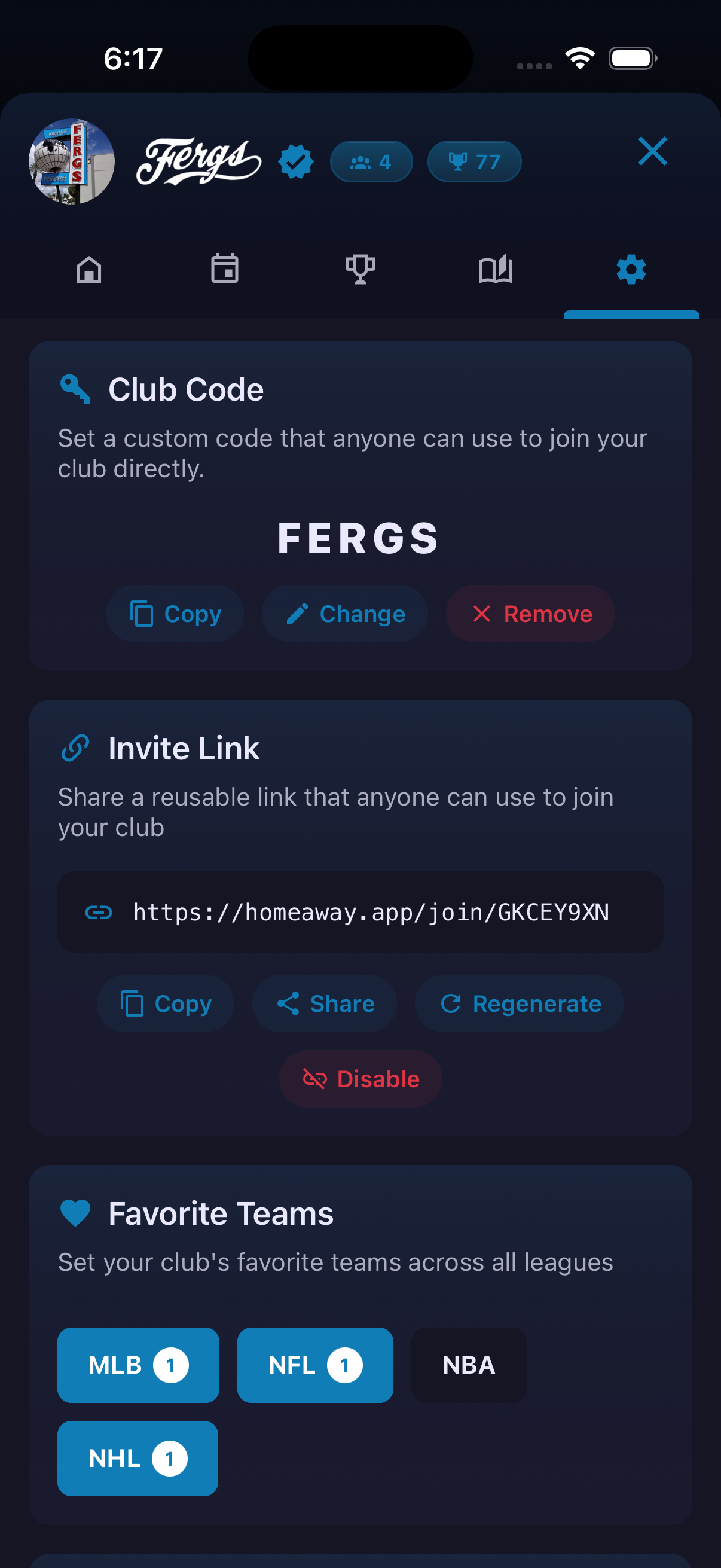
Club Code & Invite Link
Set a short, memorable club code that patrons can type to join instantly. Pair it with a shareable invite link for social posts, table cards or email campaigns — no search required.
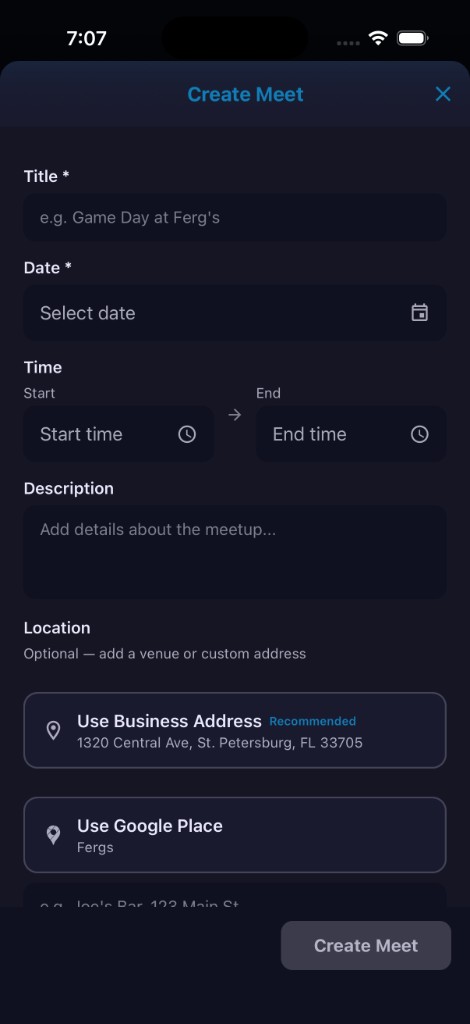
Meets with Business Address
When you create a meet, your registered business address appears as the recommended location. One tap fills it in — no retyping your address for every event.
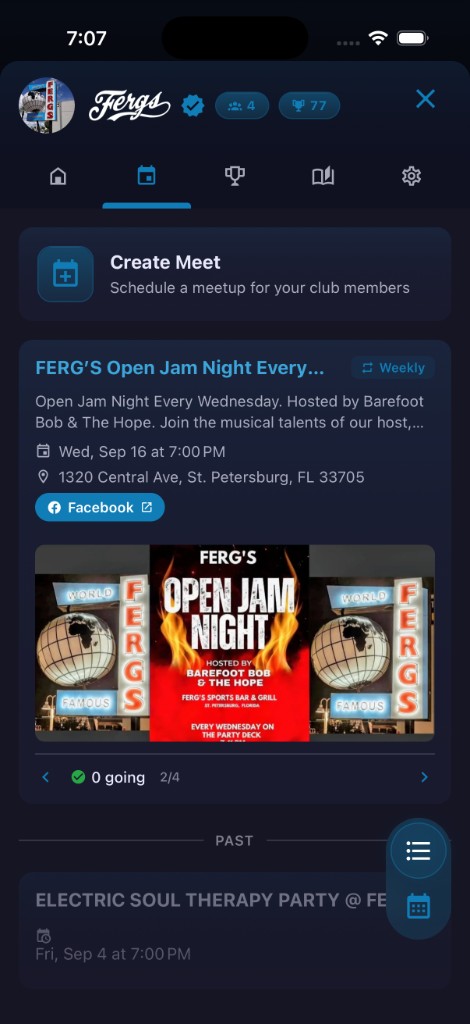
Meets Tab
Upcoming and recurring events are displayed under your brand in a dedicated tab. Weekly watch parties, trivia nights and game-day gatherings stay organized and visible to every member.
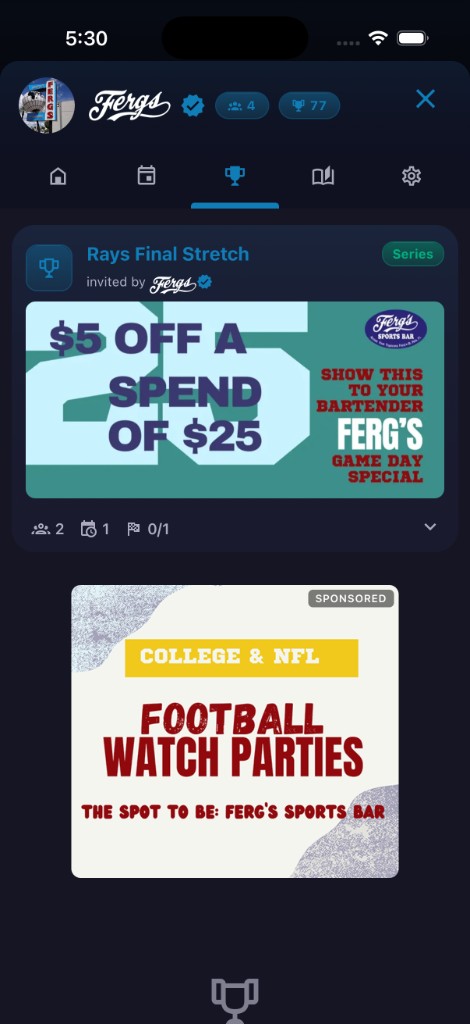
Fantasy Contests with Your Ads
Your custom ad creatives rotate in the Fantasy and Meets tabs instead of third-party ads. Promote specials, events and offers directly to the members already inside your ClubHouse.
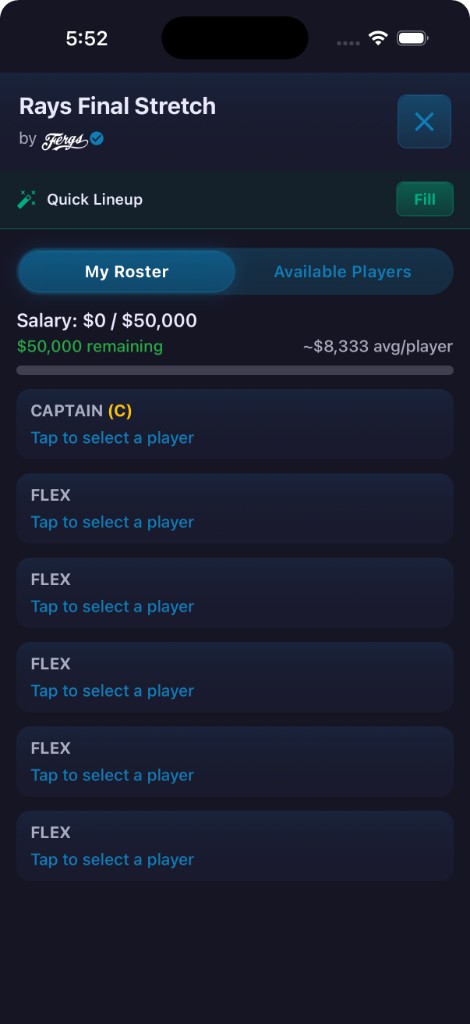
Build Roster
Members build lineups and compete in contests tied to your promotions and giveaways. Daily fantasy becomes a reason to come back — and a reason to stay at your venue.
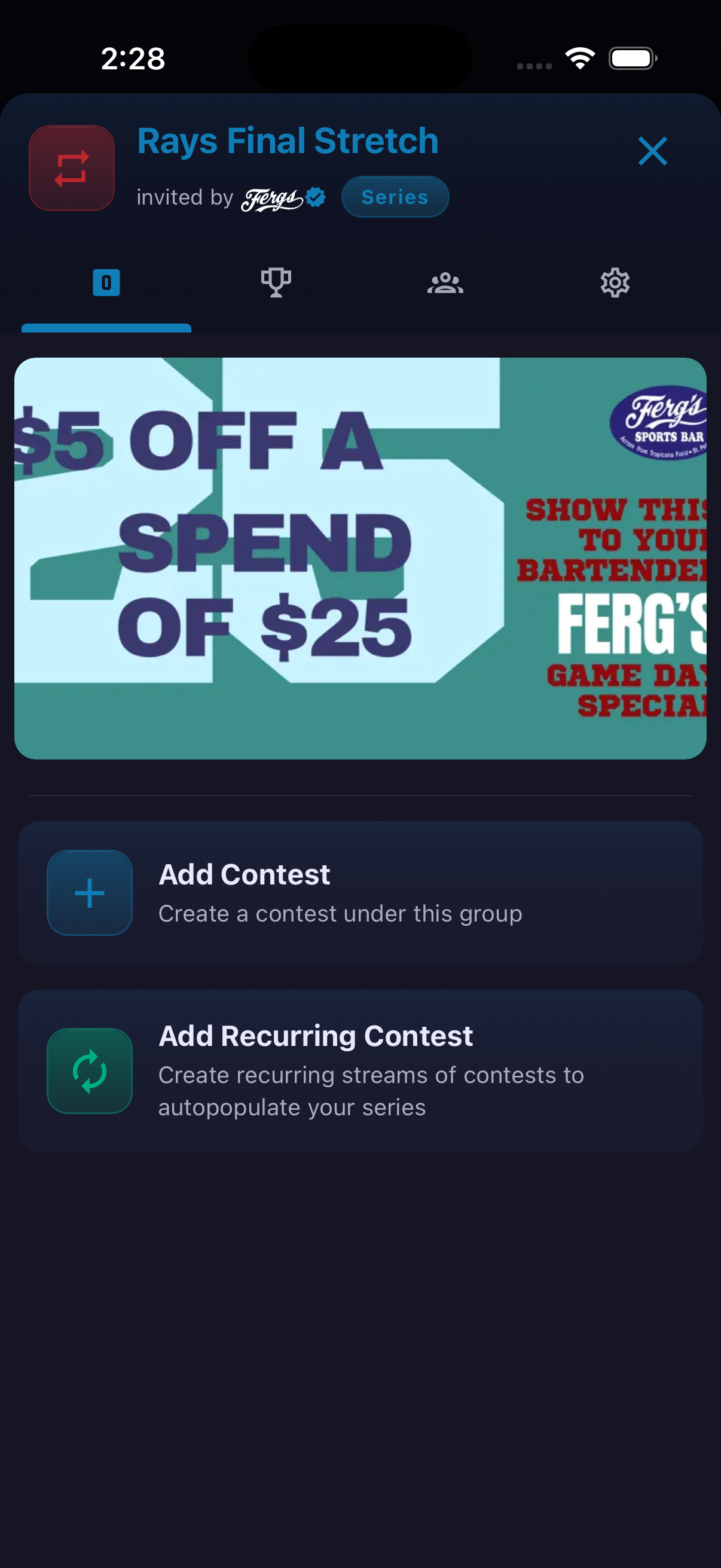
Multi-Contest Series
Run a multi-contest series across an entire stretch of games. Recurring promotions keep engagement going week after week with leaderboard-style competition.
How to use it
- Open your club and go to Settings.
- Tap Request Establishment Status and provide your business name, email, address, type and proof of ownership.
- Once approved, open Linked Place to connect your venue from the suggested places list.
- Upload Brand Logos (dark and light) to appear on contest cards and lobby screens.
- Set a Club Code so patrons can join by entering a short code.
- Create a club contest and toggle Require Check-In so members must be at your venue to enter.
- If an ad client is linked, enable Show Establishment Ad to rotate creatives on the contest detail page. Your ads also appear automatically across the ClubHouse Meets and Fantasy tabs.
Ready to try it?
Download HomeAway and start exploring.