Give Every Fan Group a Clubhouse
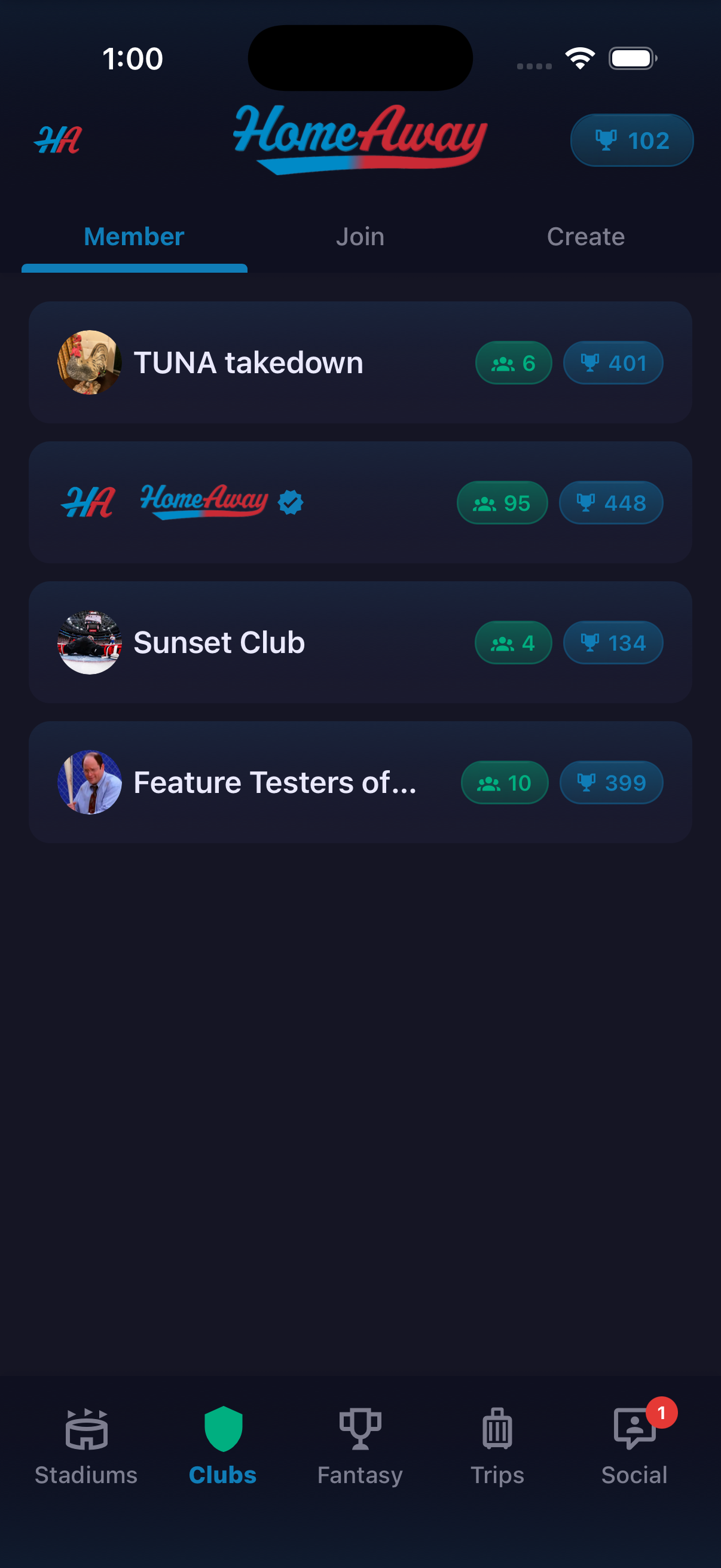
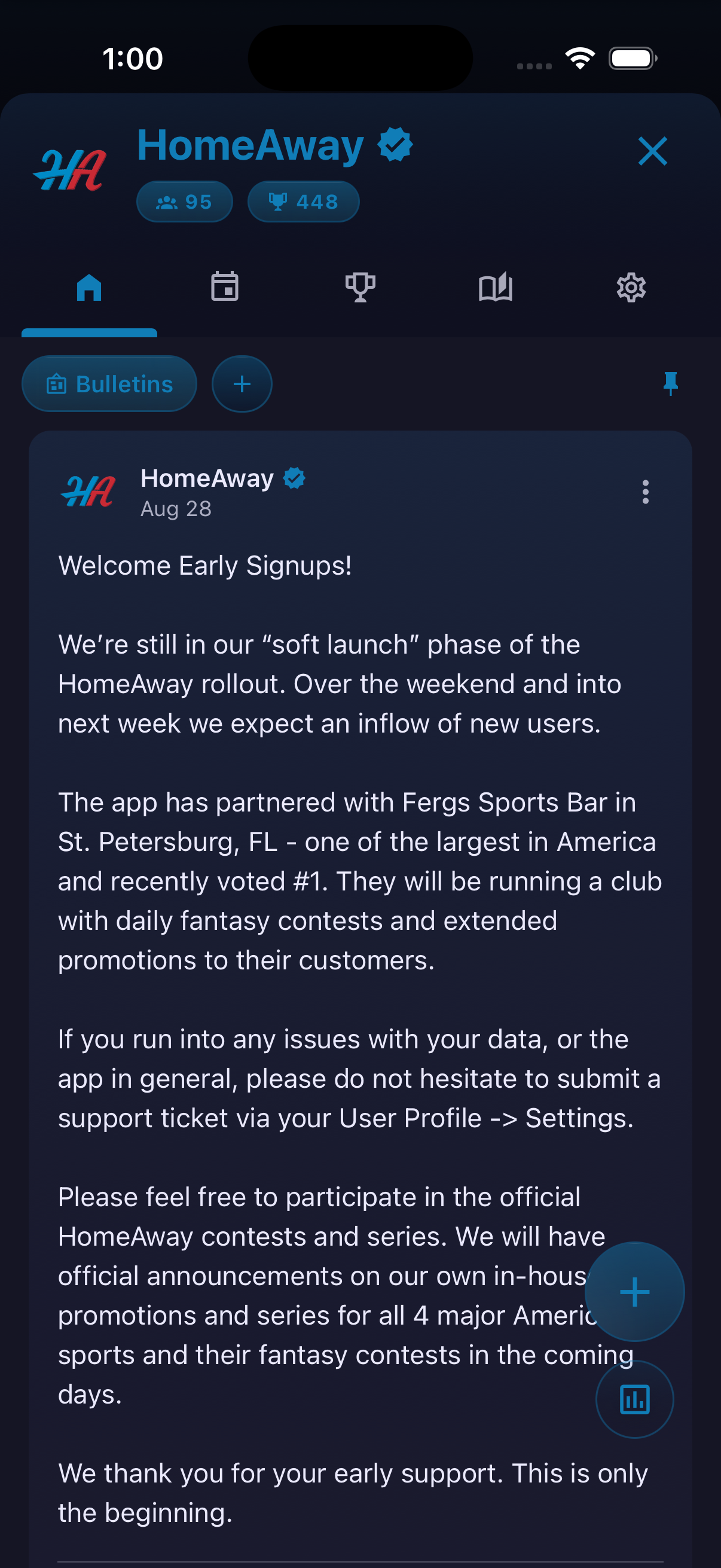
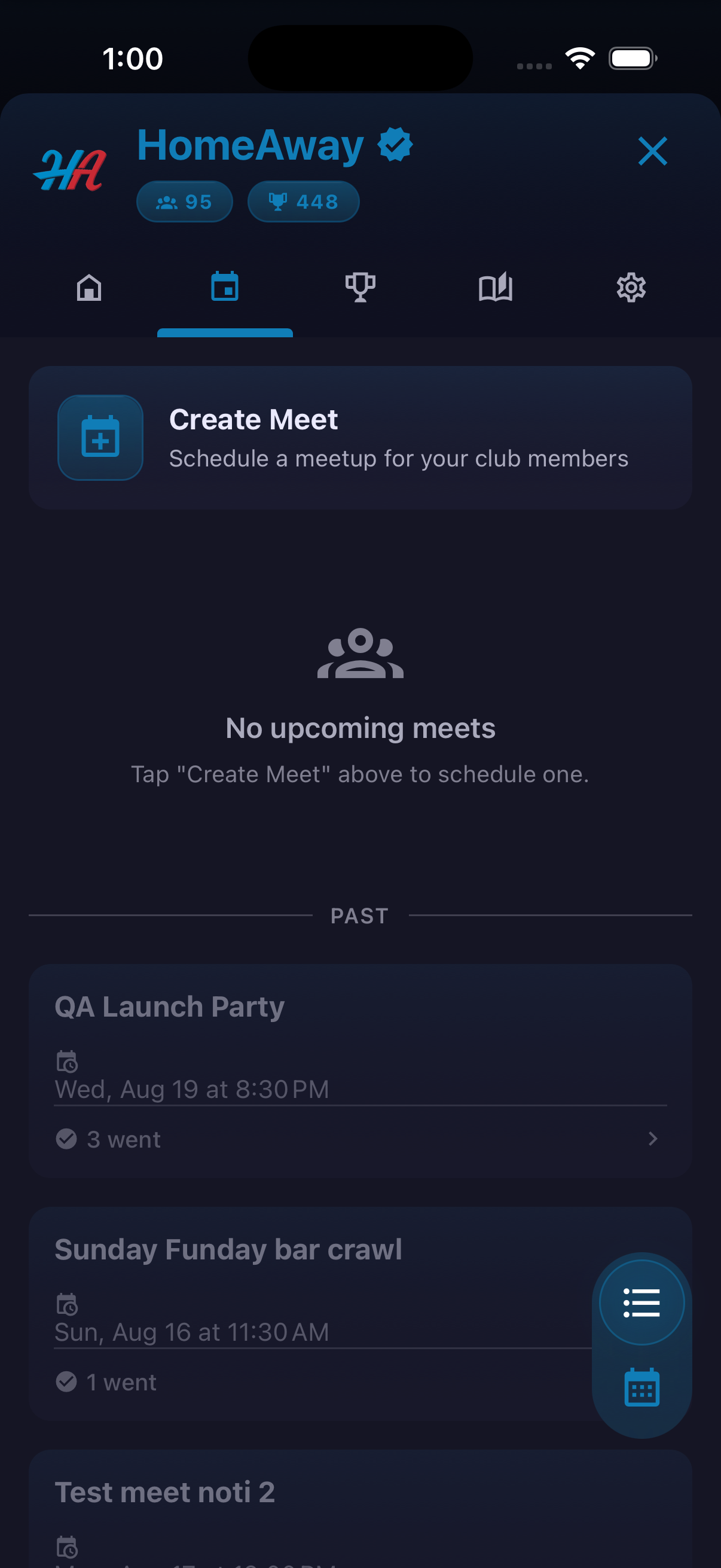
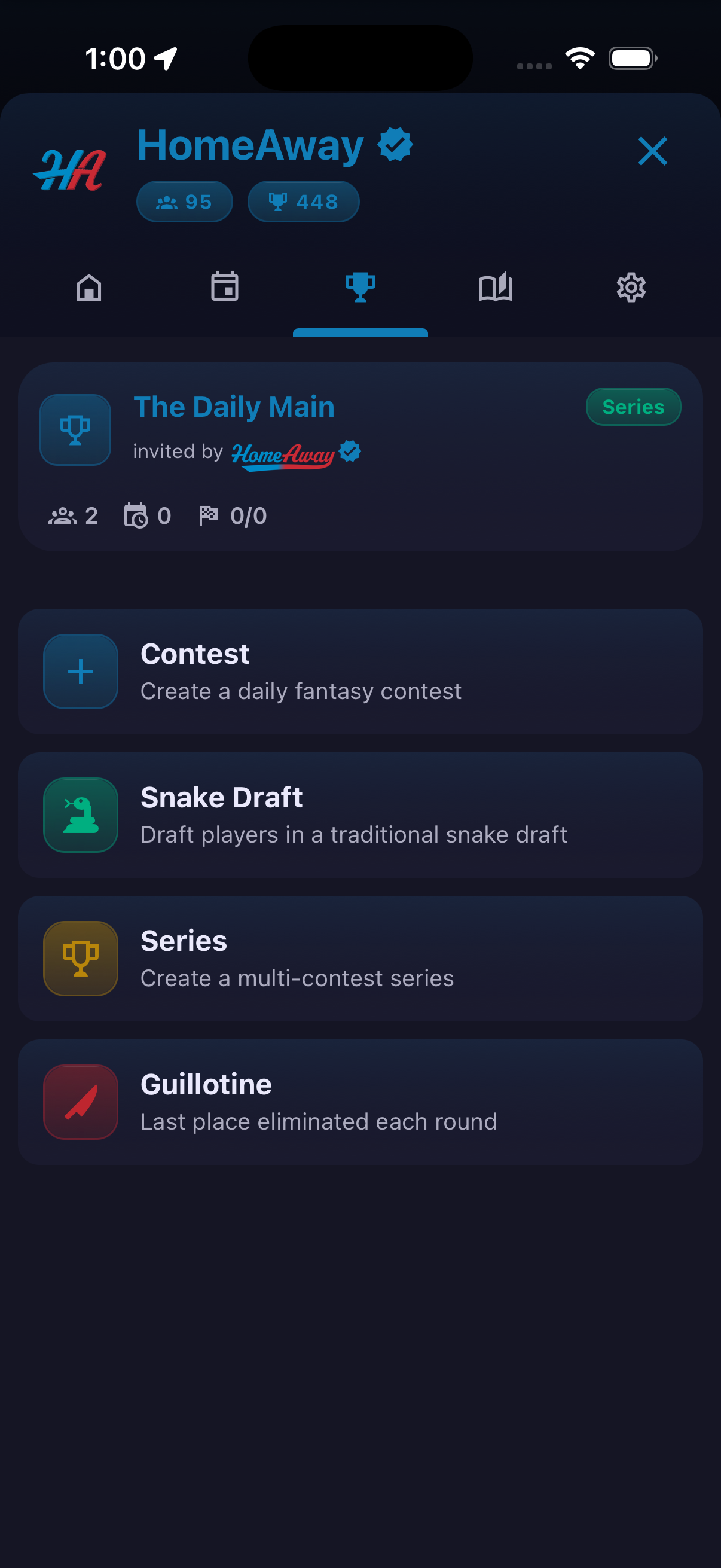
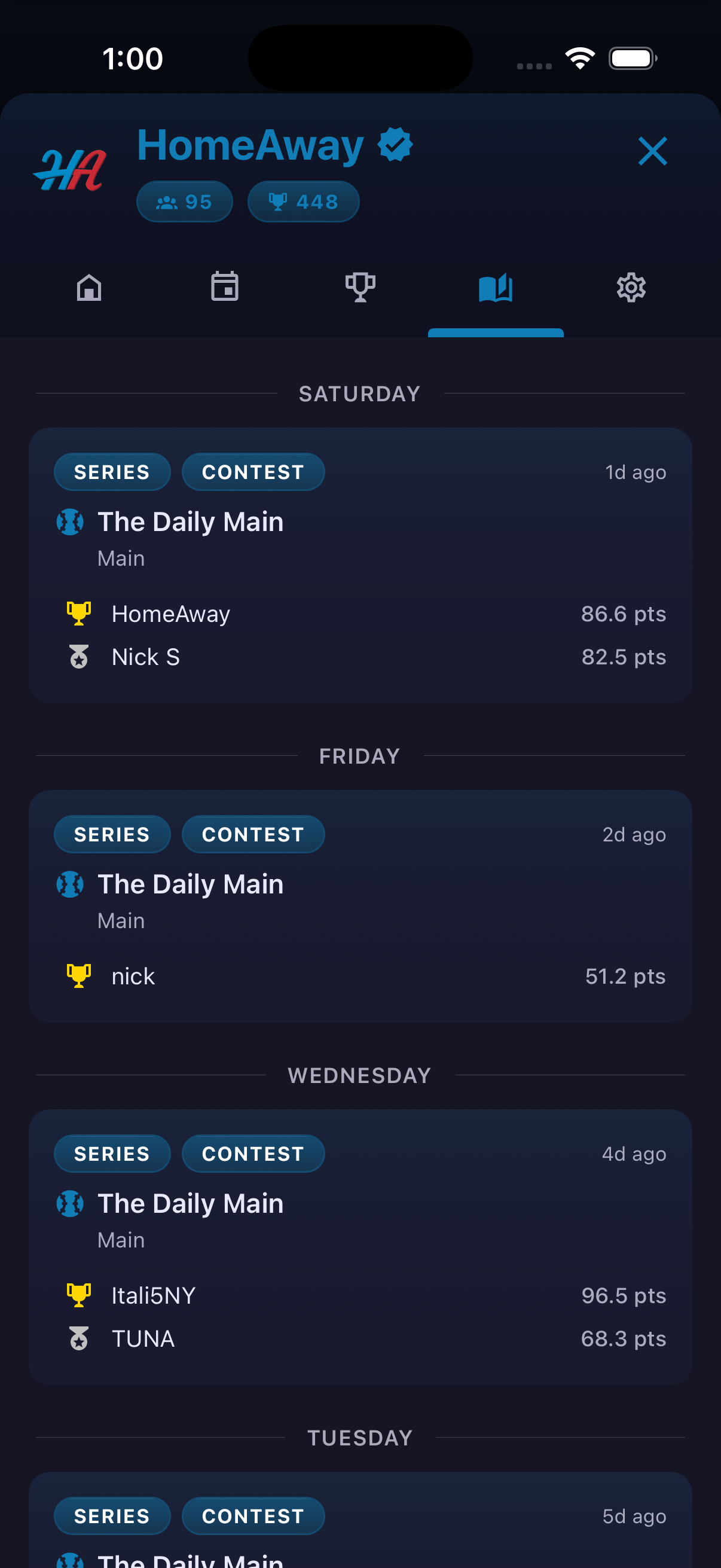
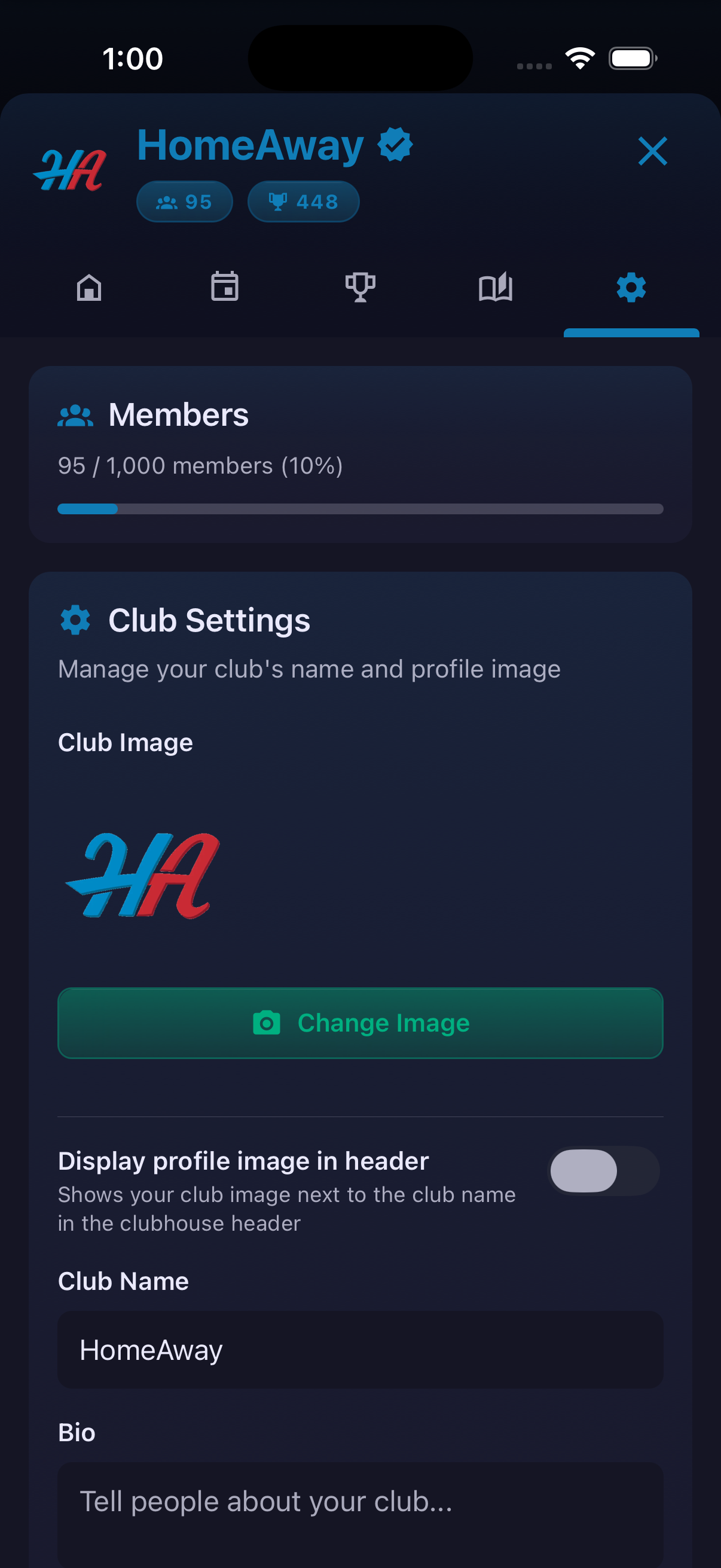
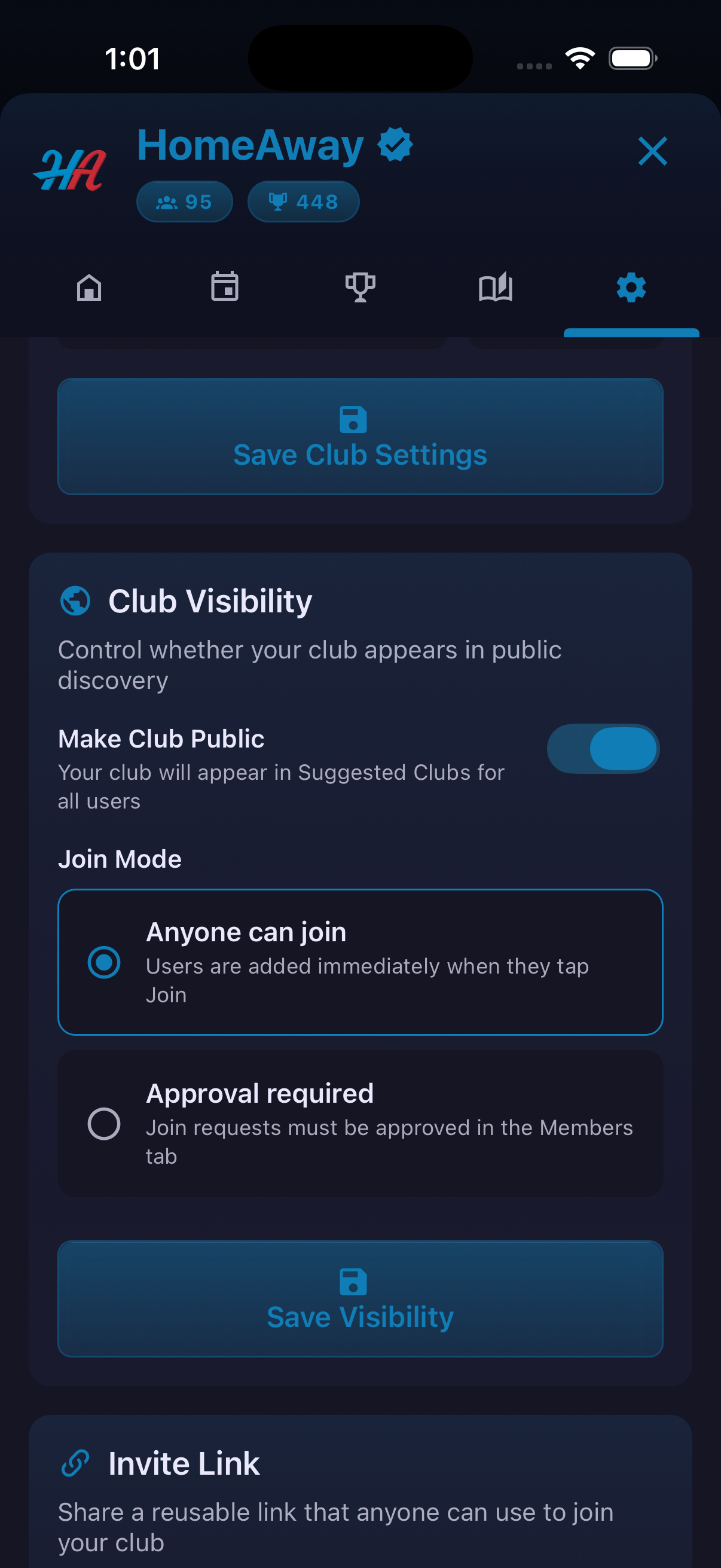
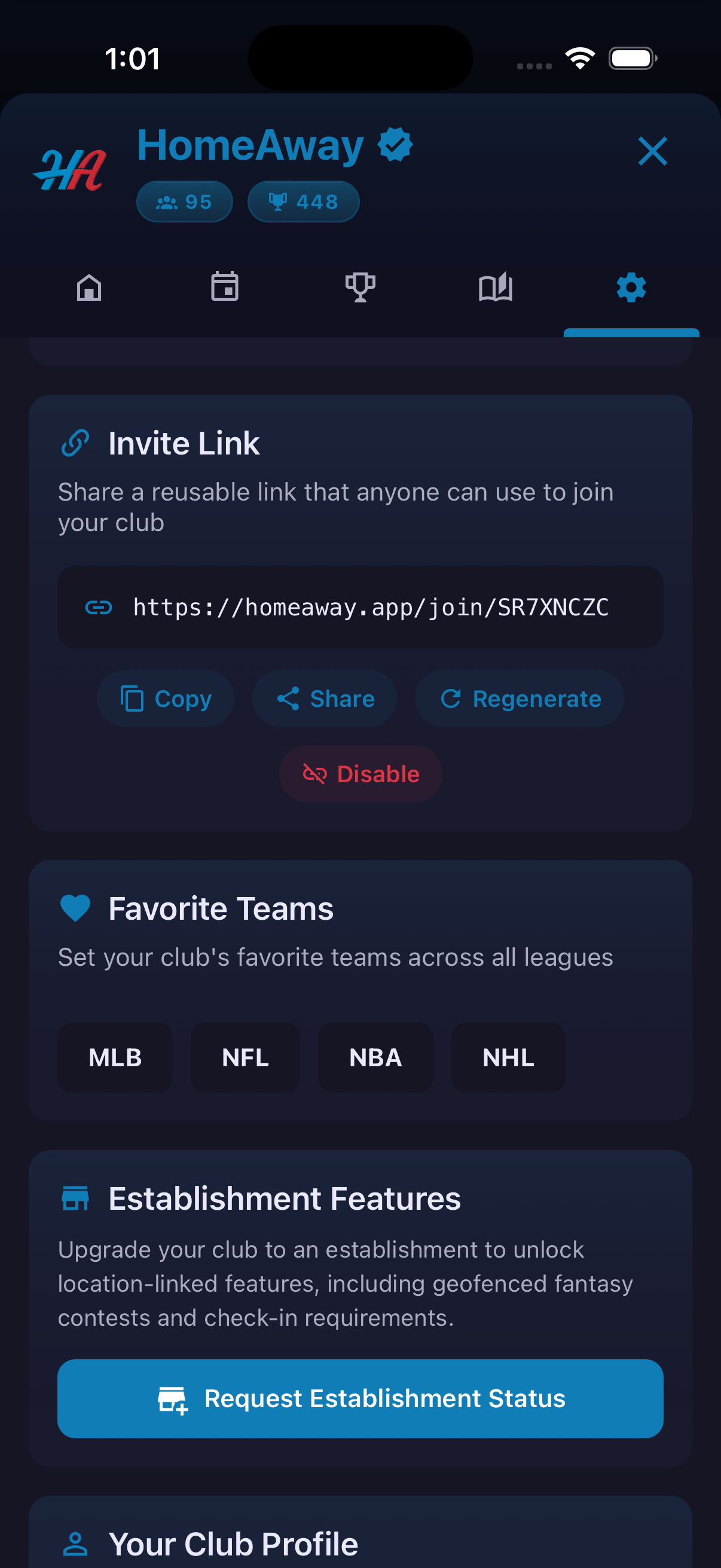
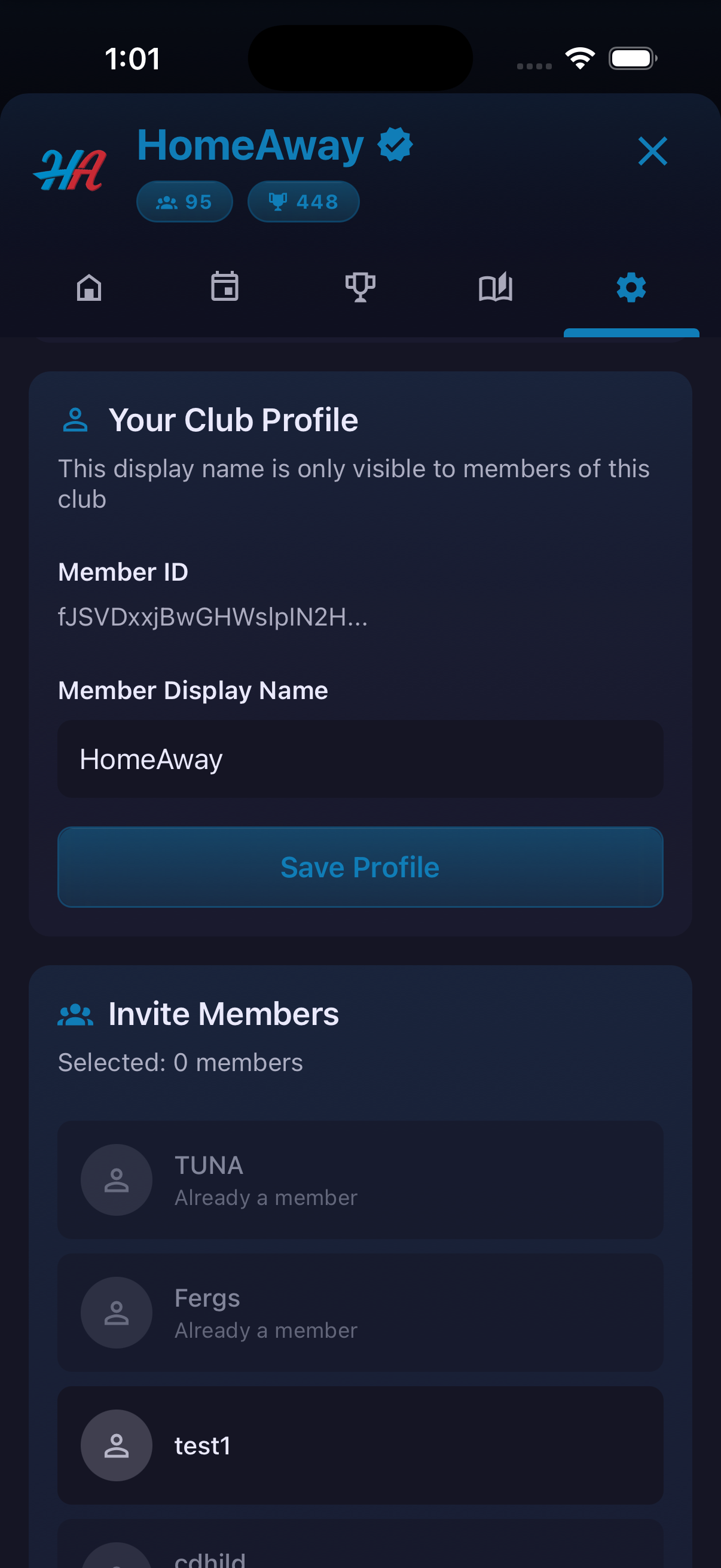
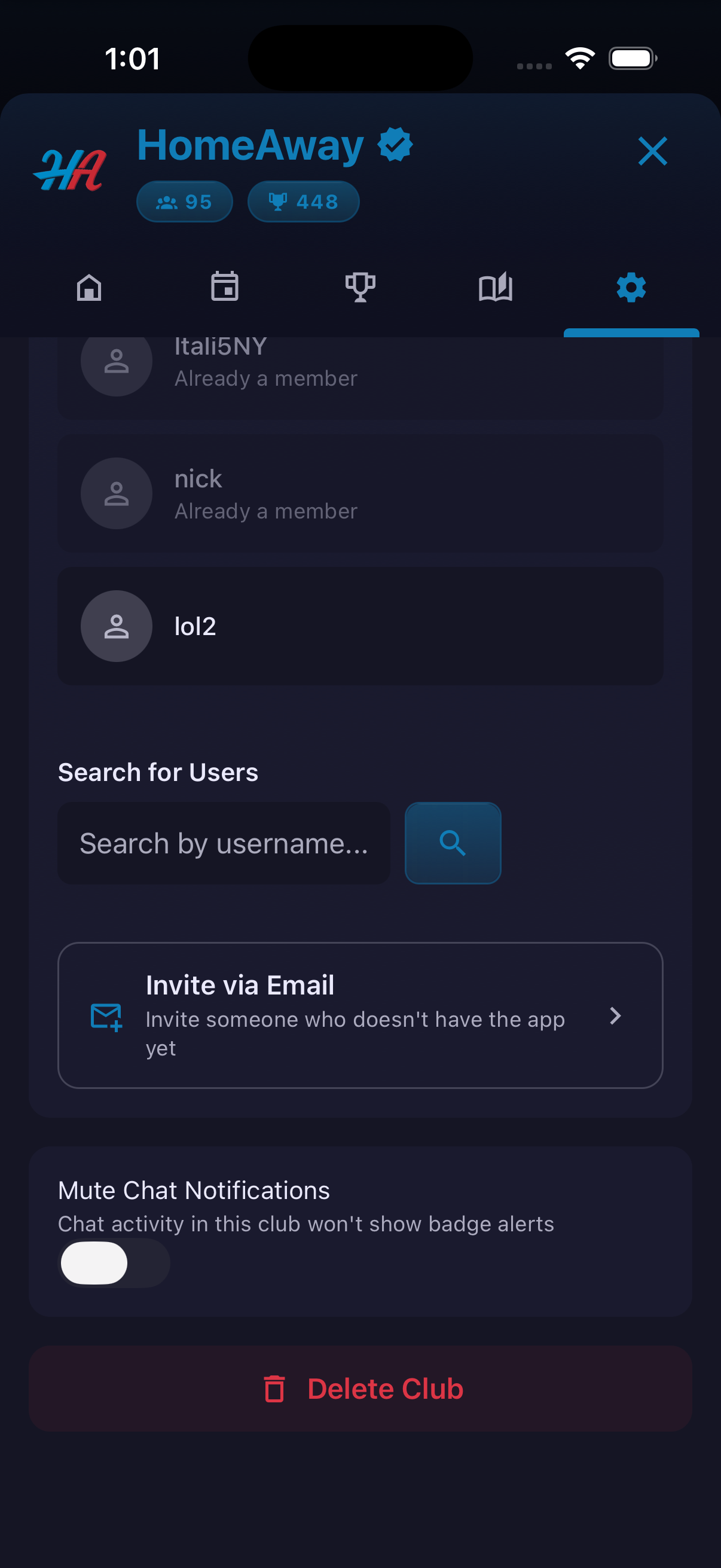
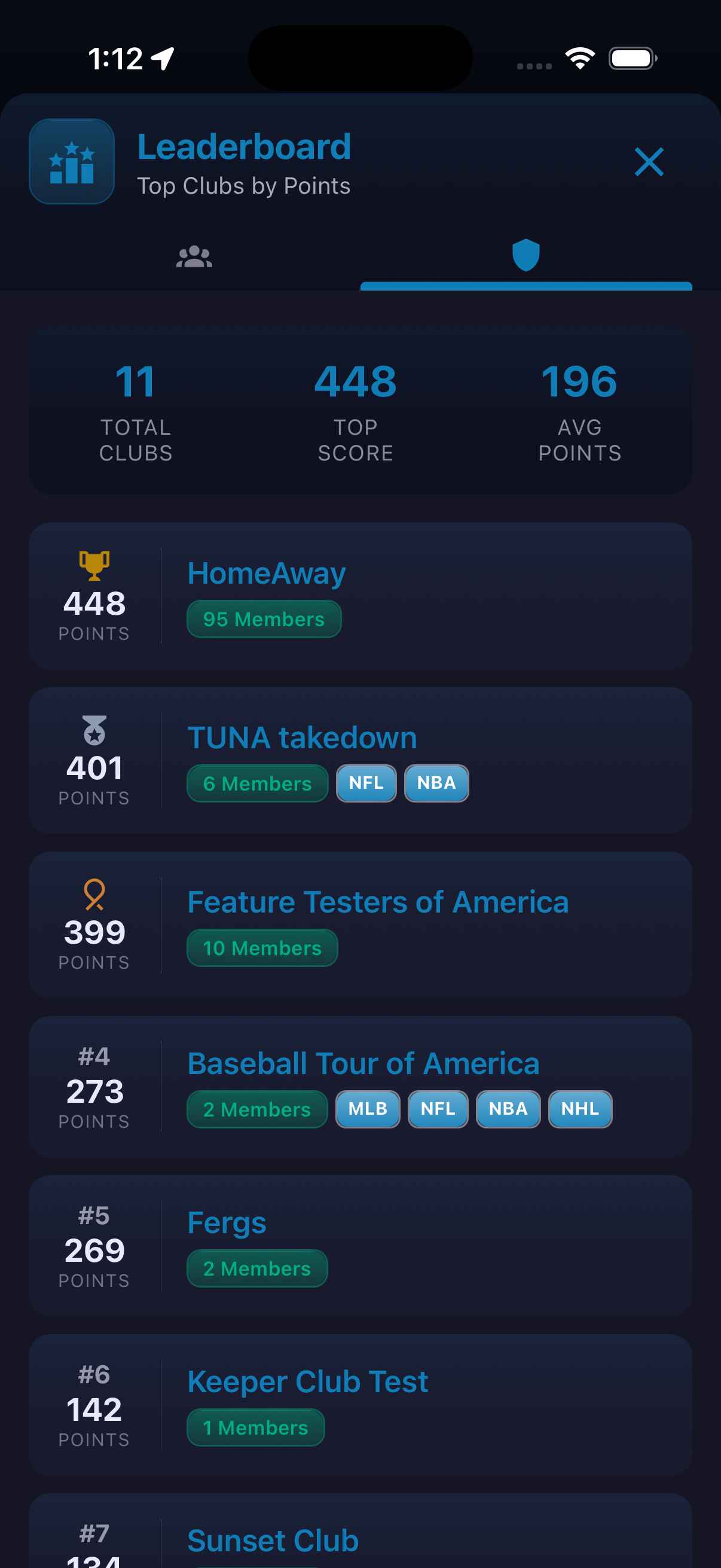
Clubs provide a persistent home for groups built around friends, teams, cities or establishments. The club directory separates memberships, clubs available to join and club creation. Inside a club, members can follow bulletins, plan meets, organize fantasy contests and review prior results. Club settings cover the group's name, image and bio; public visibility and approval-based joining; favorite teams; invitation links; notification preferences; and a member's club-specific display name. Establishments can also request access to the location-linked capabilities described in the app.
How to use it
- Open Clubs and use Member, Join or Create.
- Select a club to enter its shared space.
- Move among Bulletins, Meets, Fantasy and result history.
- Use Create Meet for an in-person event or the Fantasy area for a club contest, Snake Draft, Series or Guillotine game.
- If you have permission, open Club Settings to update identity, visibility, invitations and notifications.
The screenshots do not establish which administrative controls are available to each member role or whether establishment requests are automatically approved.
Ready to try it?
Download HomeAway and start exploring.