Connect Contests in an Ongoing Series
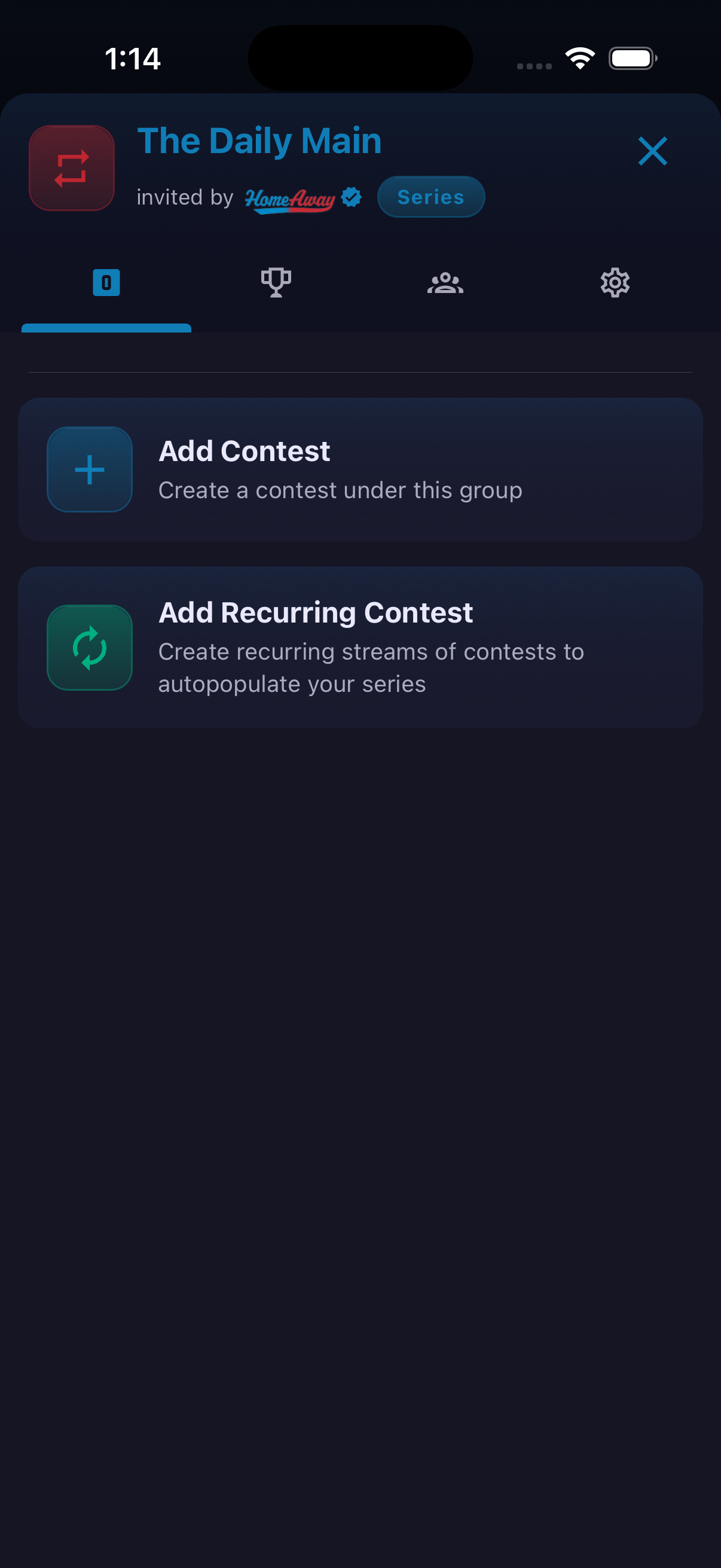
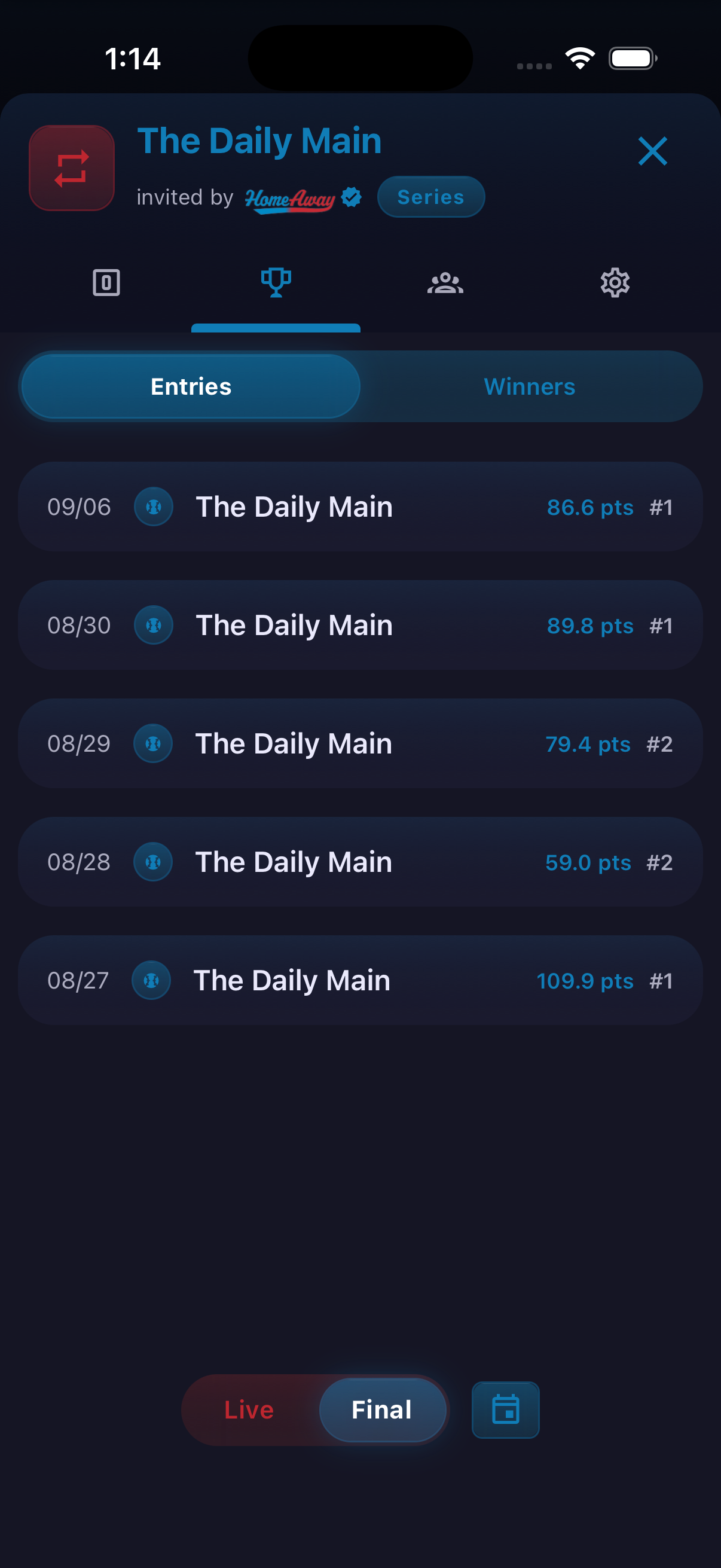
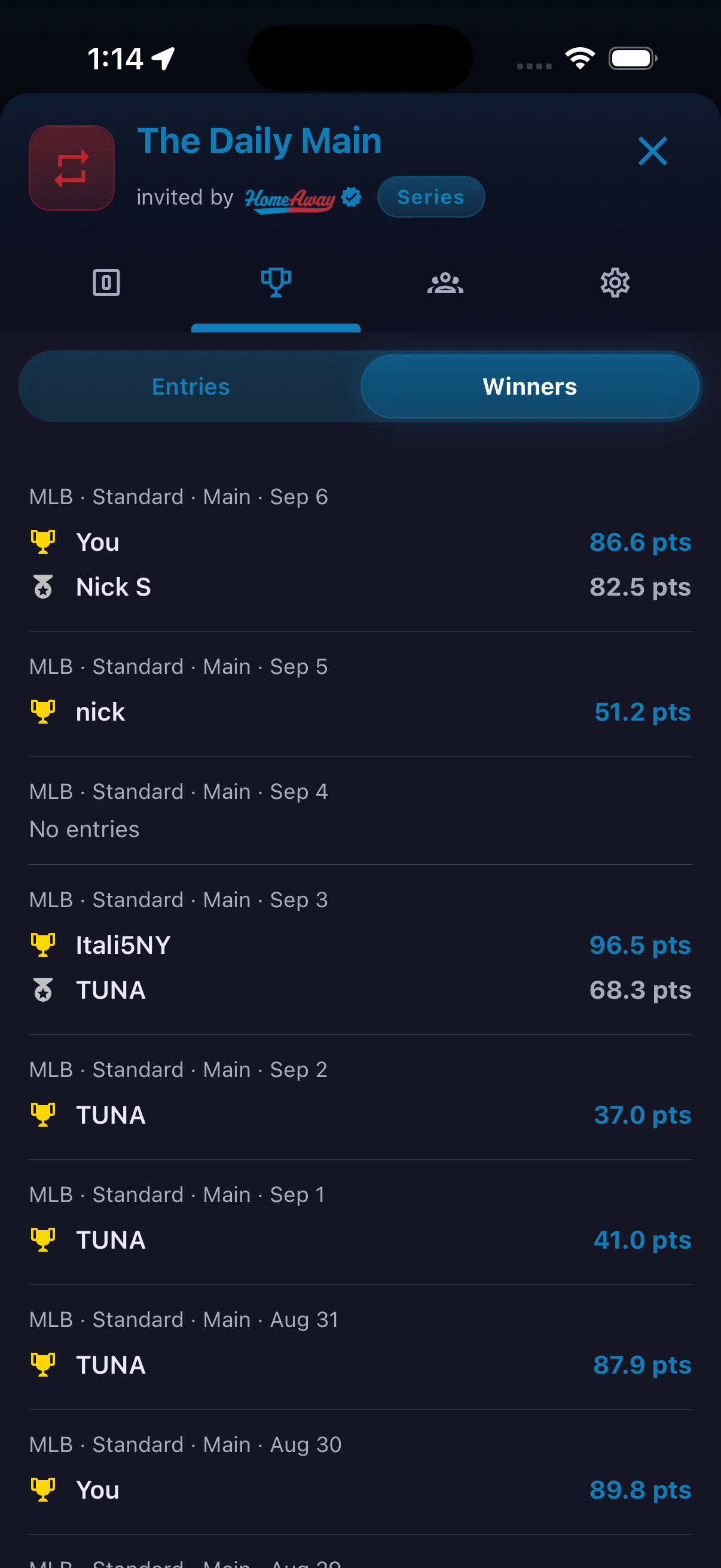
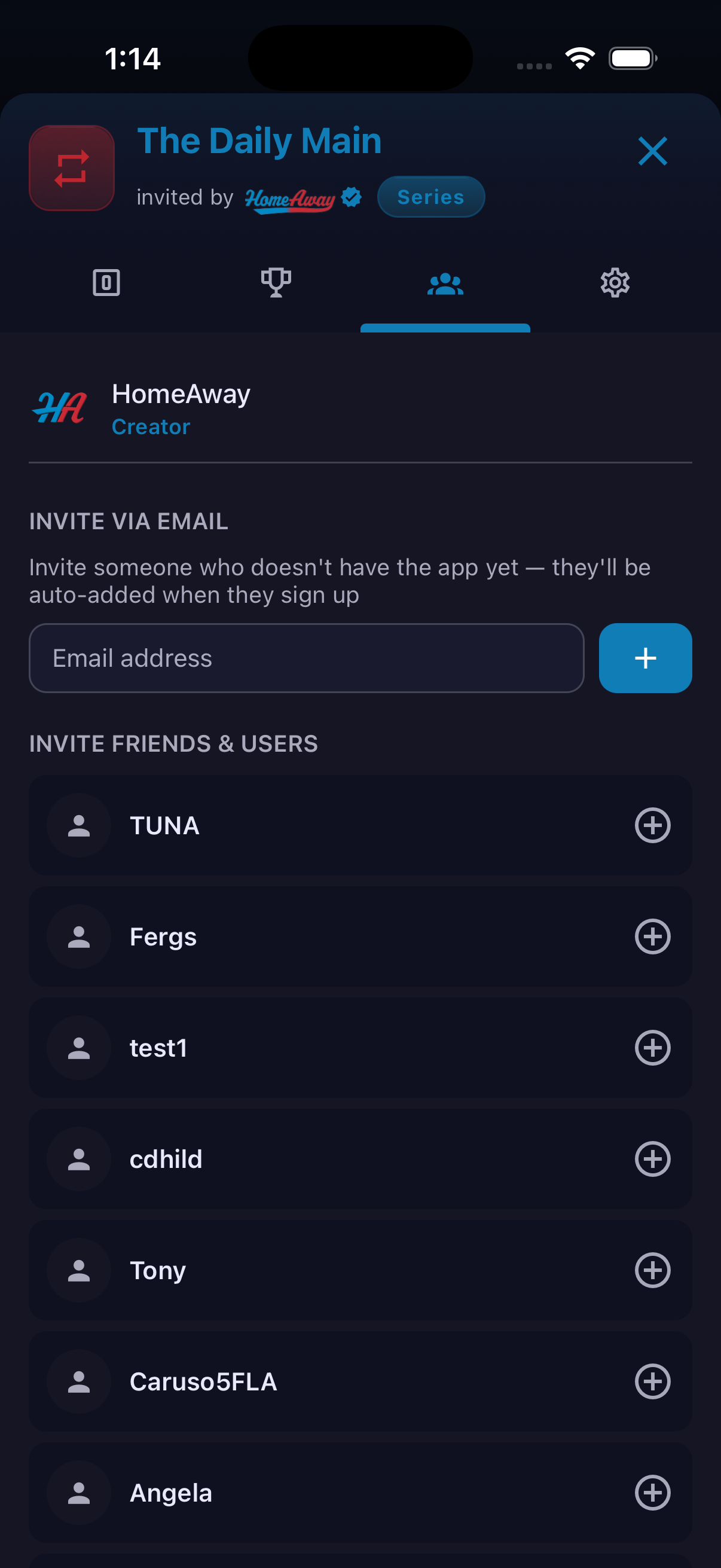
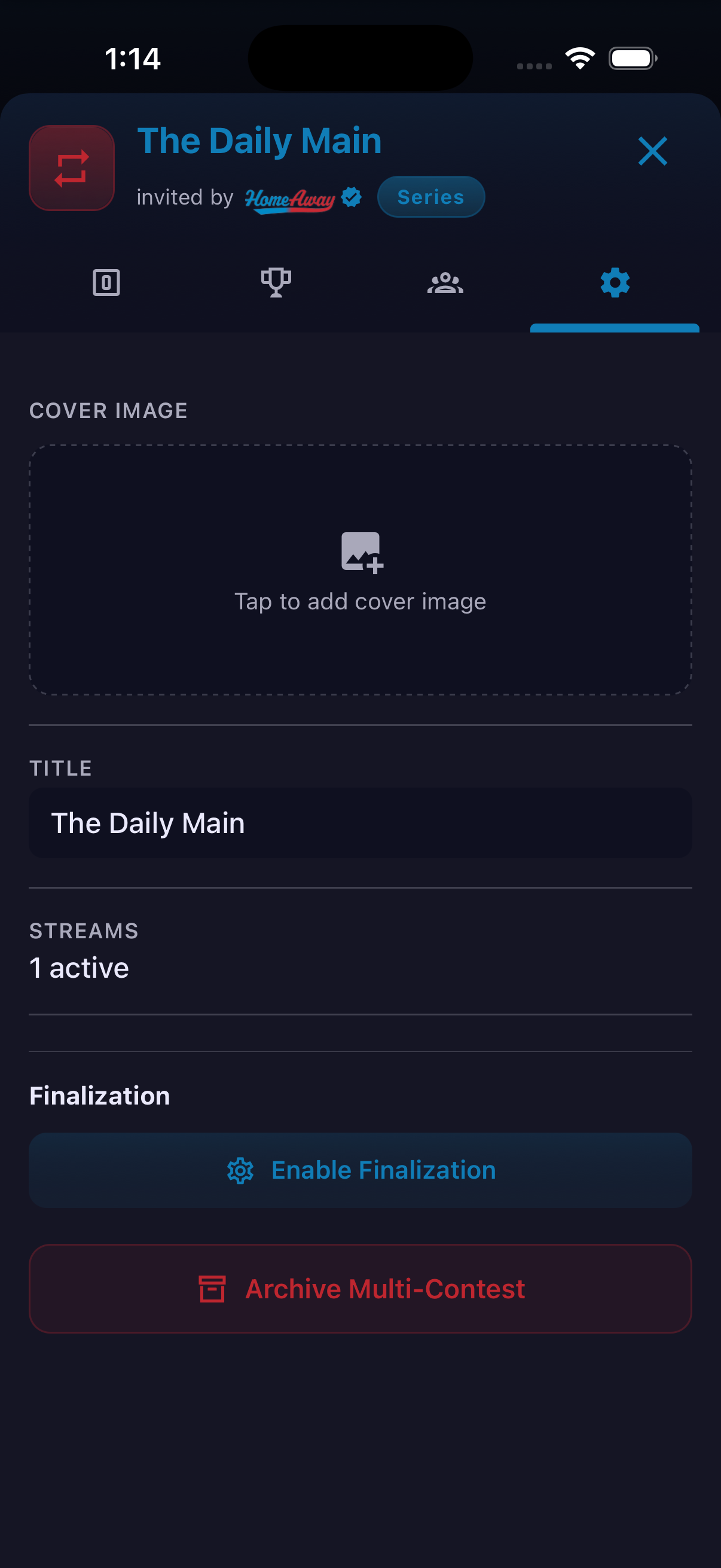
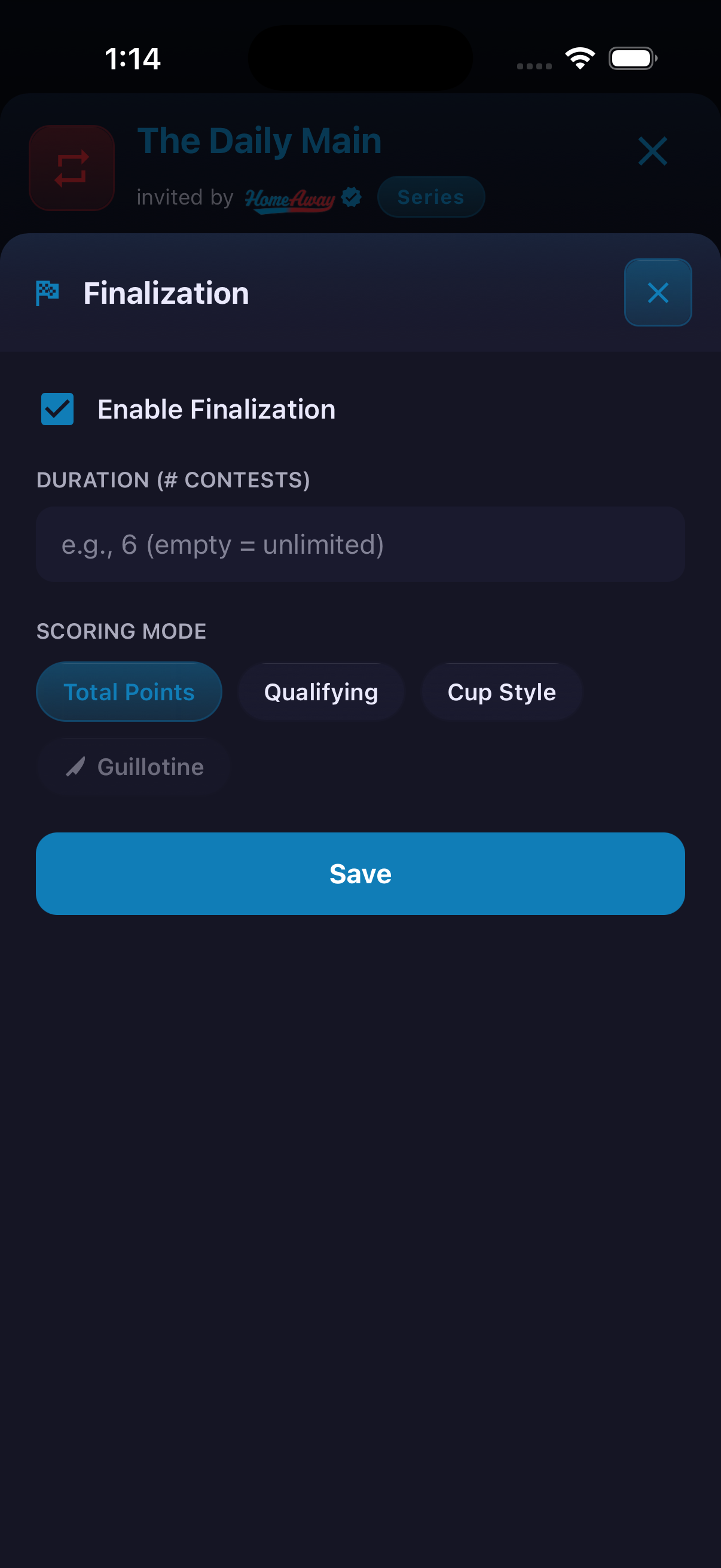
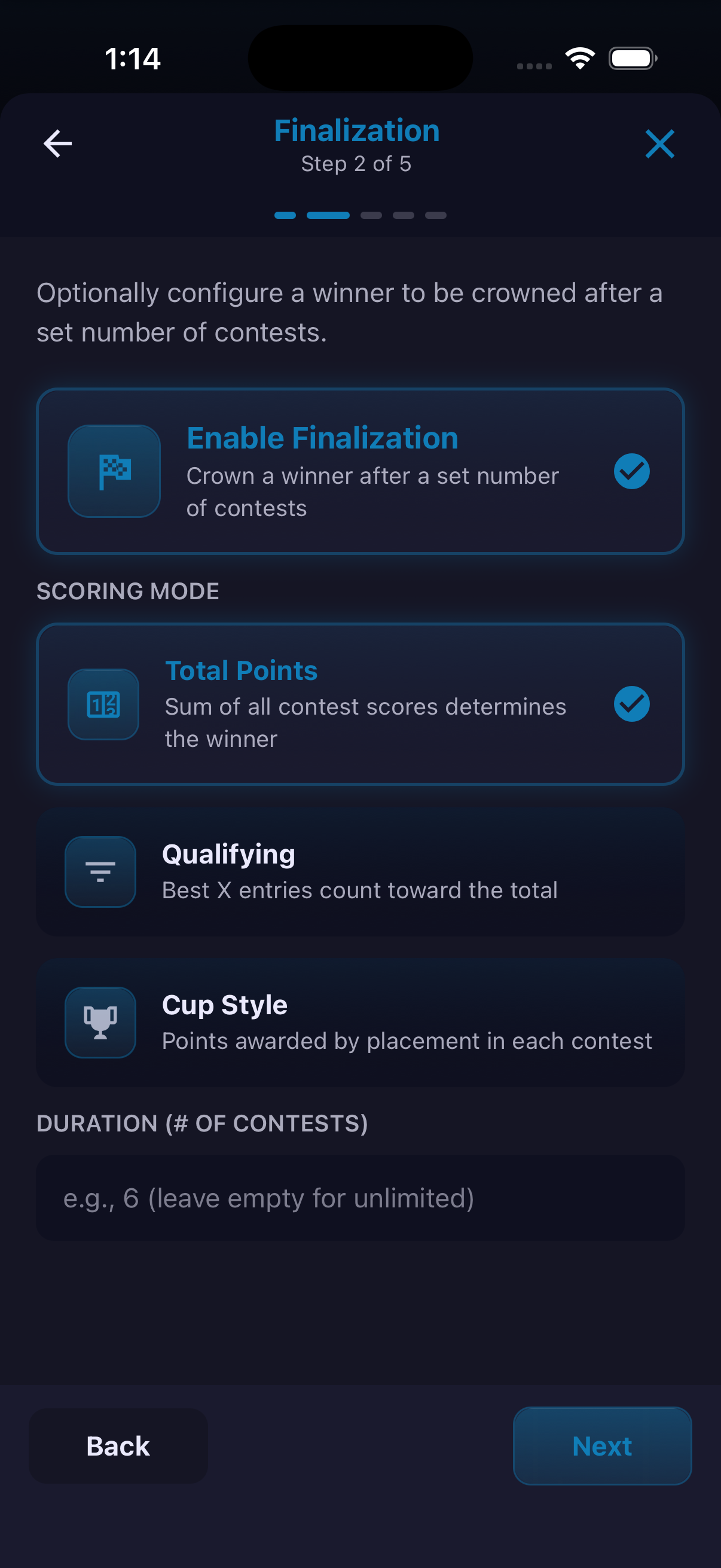
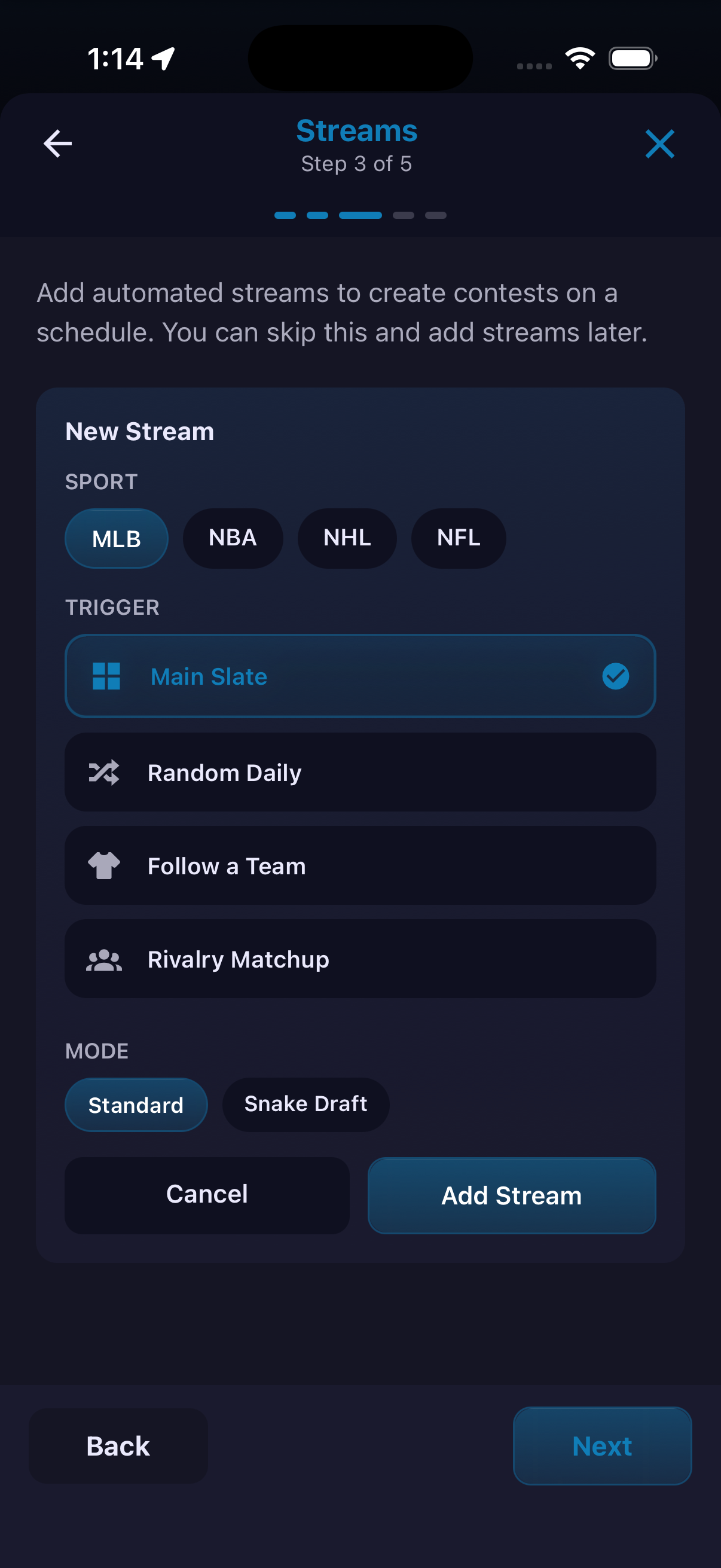
Series groups multiple contests under one shared title, membership list and results hub. Organizers can add a single contest or configure recurring streams that automatically populate the Series. Results are split into Entries and Winners, while the members area supports email, friend and user invitations. Optional finalization determines when and how an overall Series winner is selected. The visible methods are Total Points, Qualifying and Cup Style. Automated streams can be configured by sport, trigger and either Standard or Snake Draft mode.
How to use it
- Choose Series from Fantasy creation.
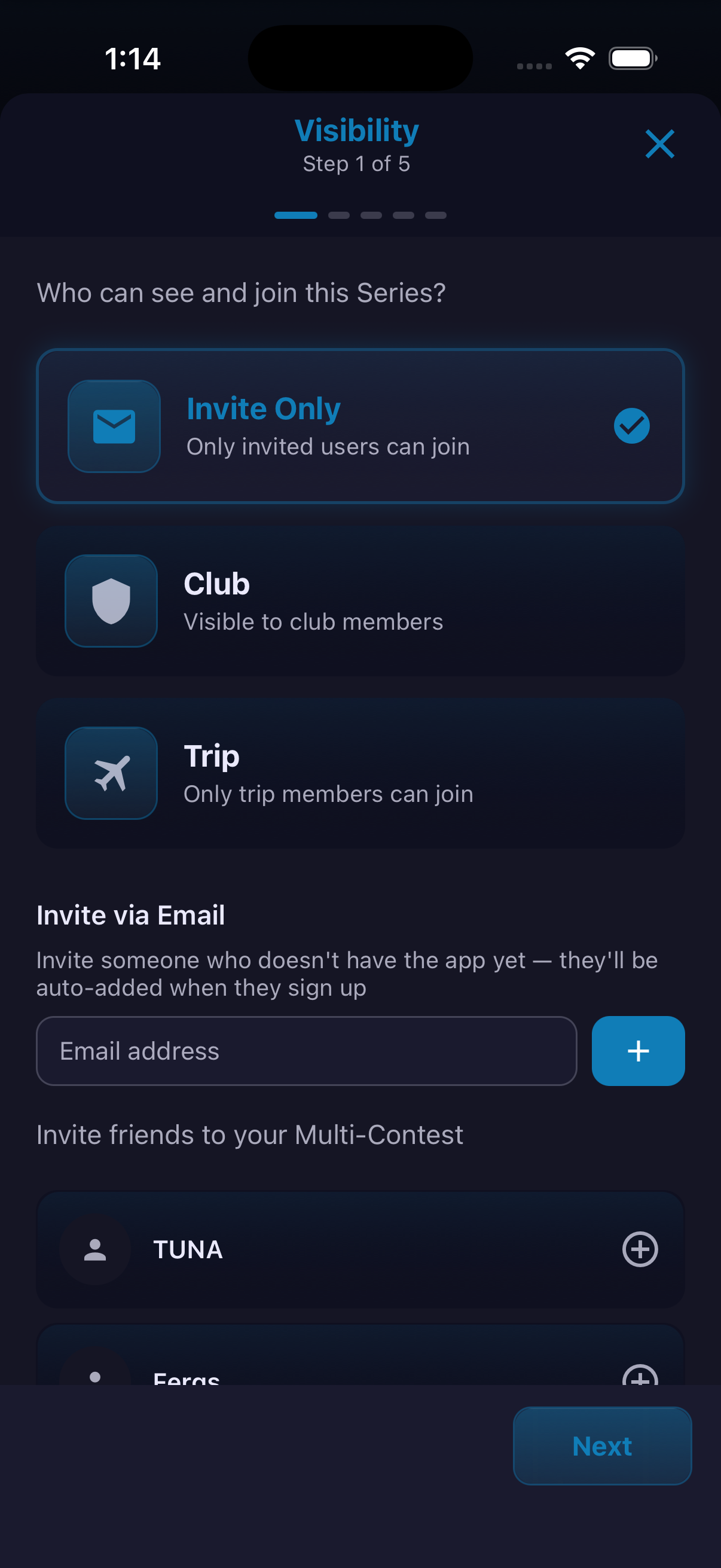
- Select Invite Only, Club or Trip visibility and add invitations.
- Optionally enable Finalization, choose a contest count and select the scoring method.
- Add any recurring streams by choosing a sport, trigger and mode, then use Add Stream.
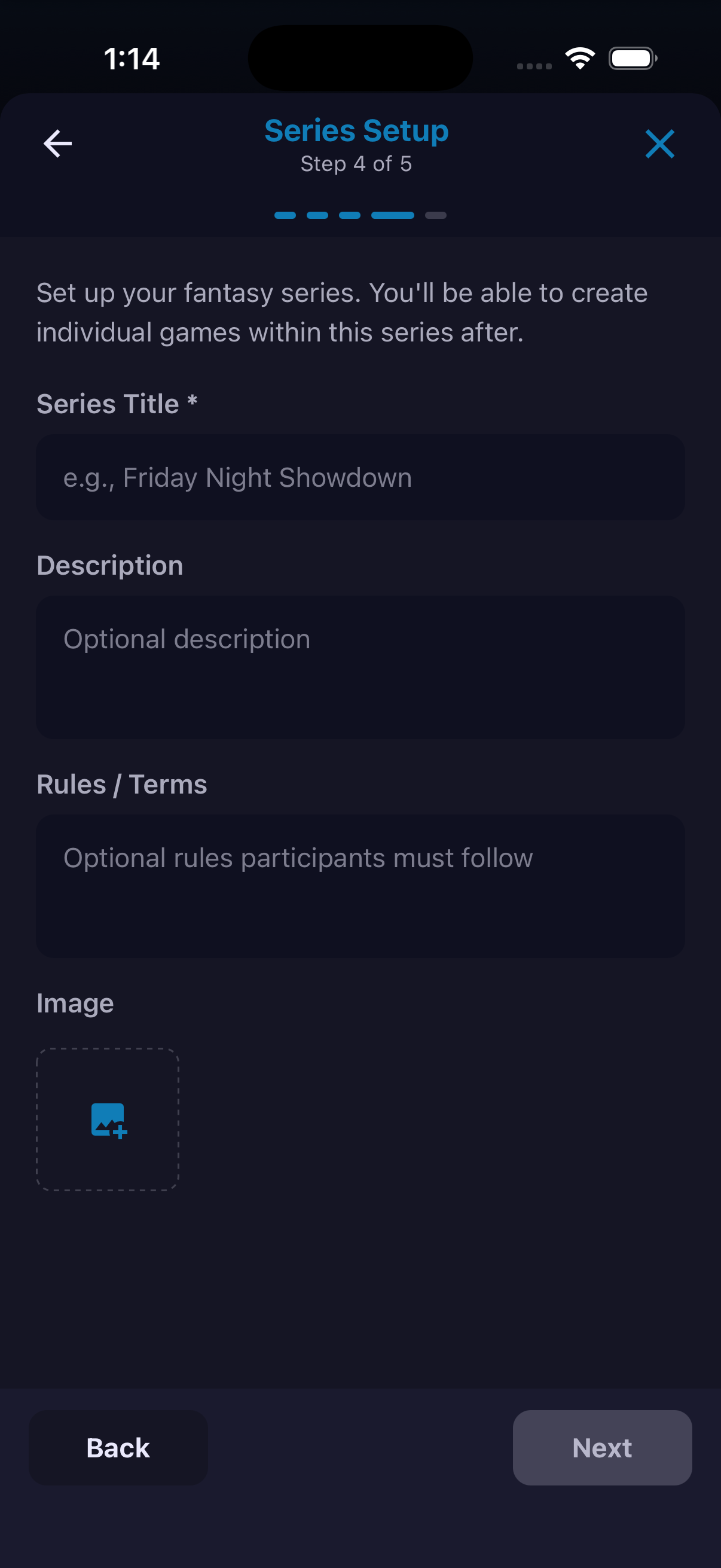
- Enter the Series title, description, rules and image, then complete the review step.
- Inside an existing Series, use its tabs to add contests, review results, manage members or adjust settings.
Recurring streams and specific finalization formats may depend on the current account, build or product offering. A child-contest winner is not necessarily the overall Series champion.
Ready to try it?
Download HomeAway and start exploring.