Create a Daily Fantasy Contest With Friends
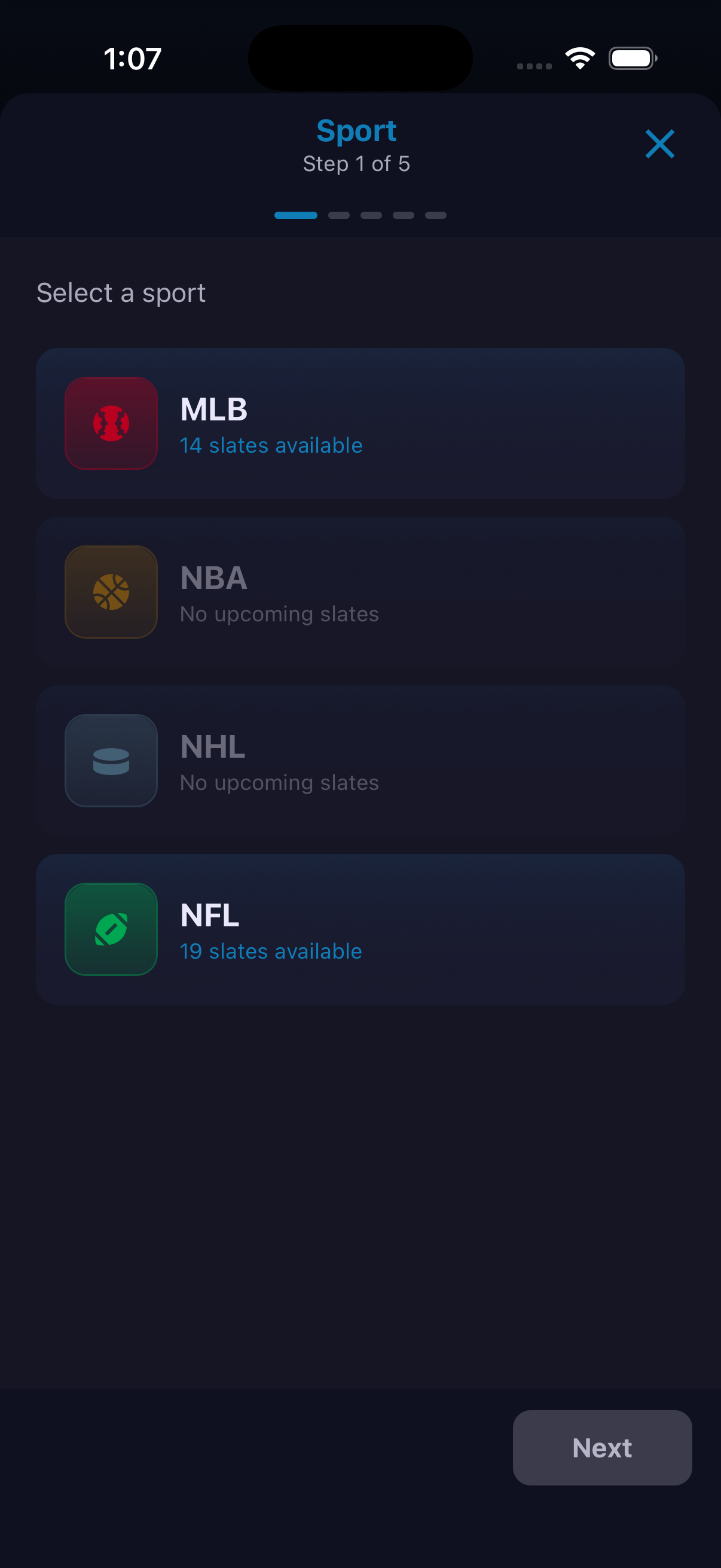
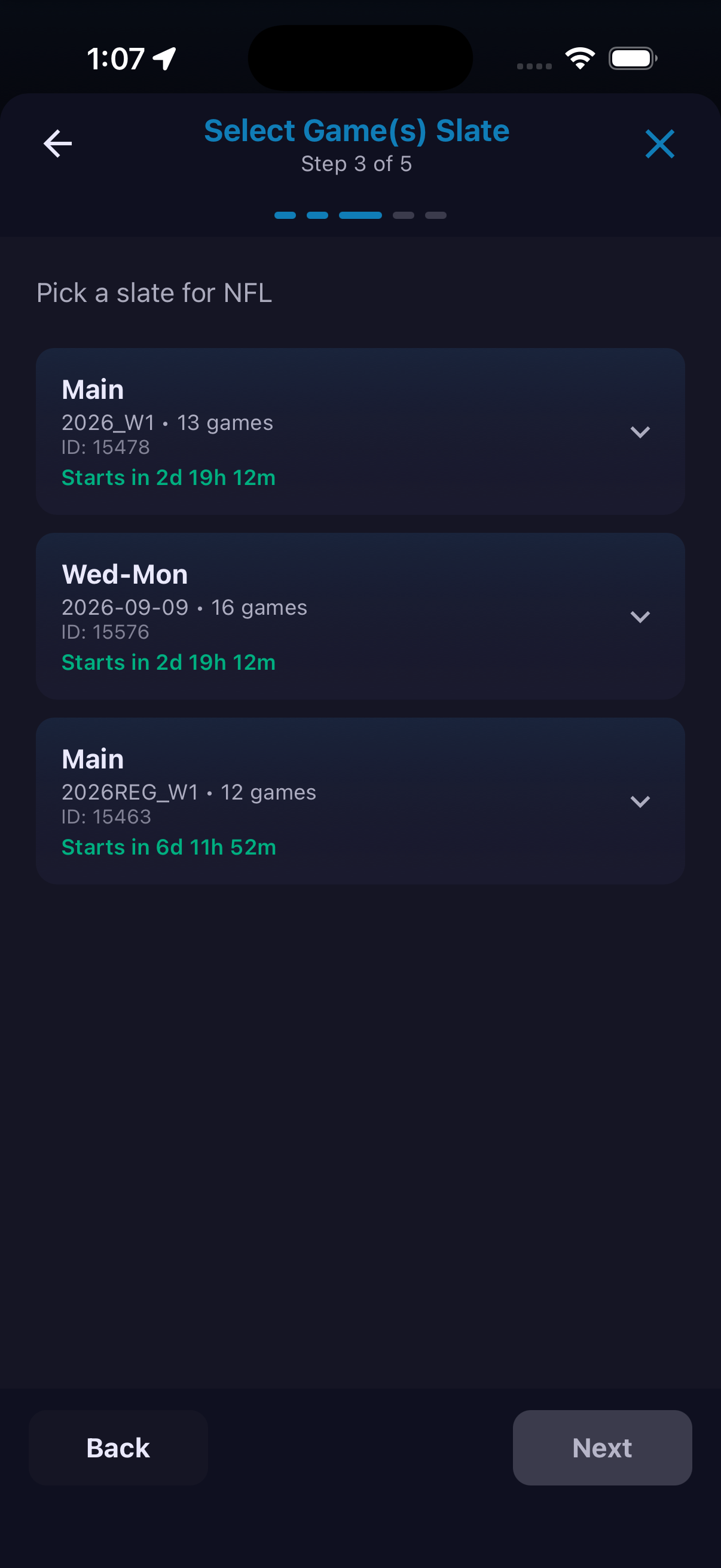
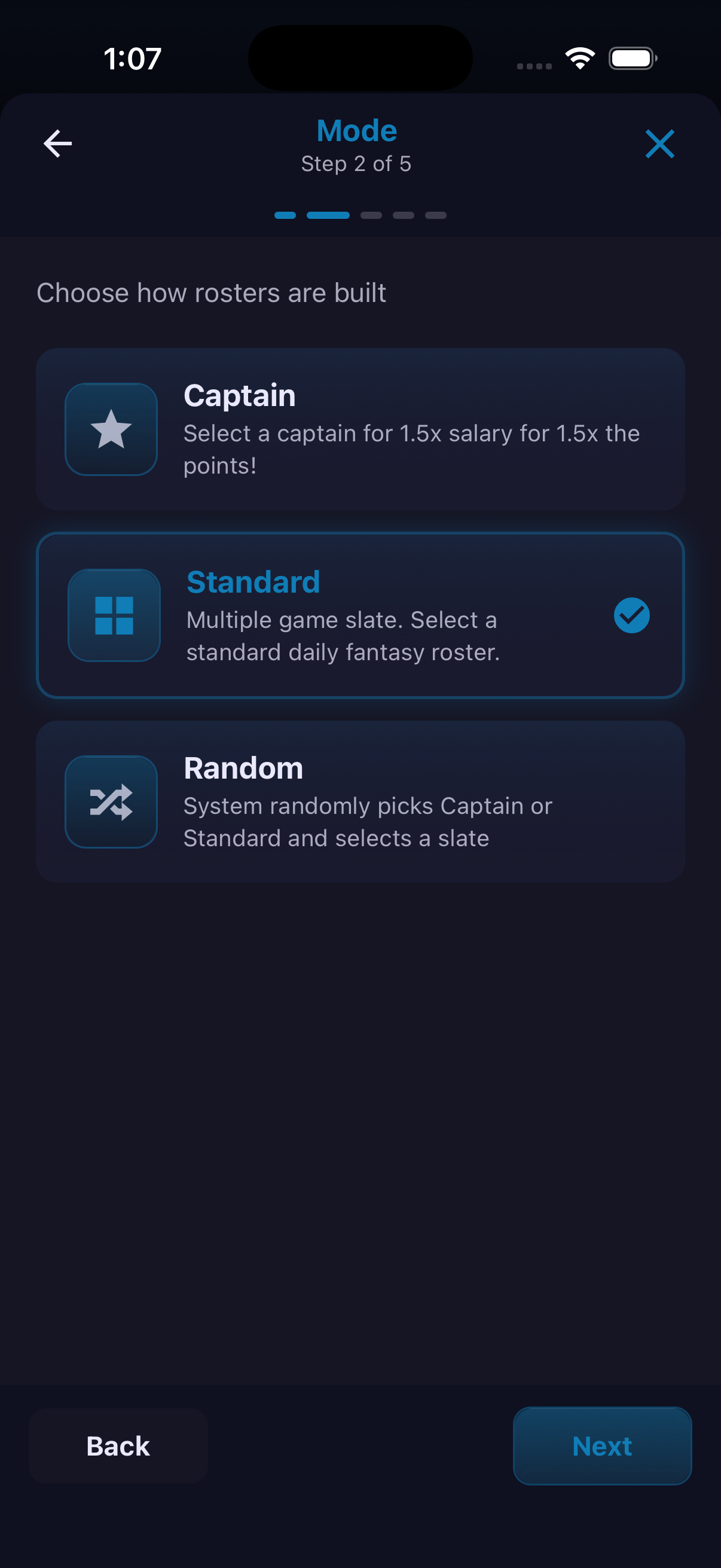
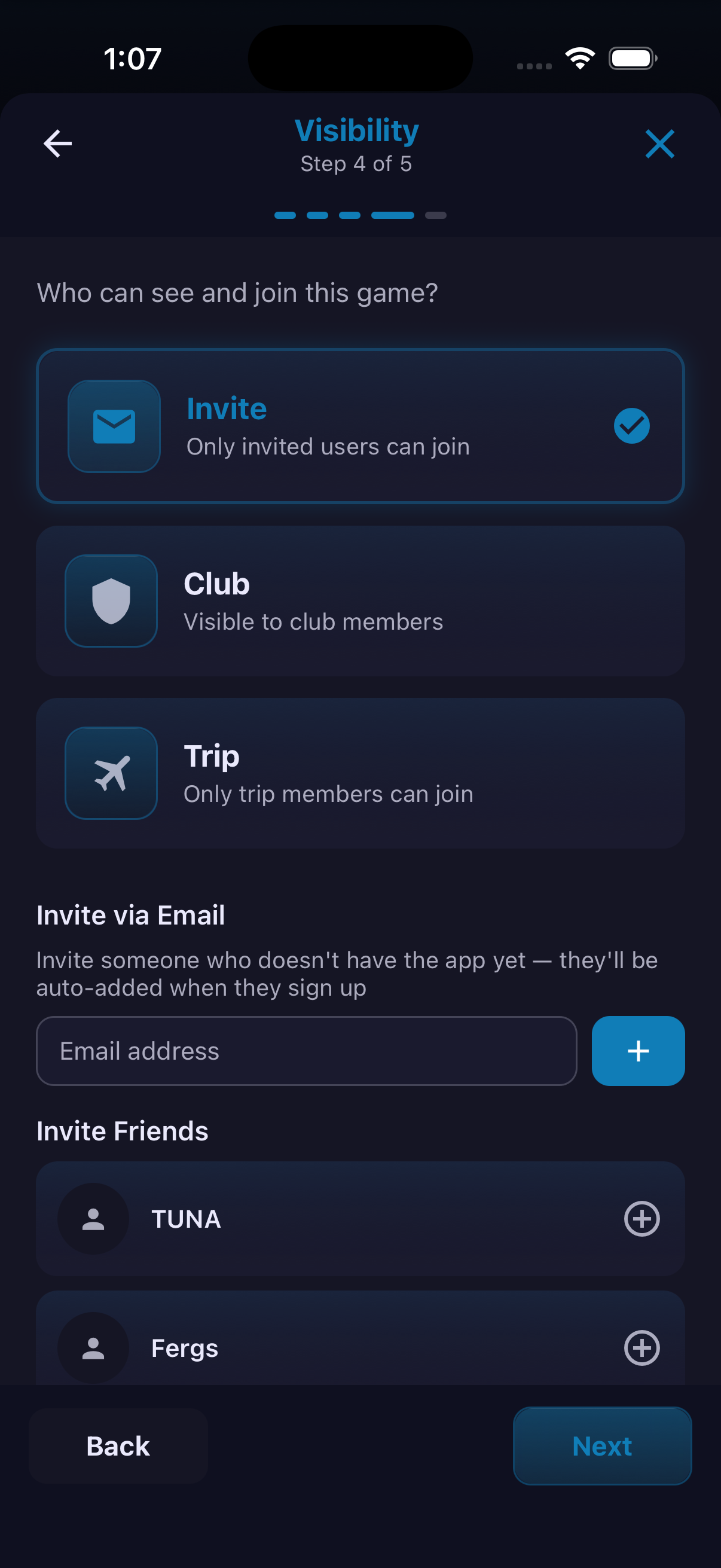
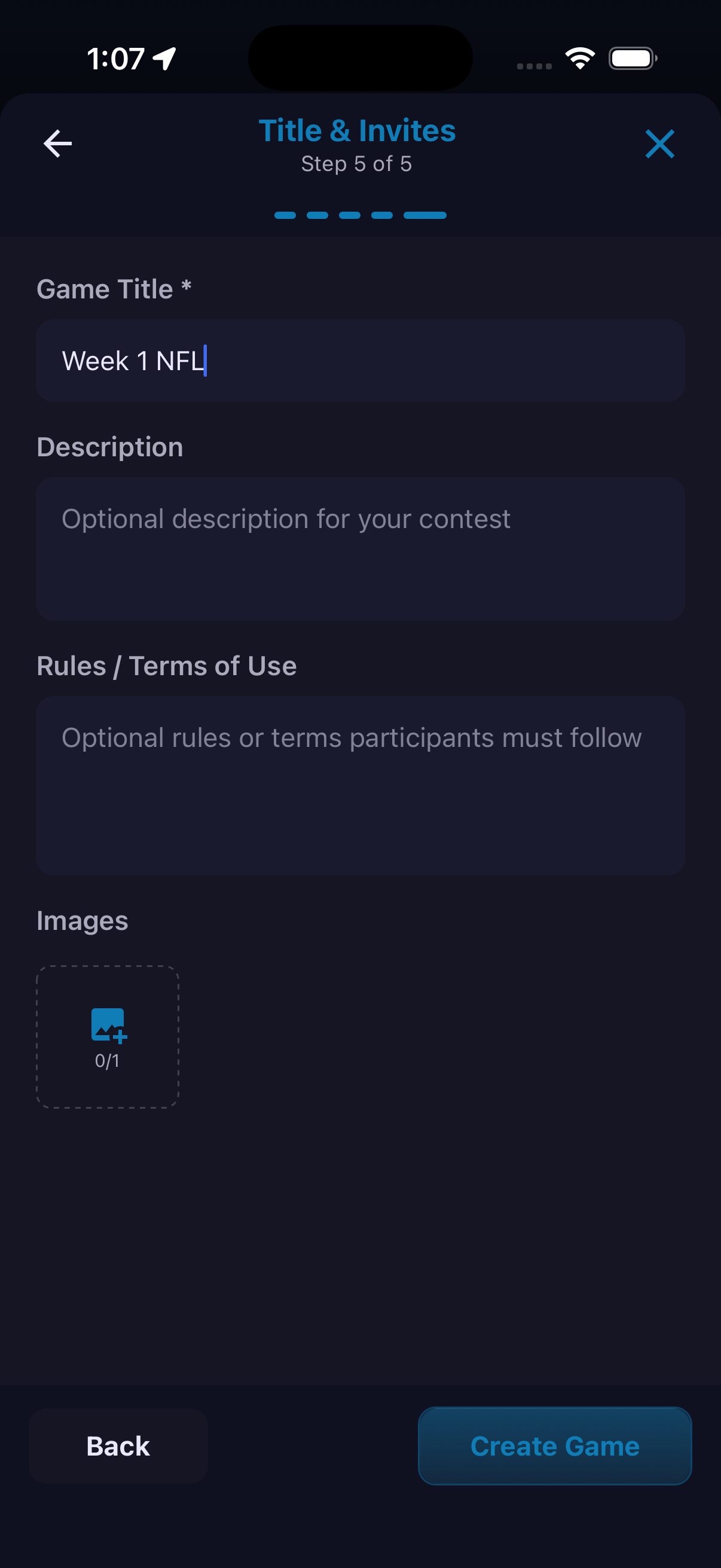
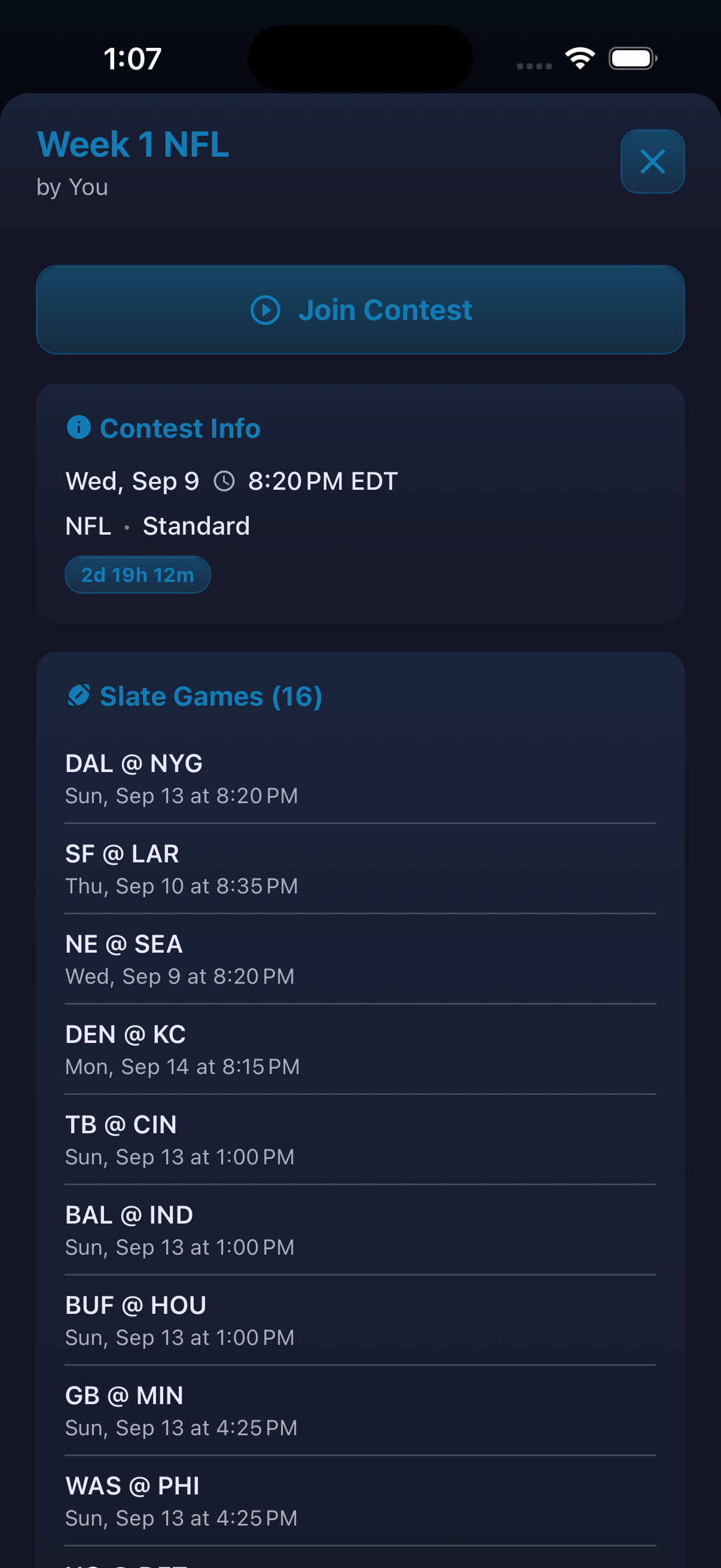
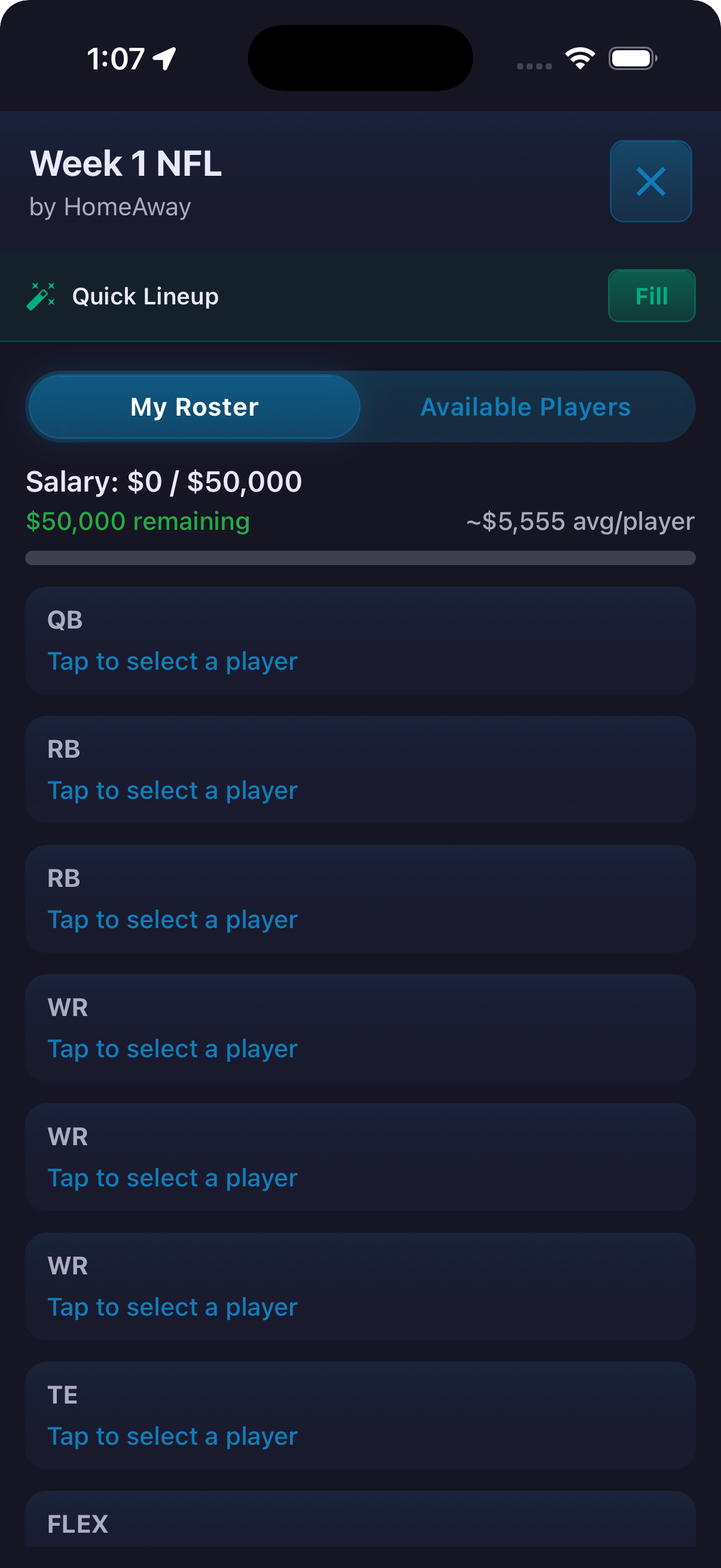
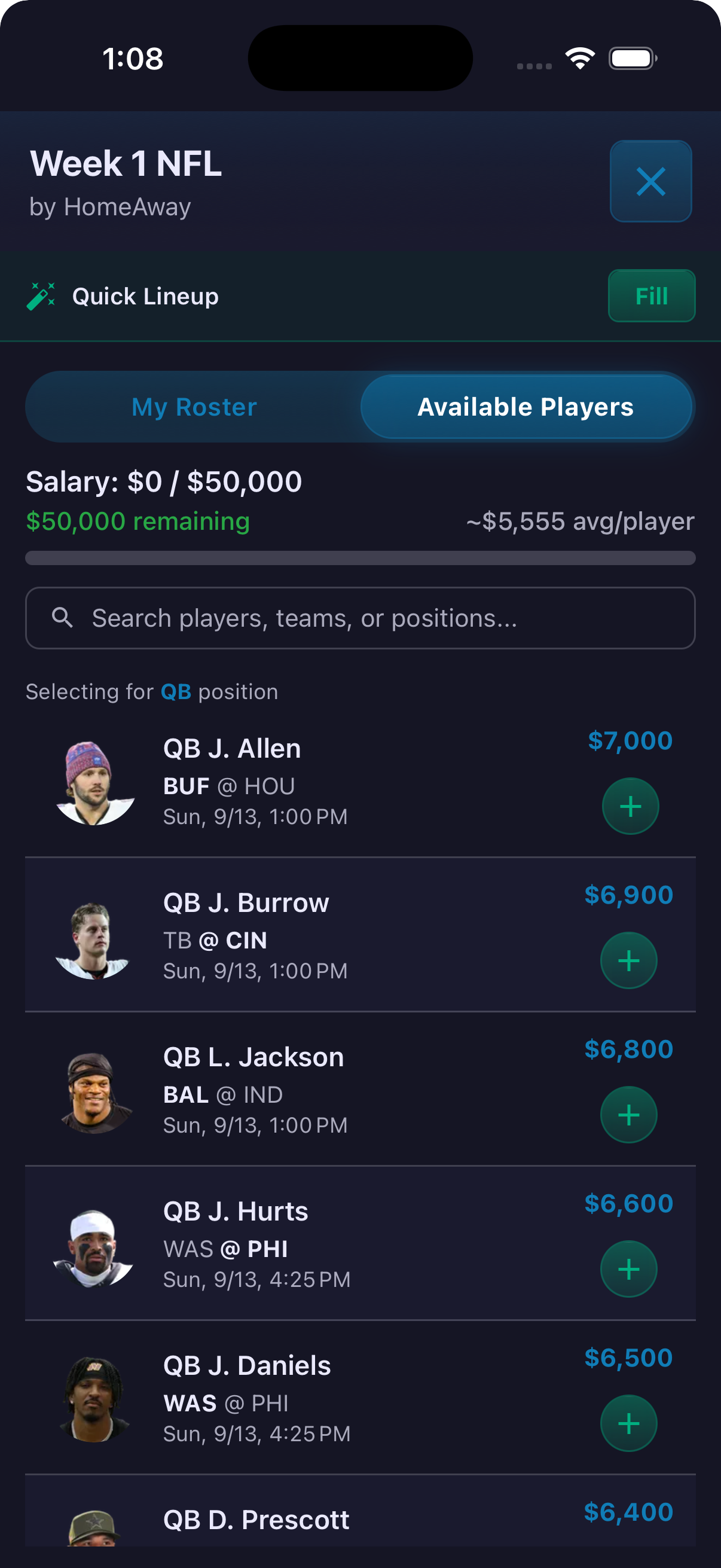
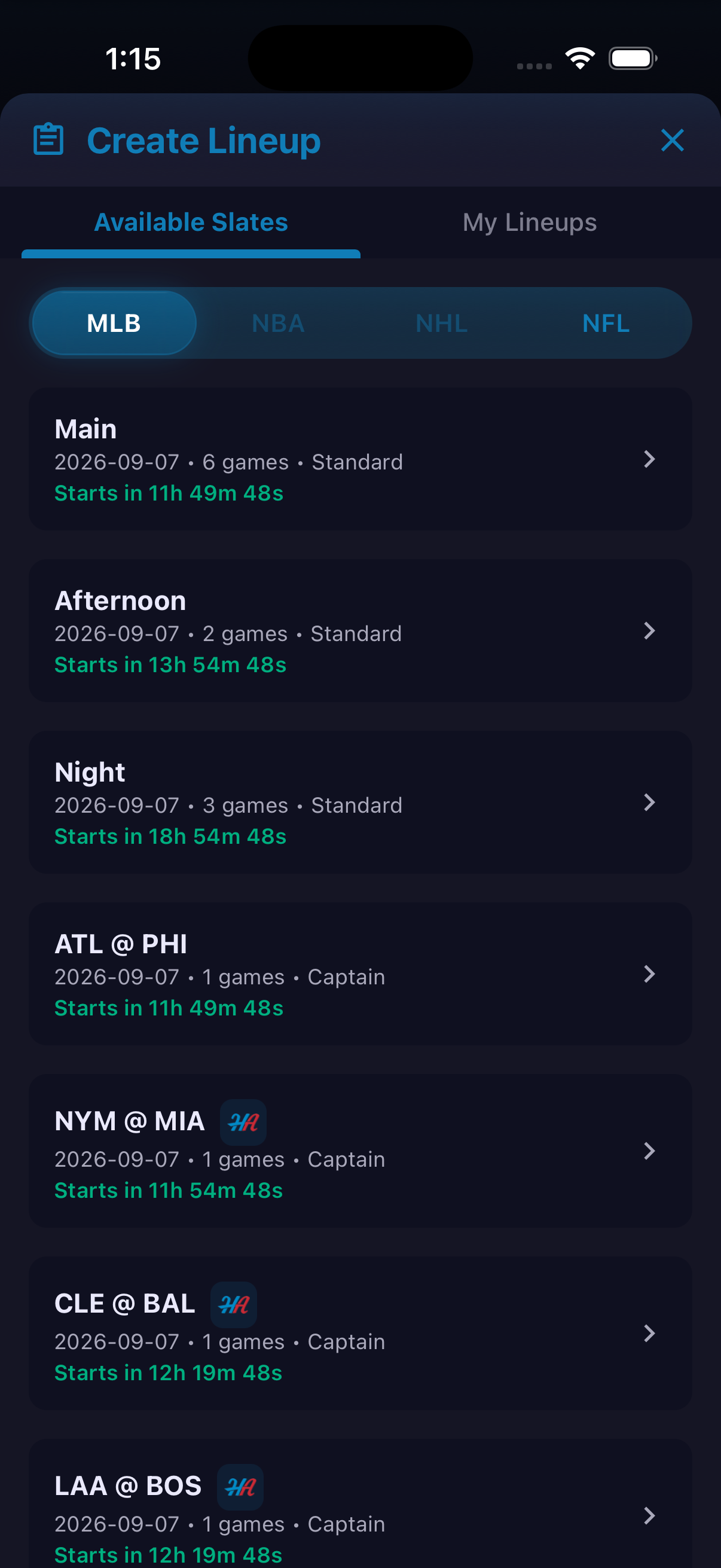
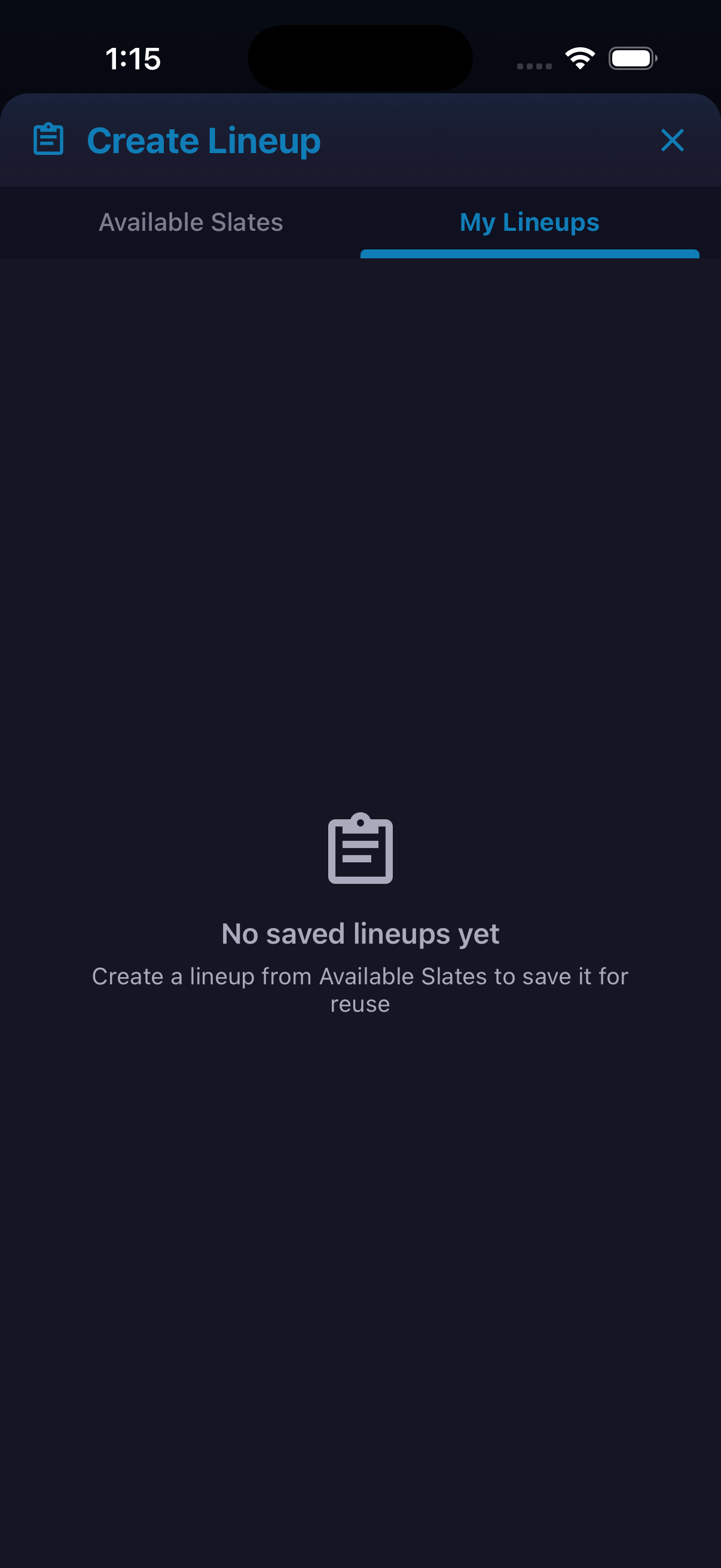
HomeAway breaks contest creation into five clear decisions: sport, mode, game slate, visibility, and title and invitations. The build shows Captain, Standard and Random formats. A contest can be limited to invited users, a club or the members of a trip. After joining, players build a roster under the contest's displayed salary cap. Position slots, player search, team and position filters, individual player details and a Quick Lineup option keep the roster-building flow in one place. A separate Create Lineup area lets users prepare and revisit lineups tied to available slates.

How to use it
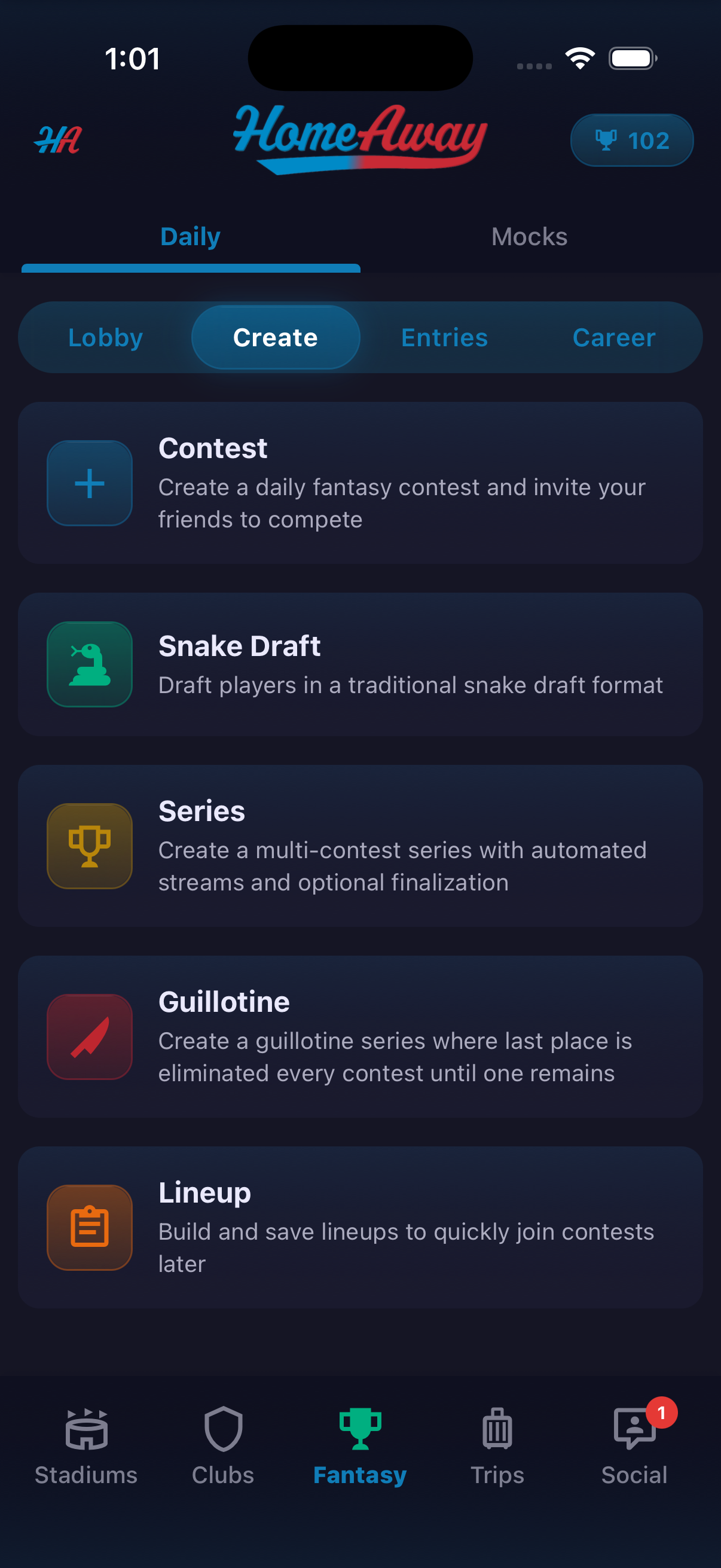
- Open Fantasy, then Daily and Create.
- Choose Contest, select a sport with an available slate and pick the contest mode.
- Select the slate, then choose Invite, Club or Trip visibility.
- Add the title, optional description, rules and image, then create the game.
- Participants tap Join Contest and fill each roster position while watching the salary total.
- Open a player to review the visible stats and news before adding them.
Sports and slates vary with the schedule. The screenshots do not establish cash prizes, wagering, scoring formulas or projection guarantees.
Ready to try it?
Download HomeAway and start exploring.